Pre-Opened: We are gradually adding and improving information on this website.






This page shows what you can find on each page of Hirakata Life Guide.
If you have a question such as “What should I do?”, please check the FAQ.
Home Page
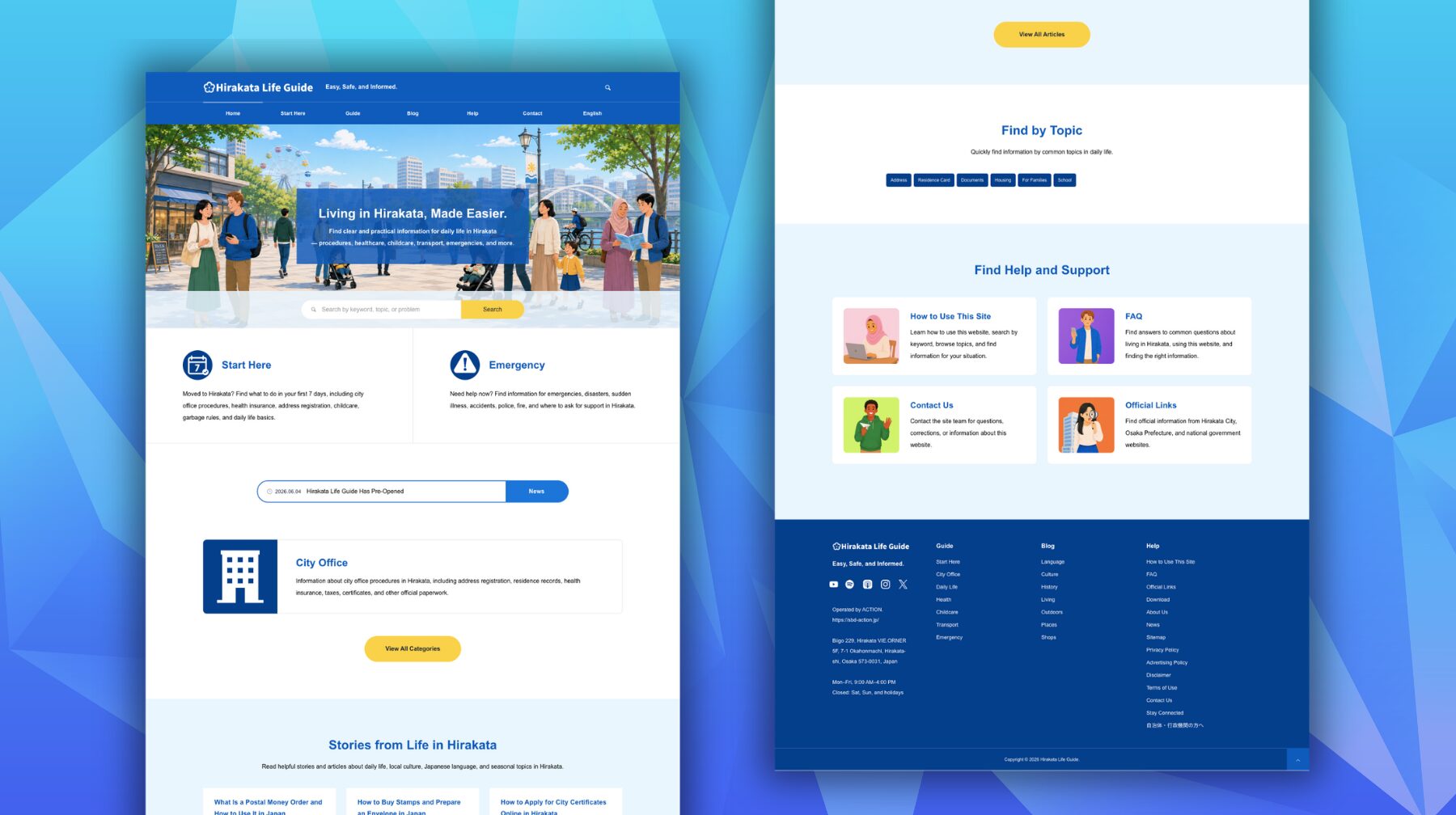
The home page is the entrance to Hirakata Life Guide.
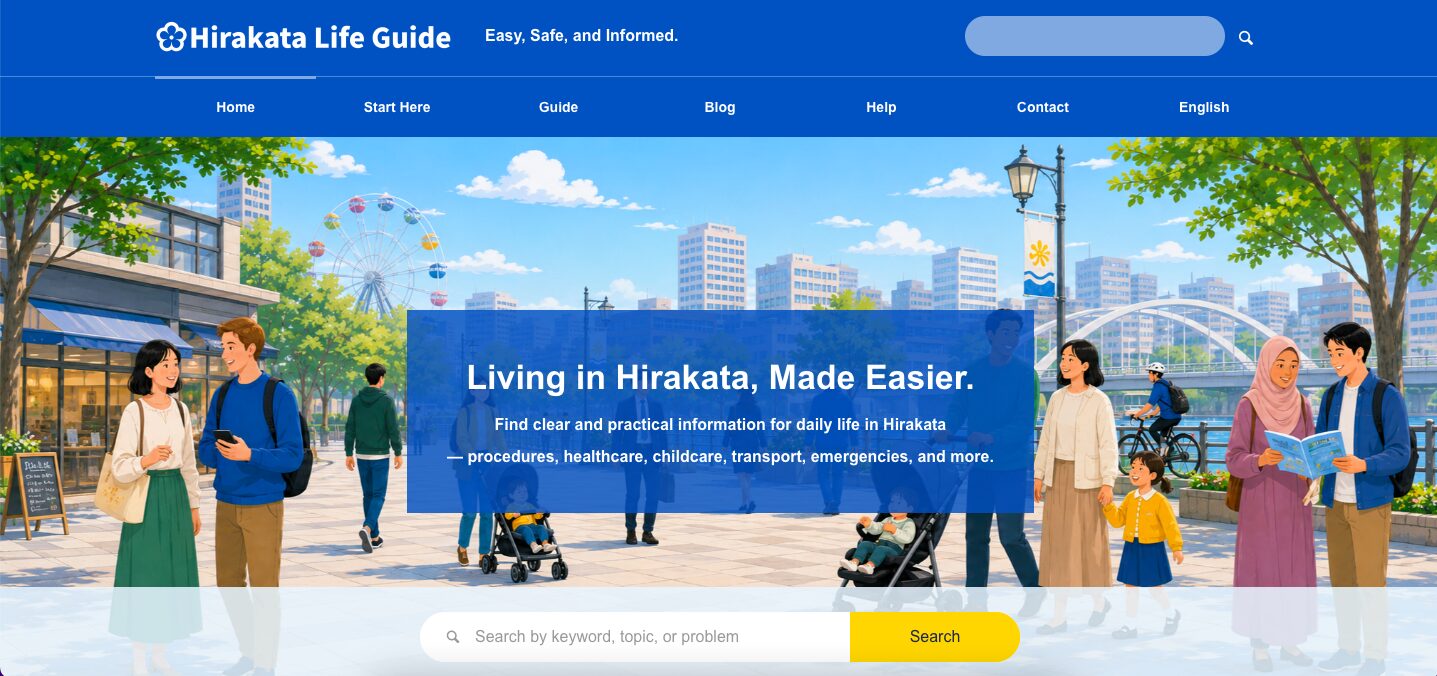
Use the top area
The top area is the blue part at the top of the website.
You can find the logo, search icon, and main menu there.
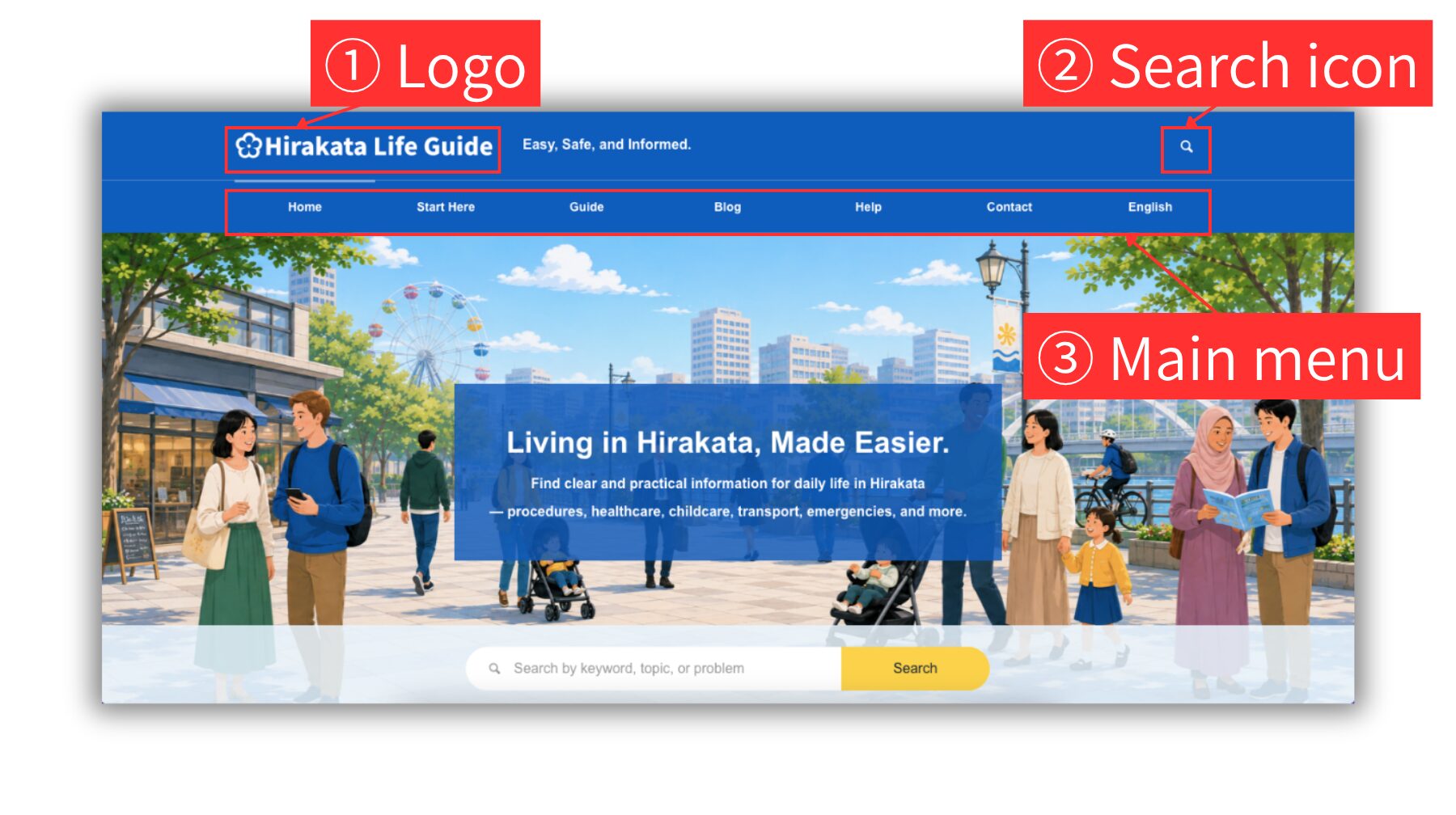
1 Logo
Click the Hirakata Life Guide logo to return to the home page.
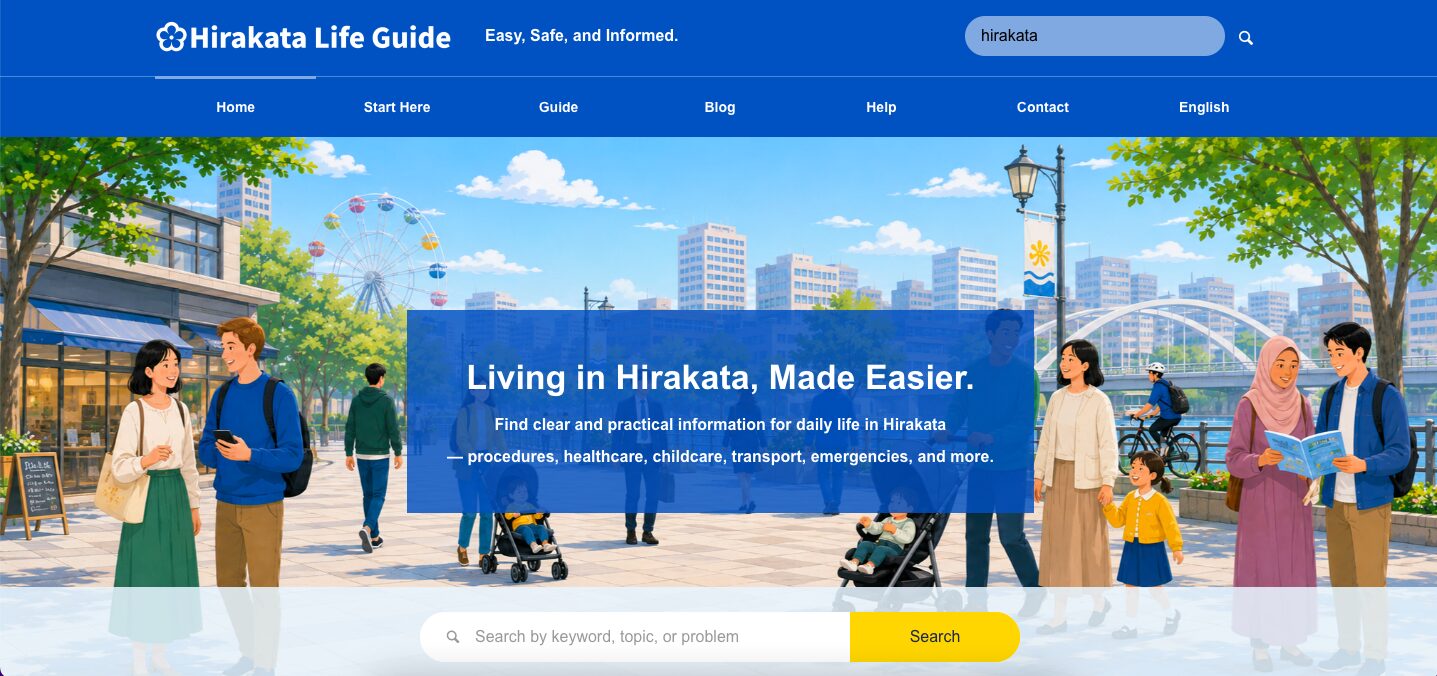
2 Search icon
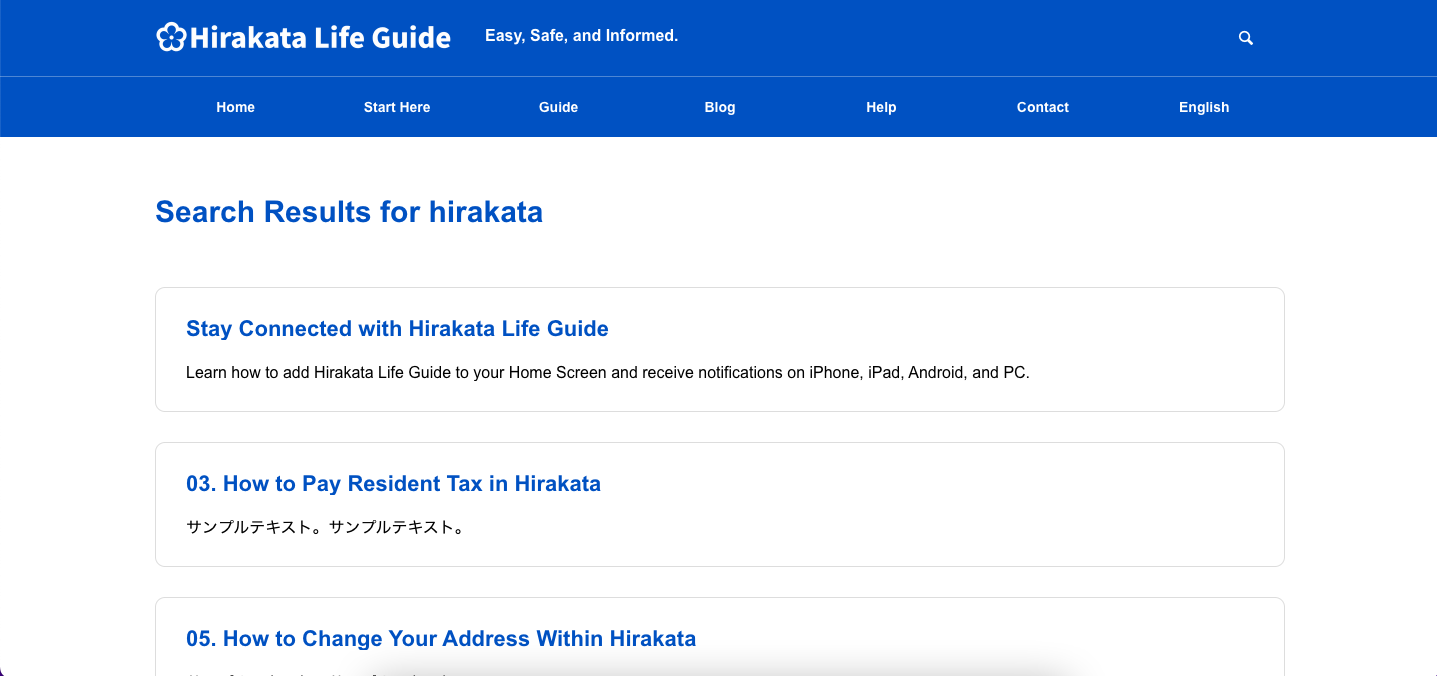
Click the search icon to open the search box. Type a keyword and press Enter, or click the magnifying glass icon. A list of search results will appear, and you can click a title to open the detail page.
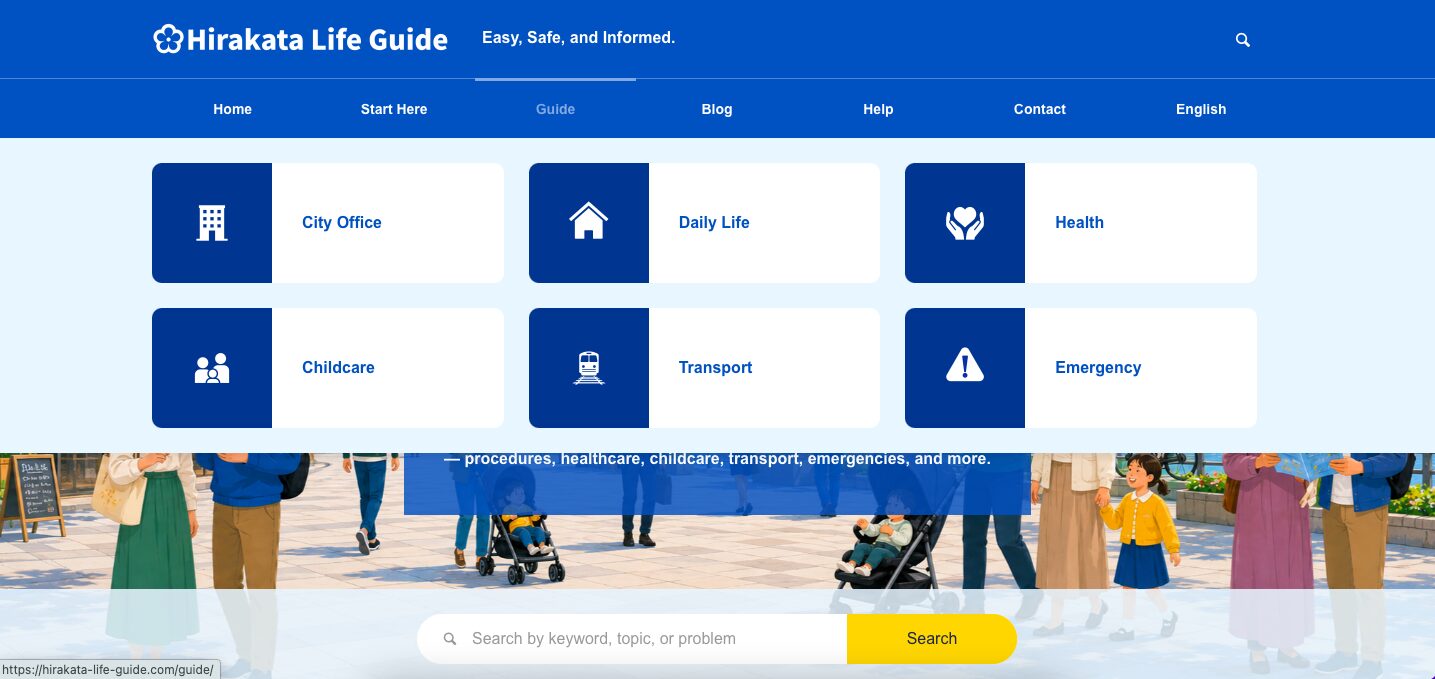
3 Main menu
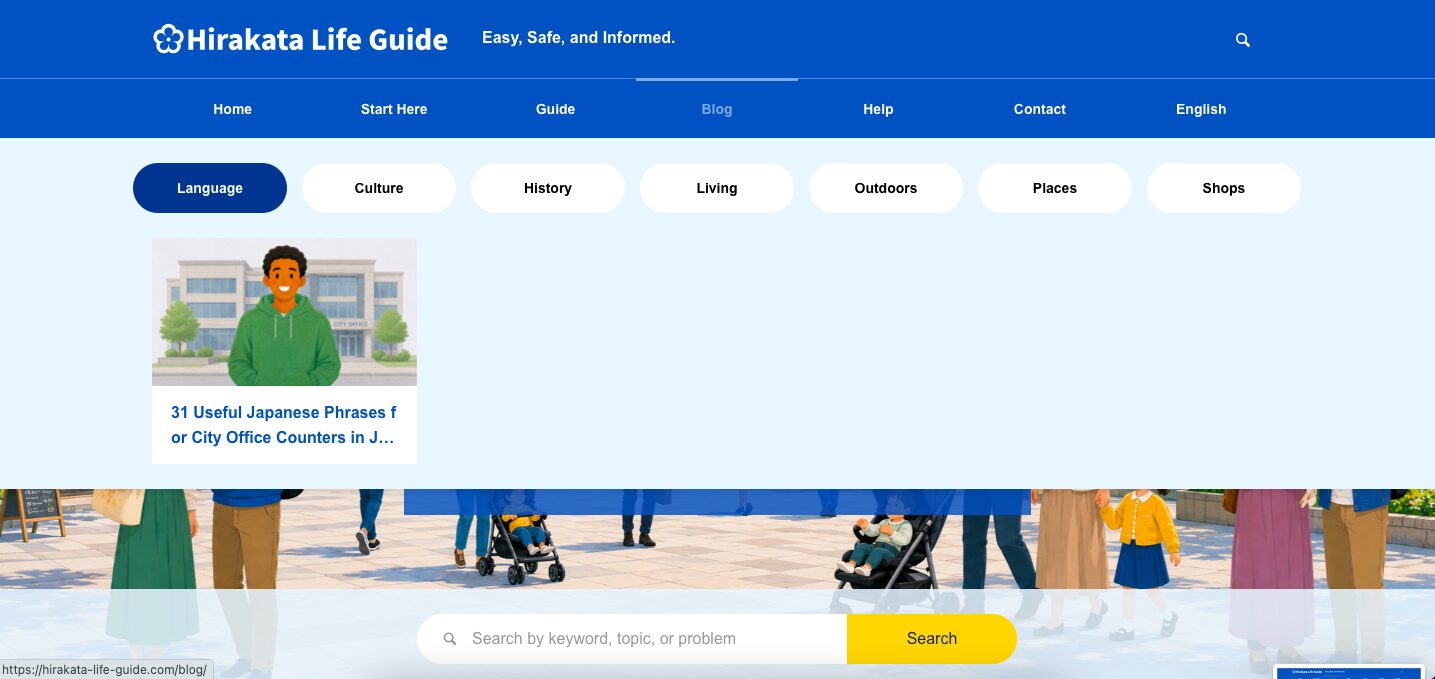
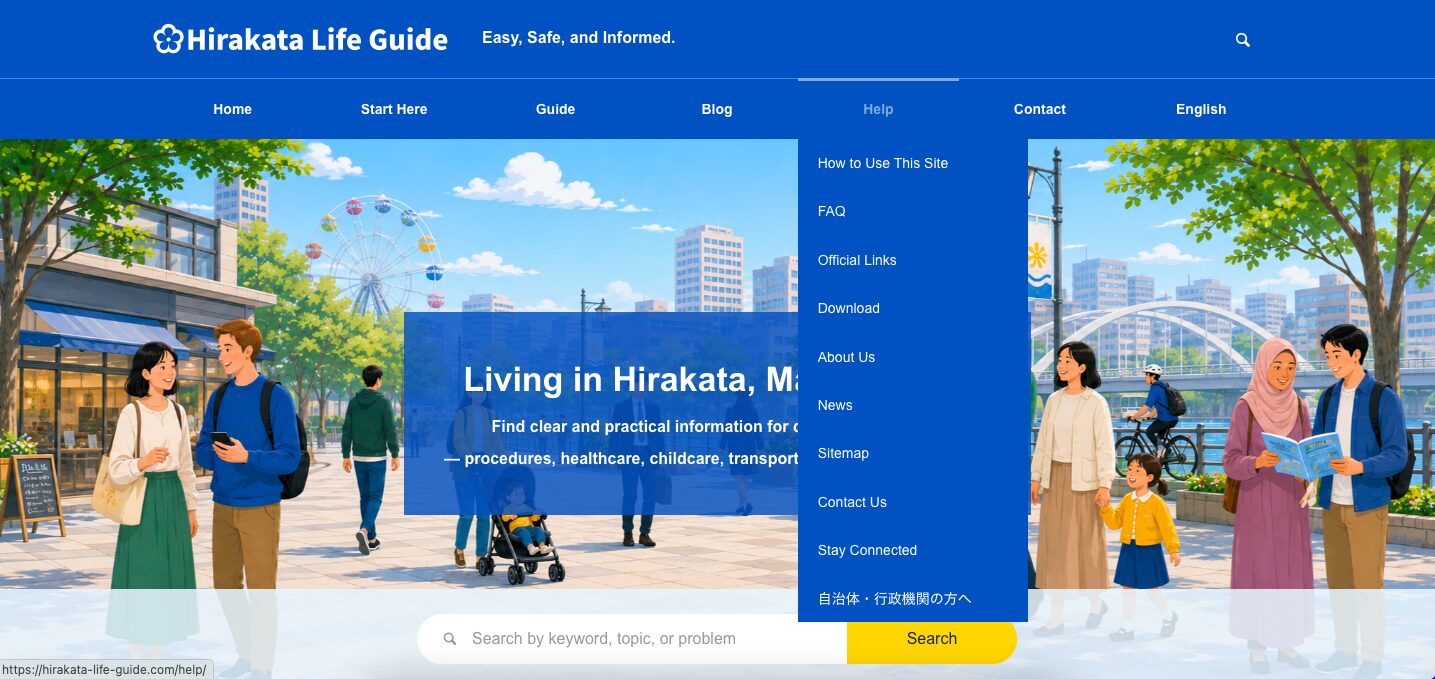
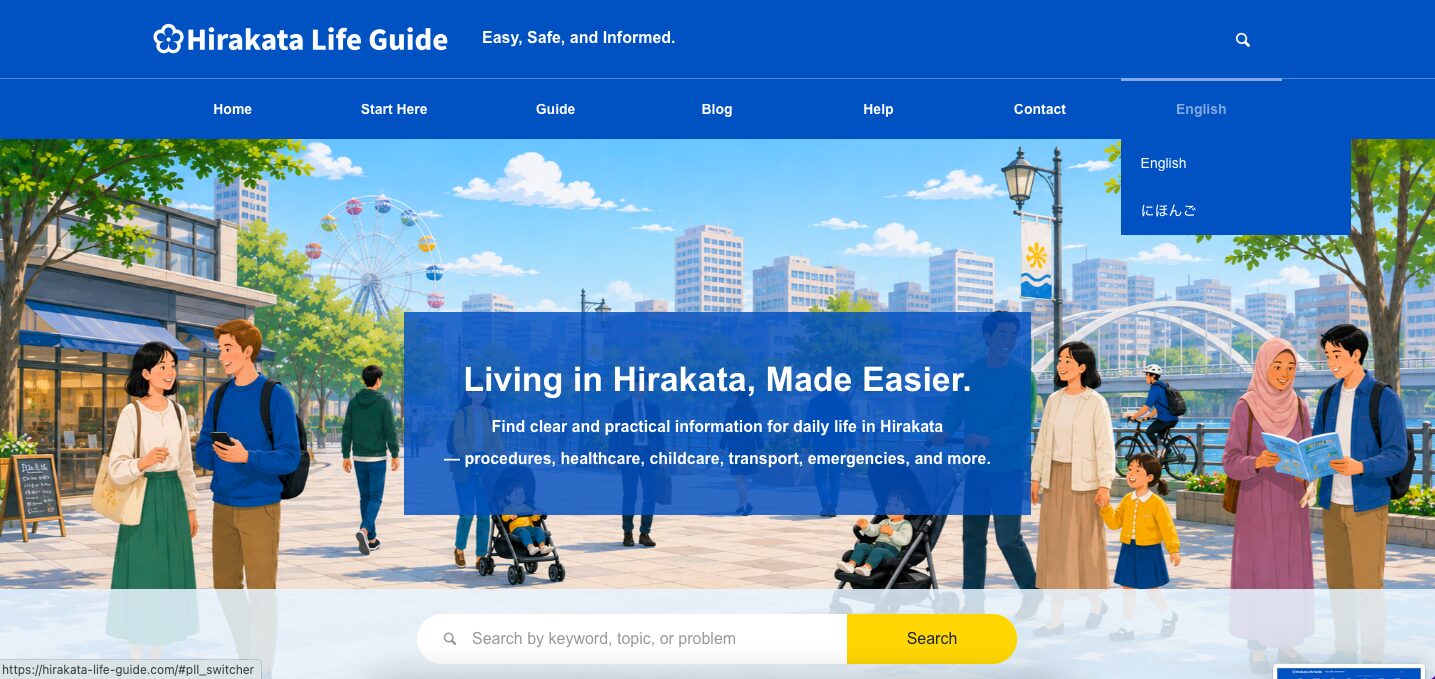
Use the main menu to open pages such as Home, Start Here, Guide, Blog, Help, Contact, and English.
Home page main area
The home page main area is the first section below the top image.
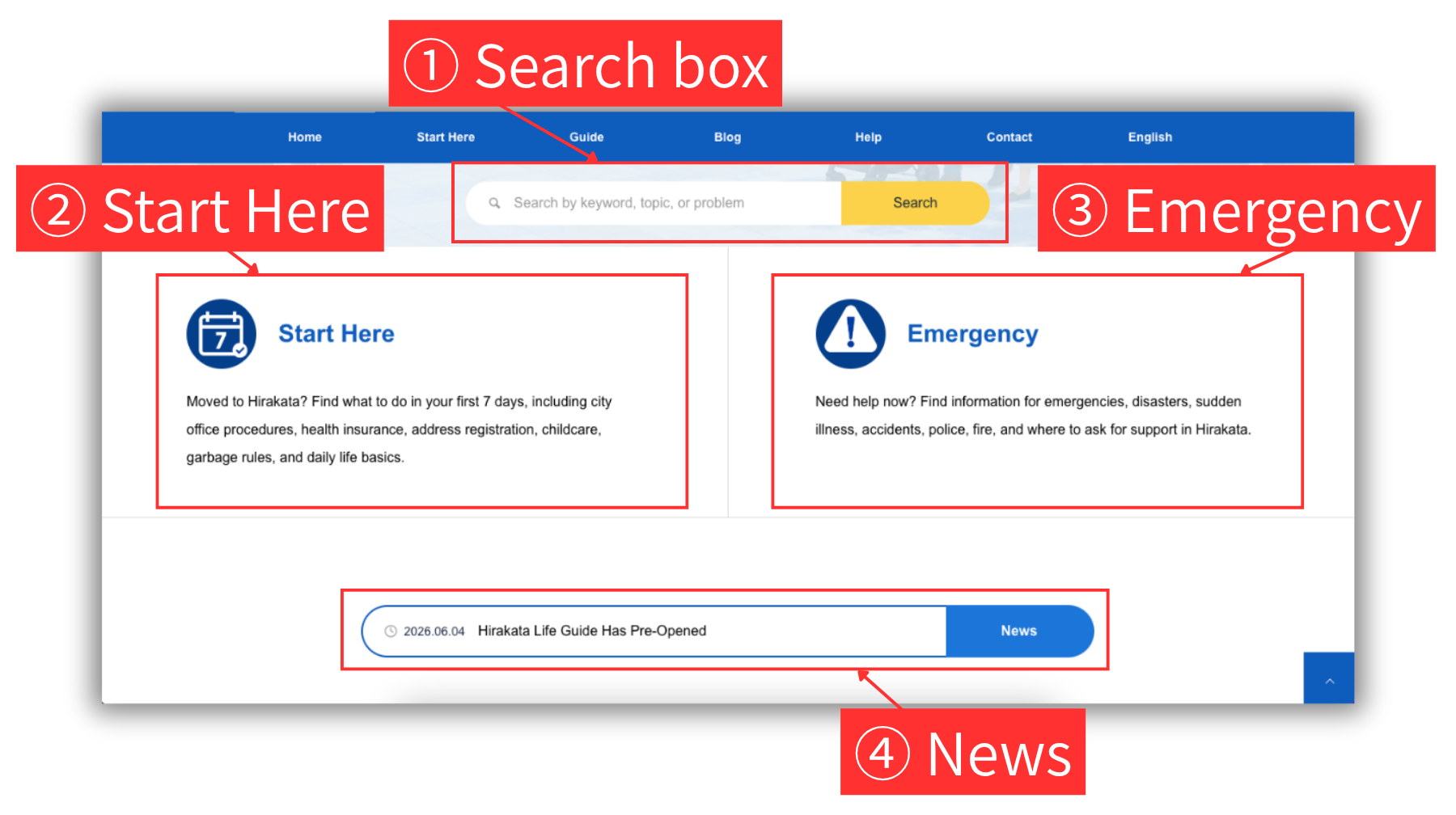
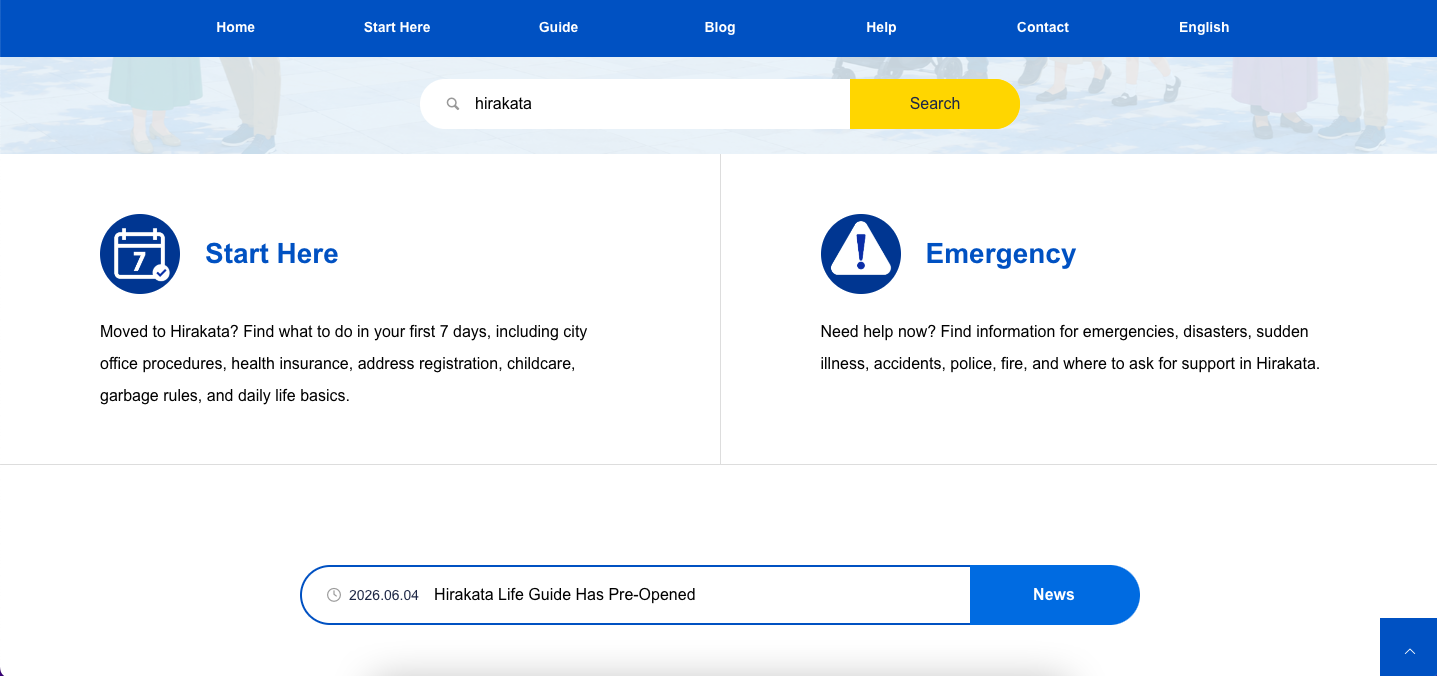
You can find the search box, Start Here, Emergency, and News there.
1 Search
Type a keyword in the search box and press Enter, or click the yellow Search button on the right. A list of search results will appear, and you can click a title to open the detail page.
2 Start Here
Use Start Here when you are new to Hirakata or want to know what to do first.
3 Emergency
Use Emergency when you need urgent information about disasters, sudden illness, accidents, police, fire, or where to ask for support.
4 News
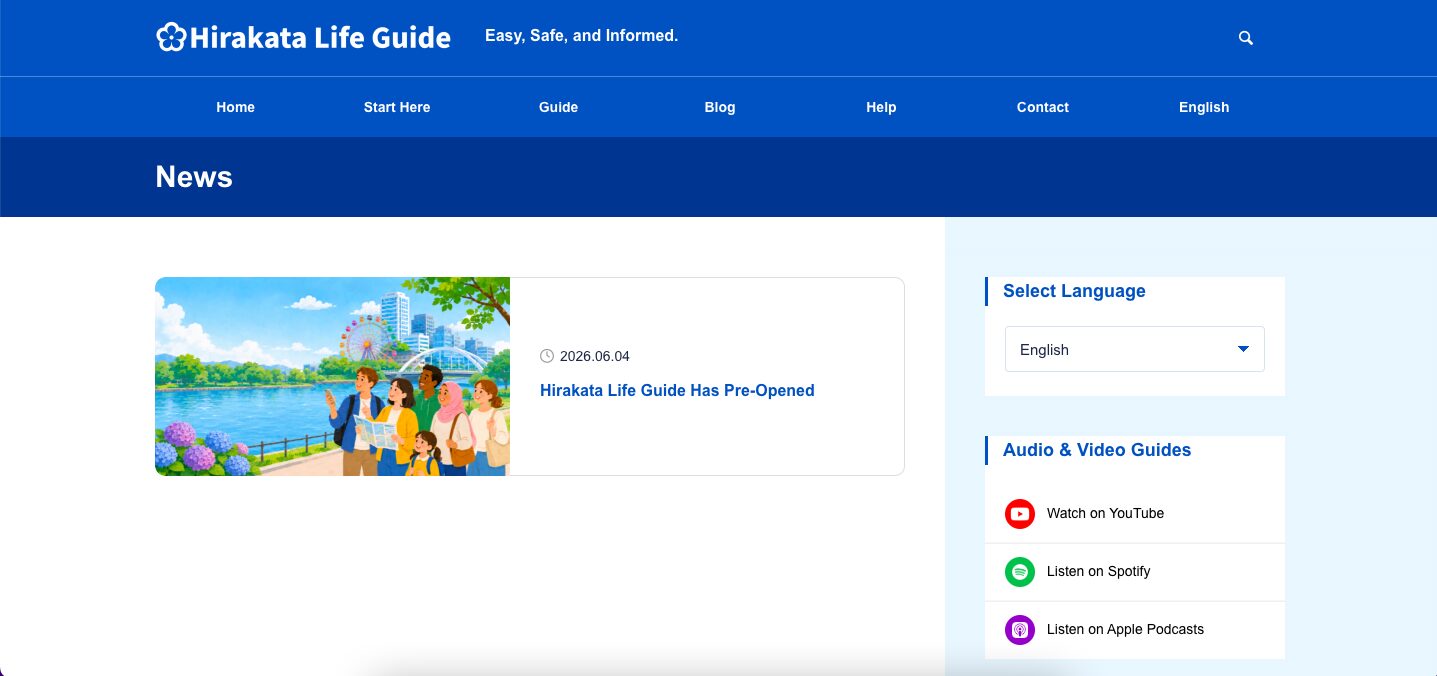
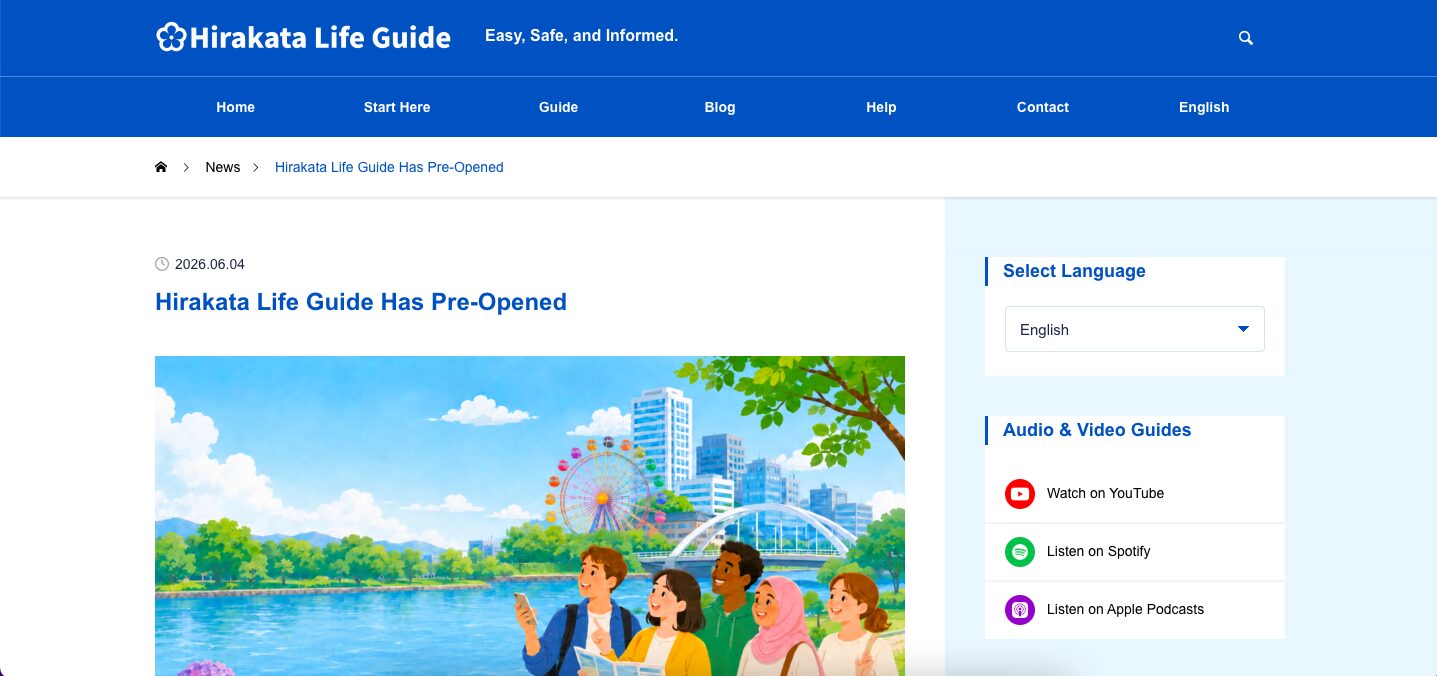
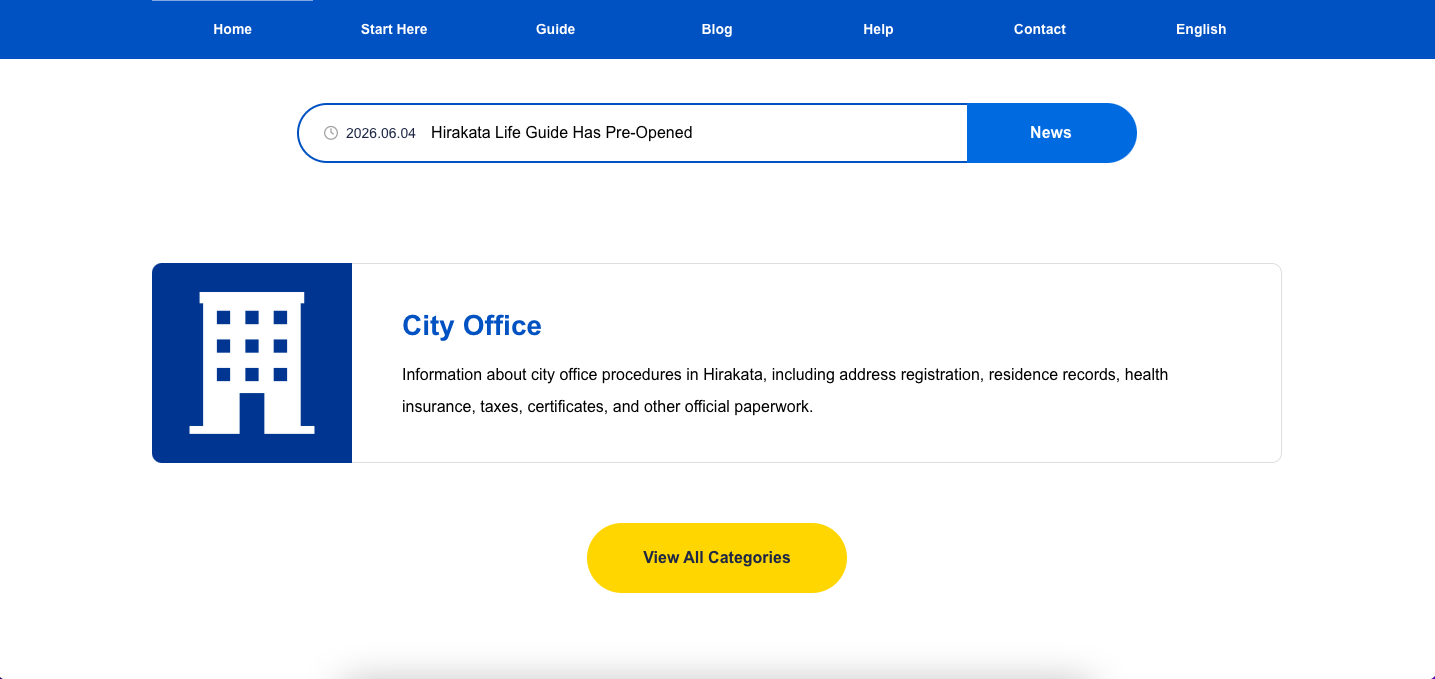
News includes important updates about Hirakata Life Guide and important information related to Hirakata City. Click a news title to open the detail page. You can also click the blue News button on the right to open the news list, then click a title to read more.
Guide area
The Guide area shows practical information for living in Hirakata.
You can open guide categories or see all categories.
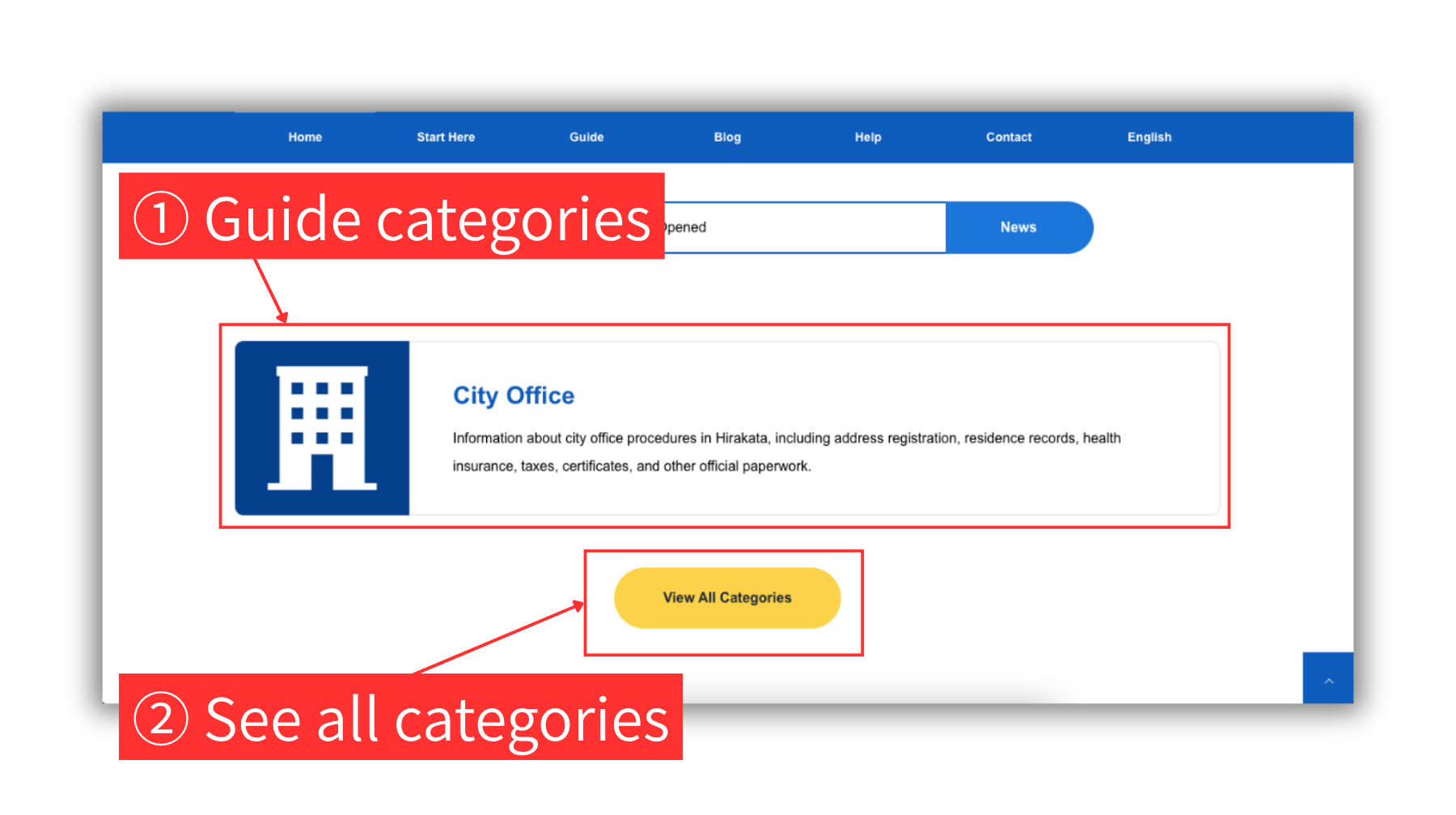
1 Guide categories
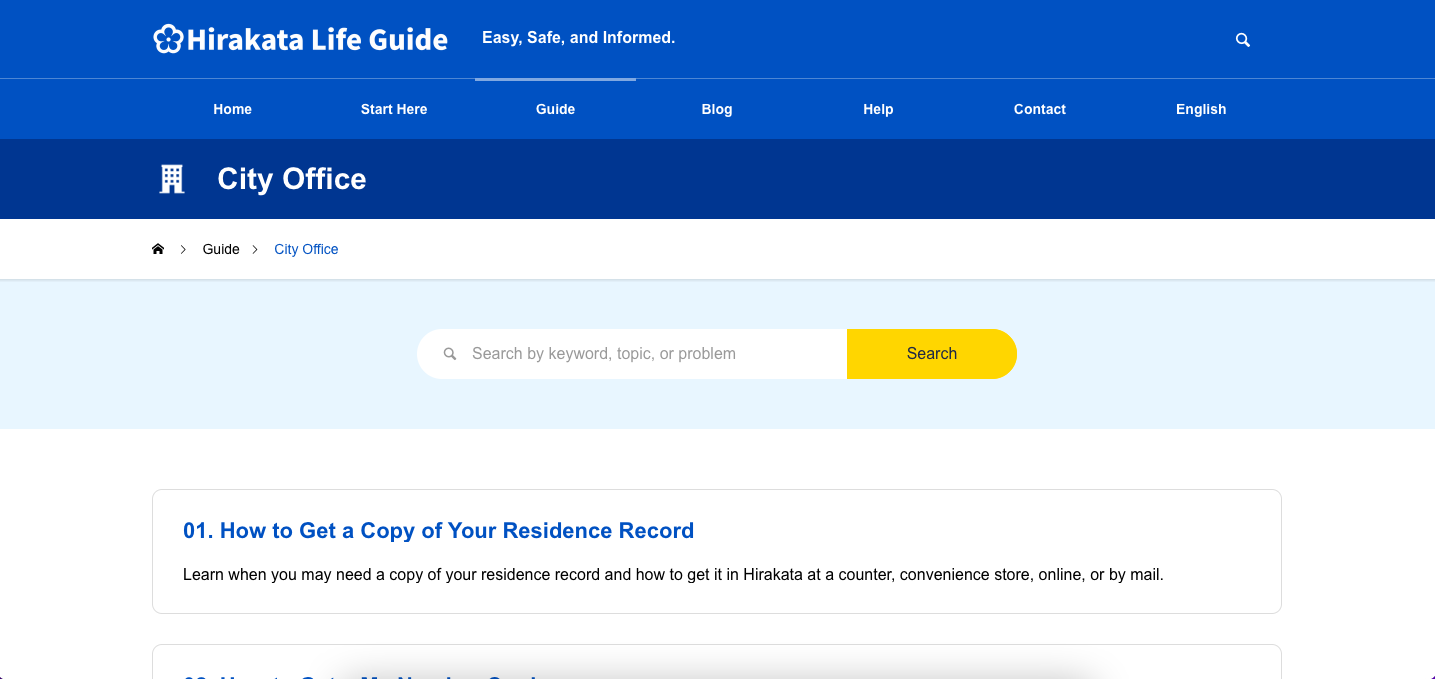
Click a Guide category to open a list of numbered guide titles. Then click a title to read the guide page.
2 See all categories
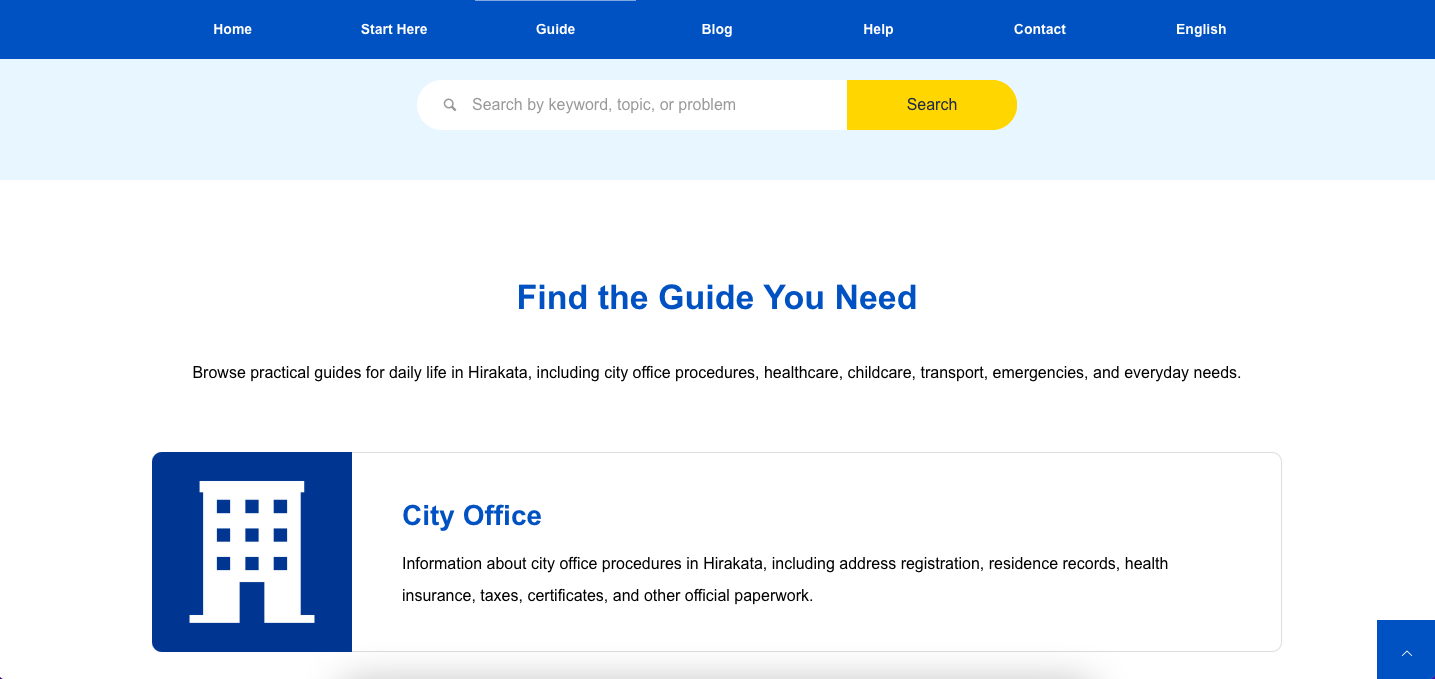
Click the yellow button to see all Guide categories. Choose a Guide category to open a list of numbered guide titles. Then click a title to read the guide page.
Blog area
The Blog area shows blog cards with titles, images, category labels, and publication dates.
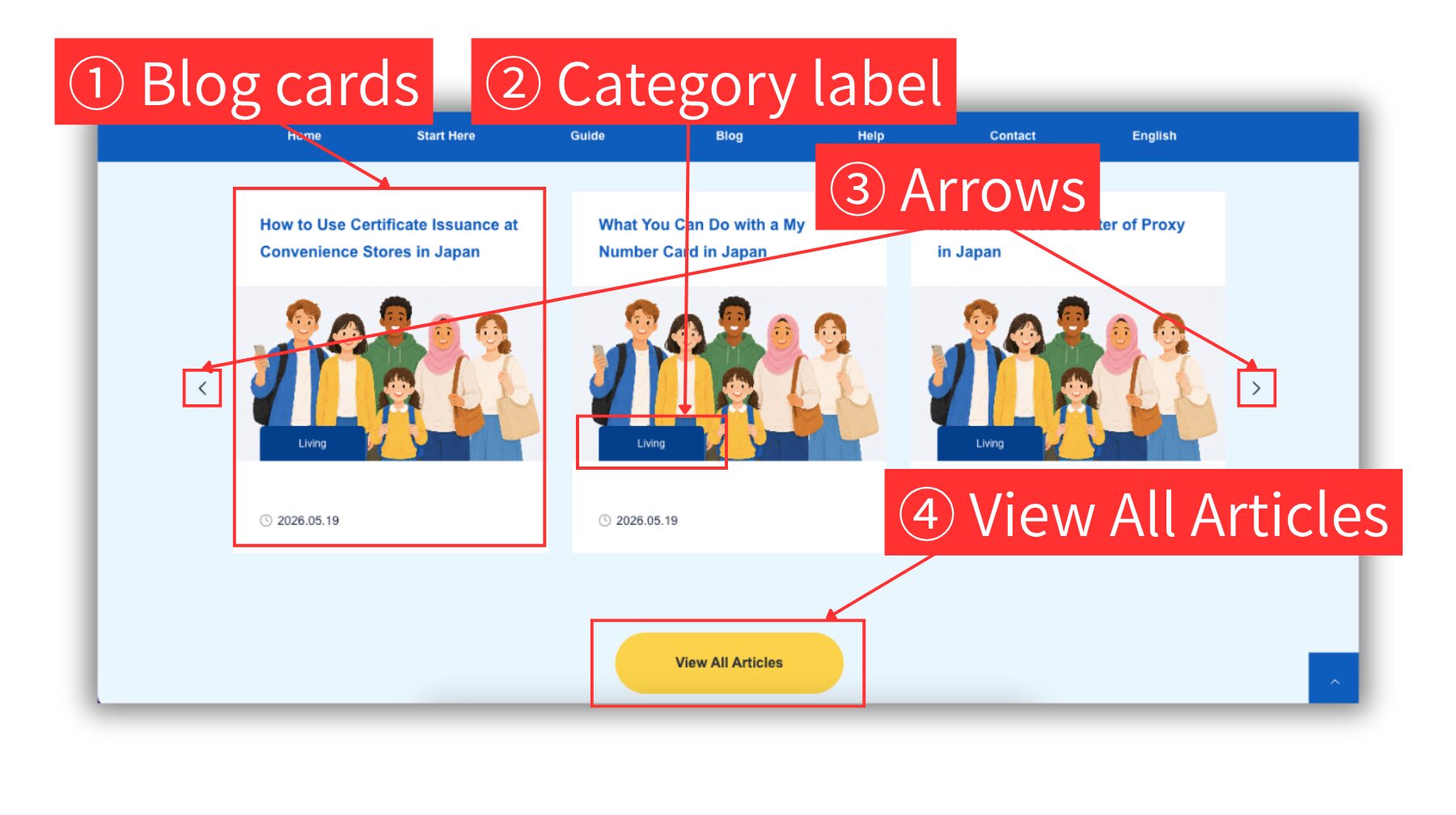
1 Blog cards
Click a blog card to open the detail page.
2 Category label
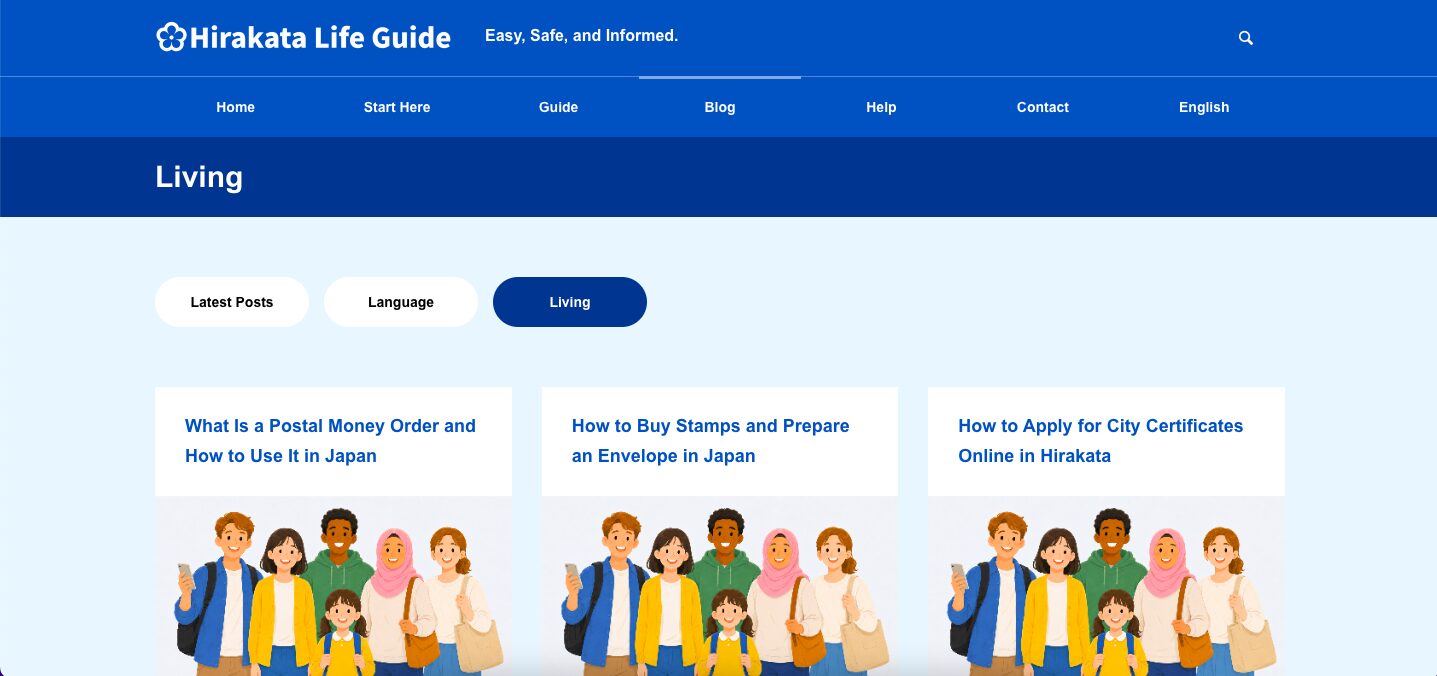
Click the category label on a card to open a list of blog posts in that category. Then click a title to open the detail page.
3 Arrows
Click the left and right arrows to move through the cards and see other blog posts.
4 View All Articles
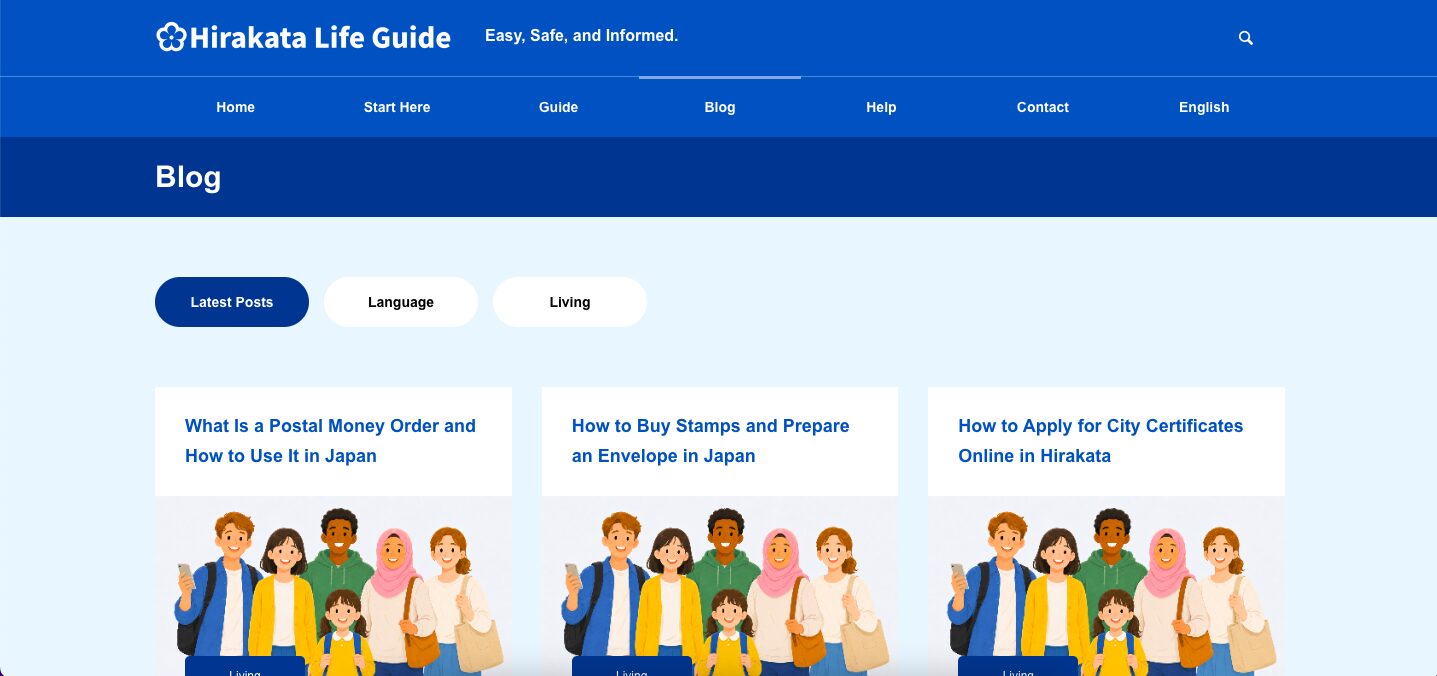
Click the yellow View All Articles button to open the blog article list. You can also click a category tab to filter the list. Then click a title to open the detail page.
Find by Topic
Use topic buttons to quickly find articles about common daily life needs.
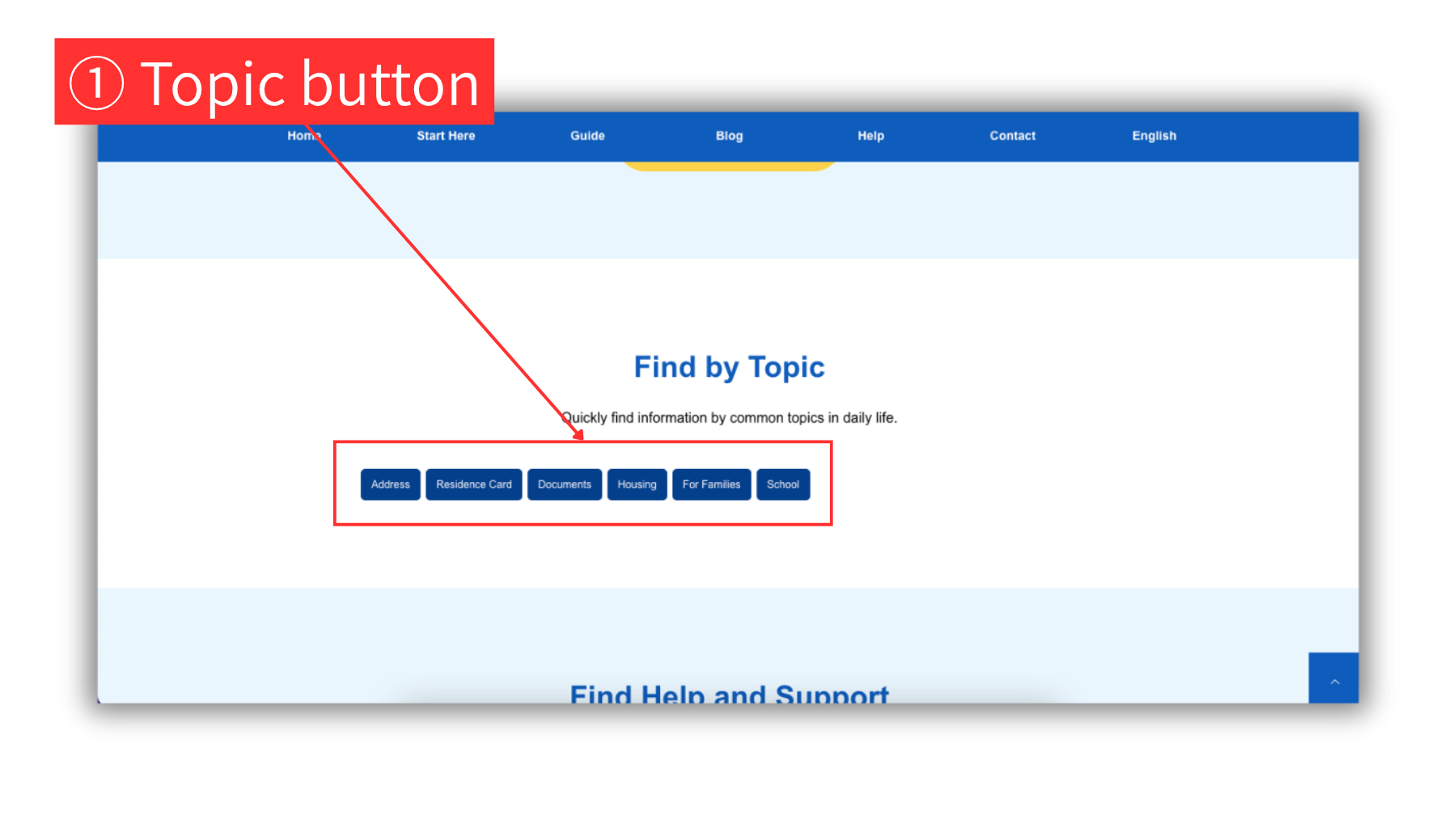
1 Topic button
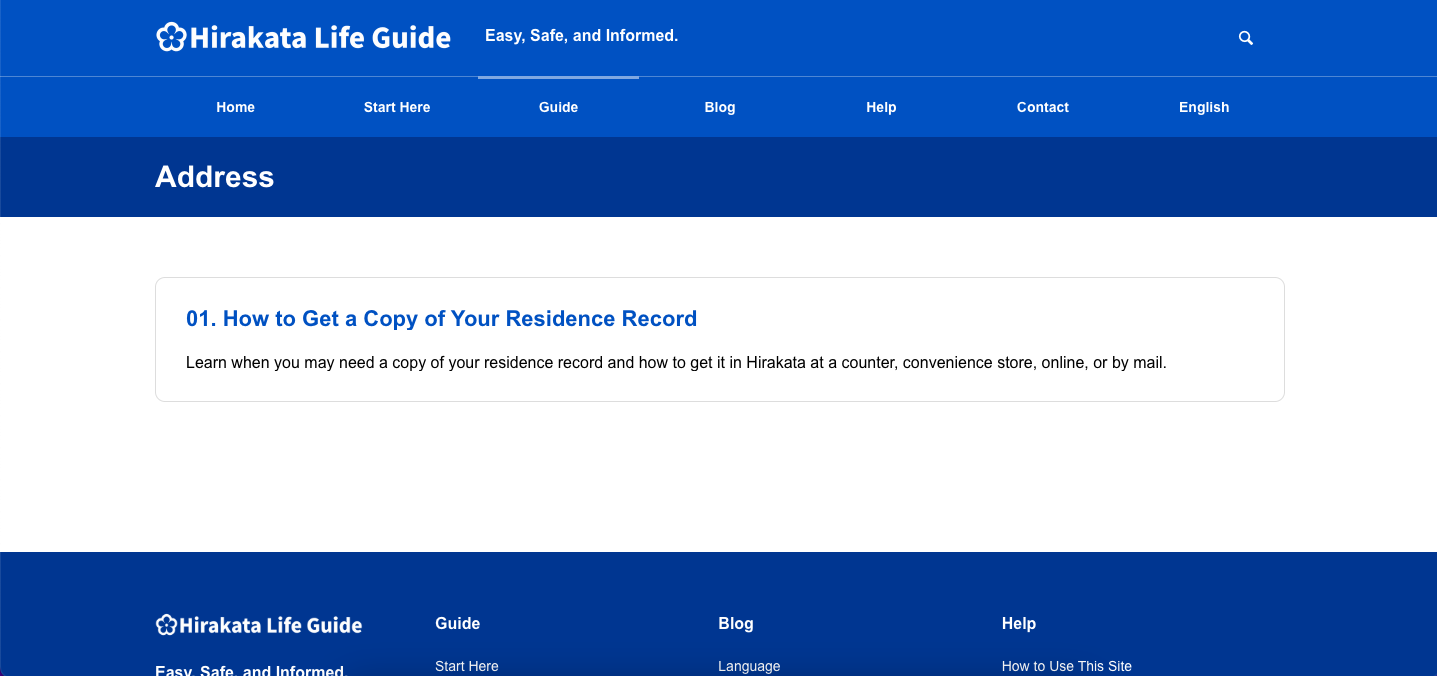
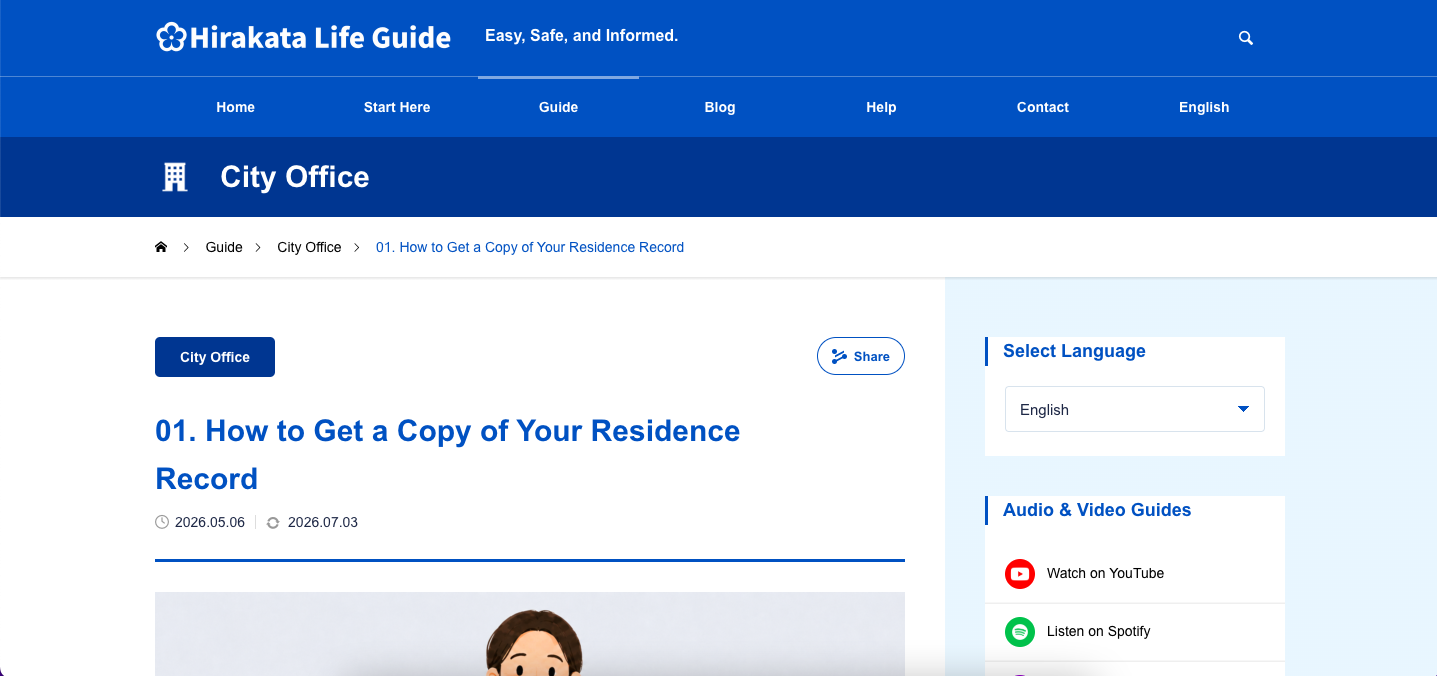
Click one of the blue topic buttons to open a list of Guide and Blog articles related to the same topic. Then click a title to open the detail page.
Help area
Use the Help area to learn how to use this site, check common questions, contact the site team, and find official links.
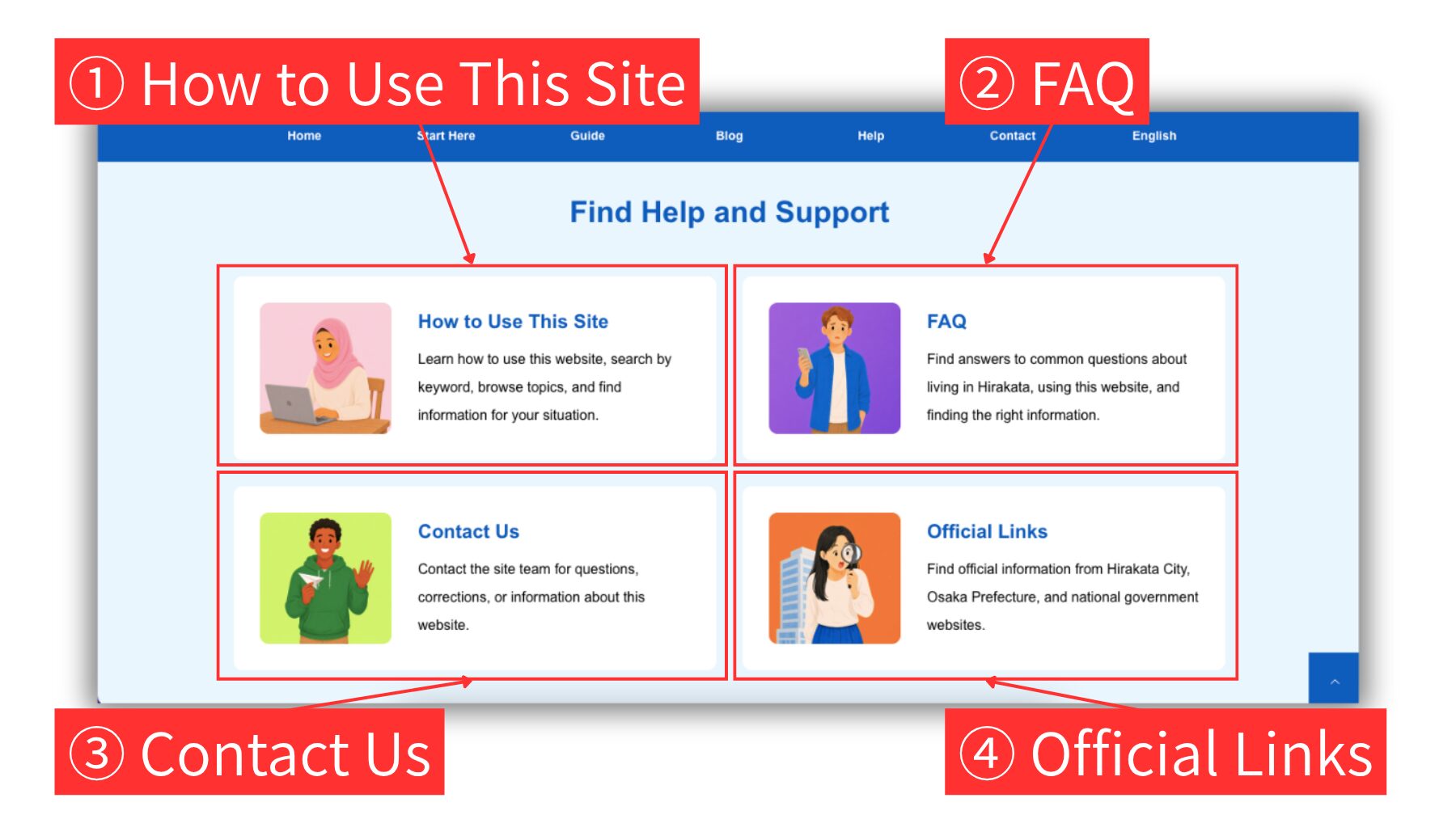
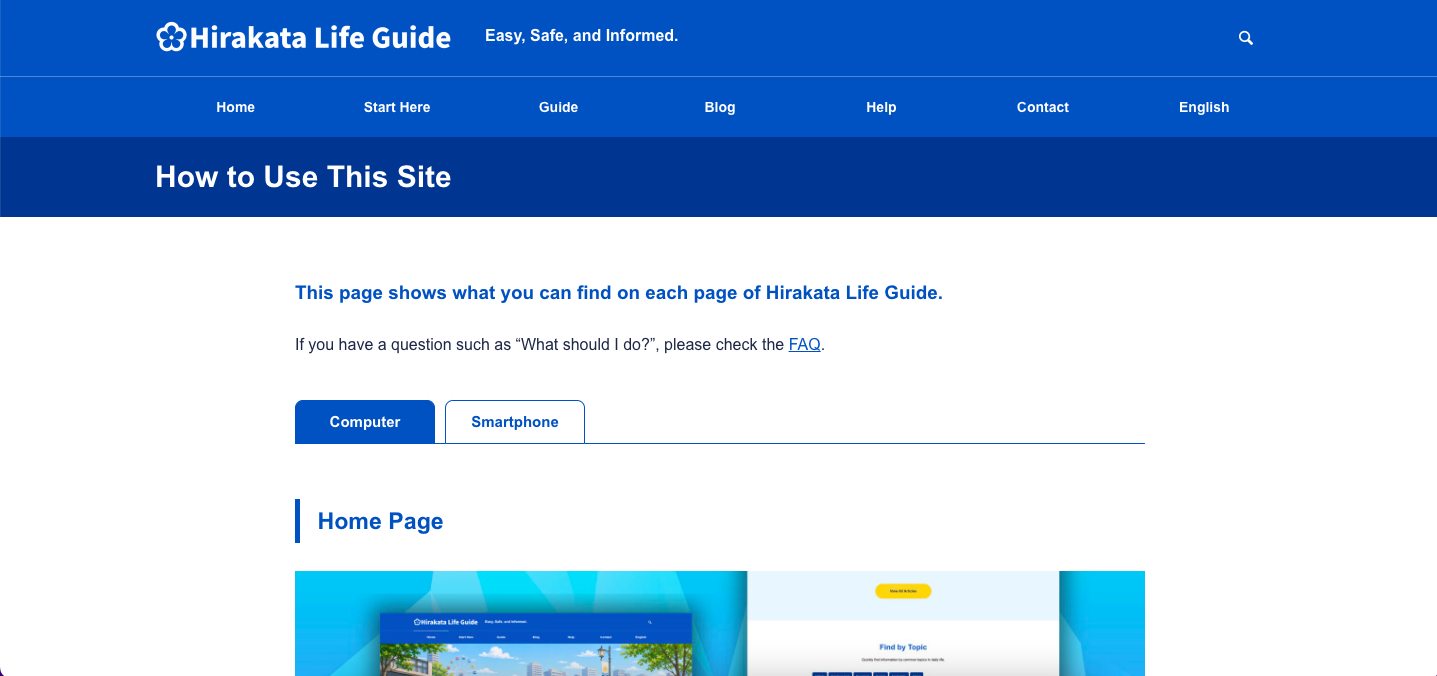
1 How to Use This Site
This is the page you are viewing now. Learn how to use this website, search by keyword, browse topics, and find information for your situation.
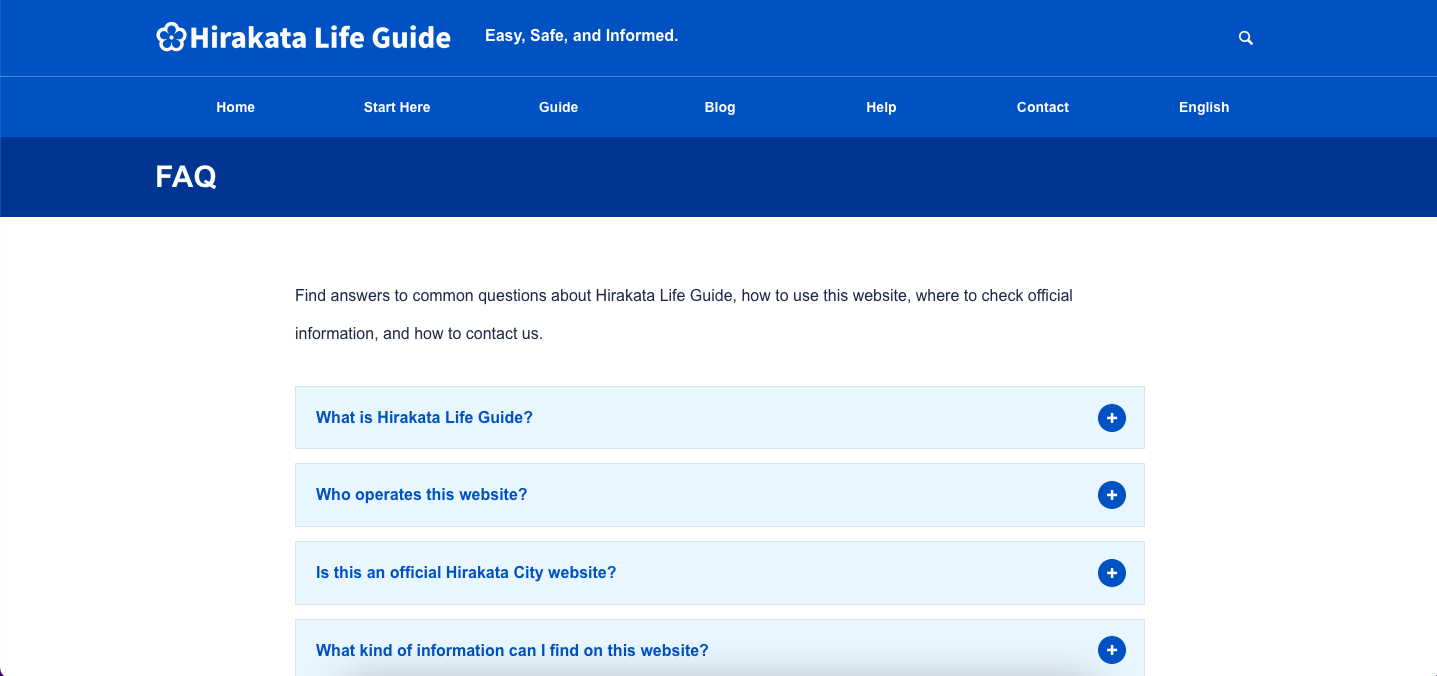
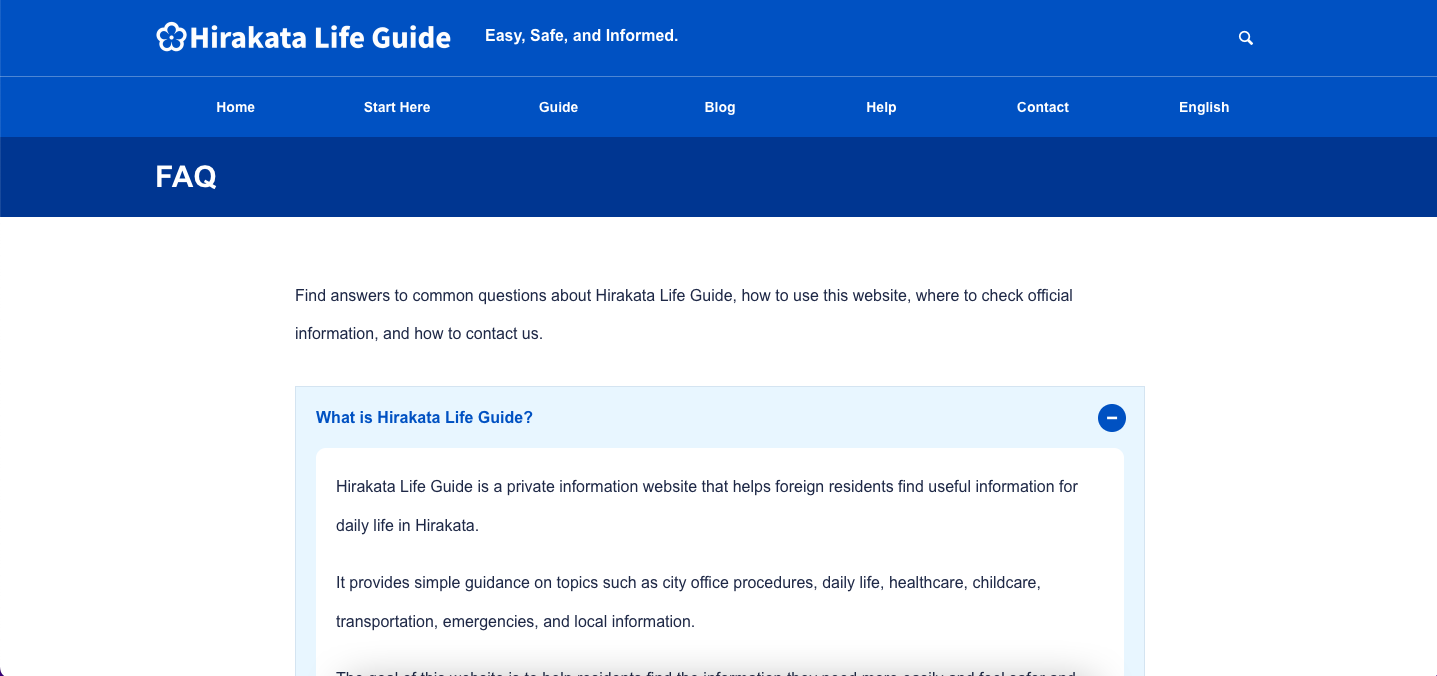
2 FAQ
Find answers to common questions about Hirakata Life Guide, how to use this website, where to check official information, and how to contact us. Click a question to open the answer. Click the same question again to close it.
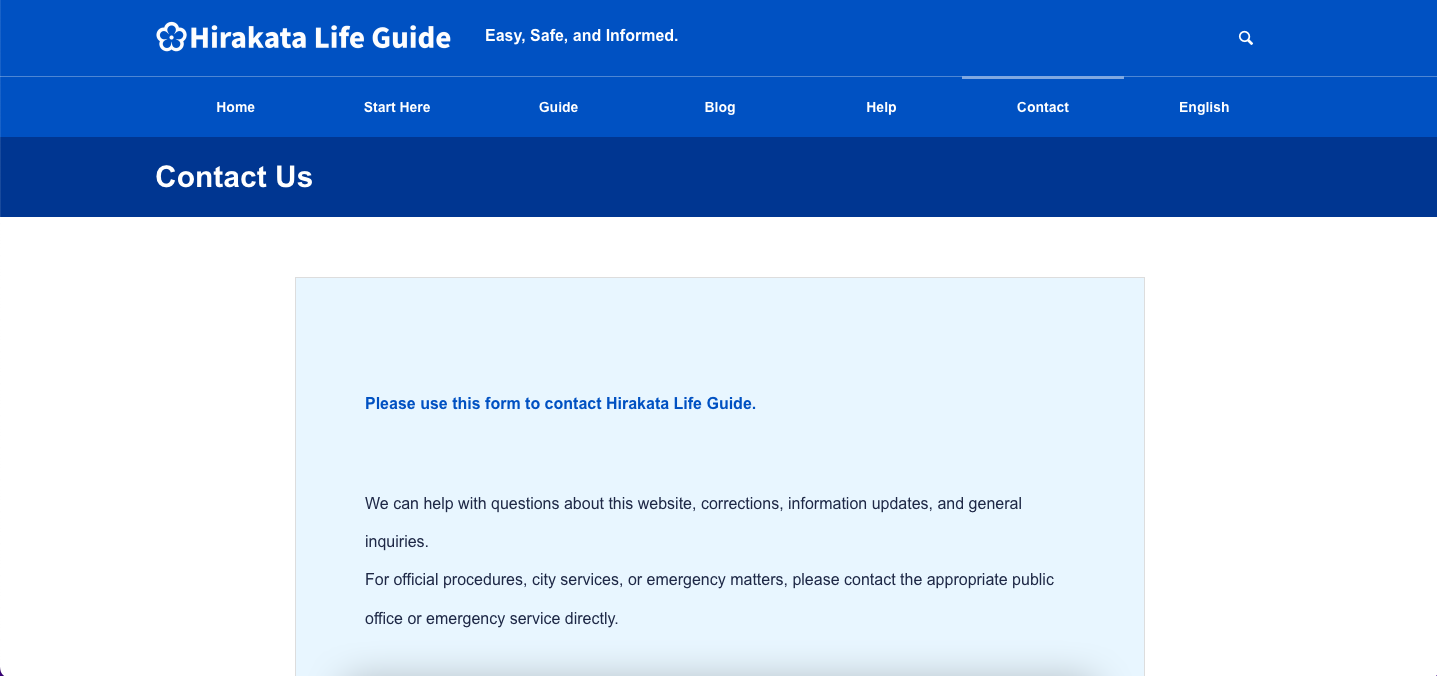
3 Contact Us
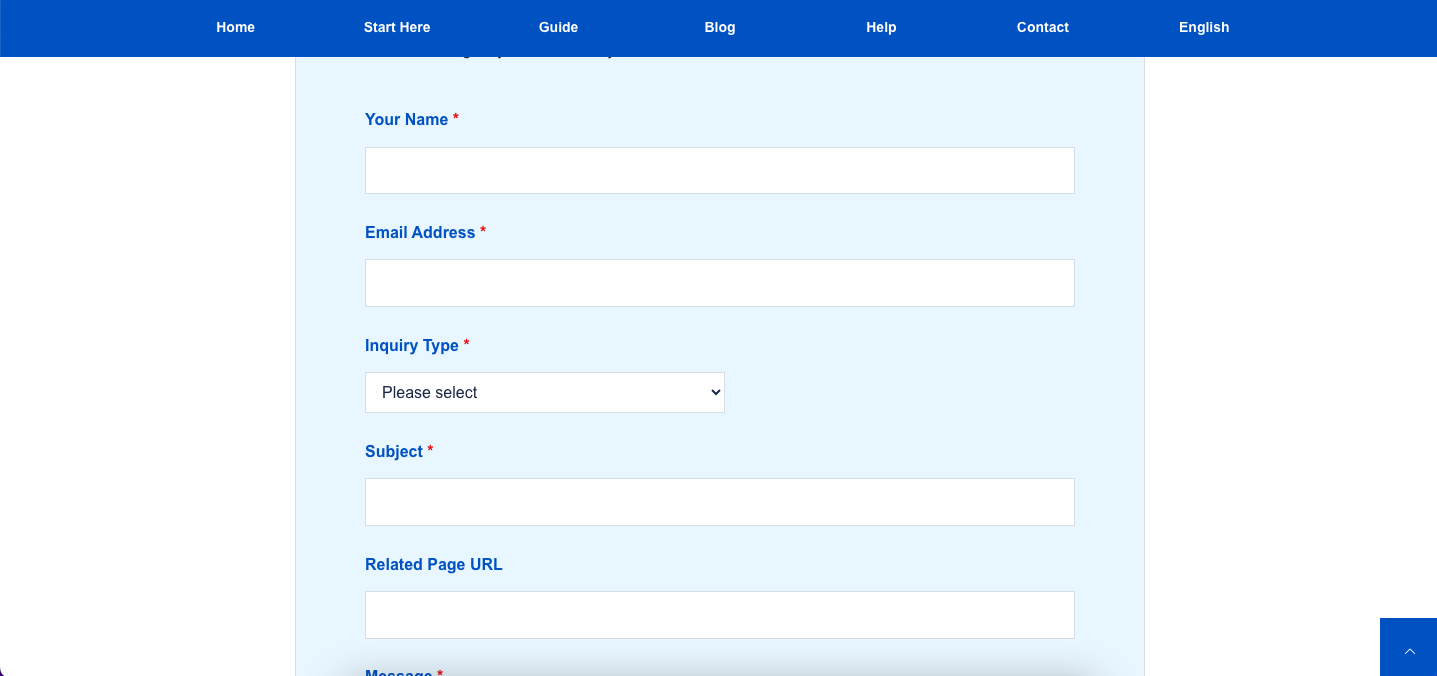
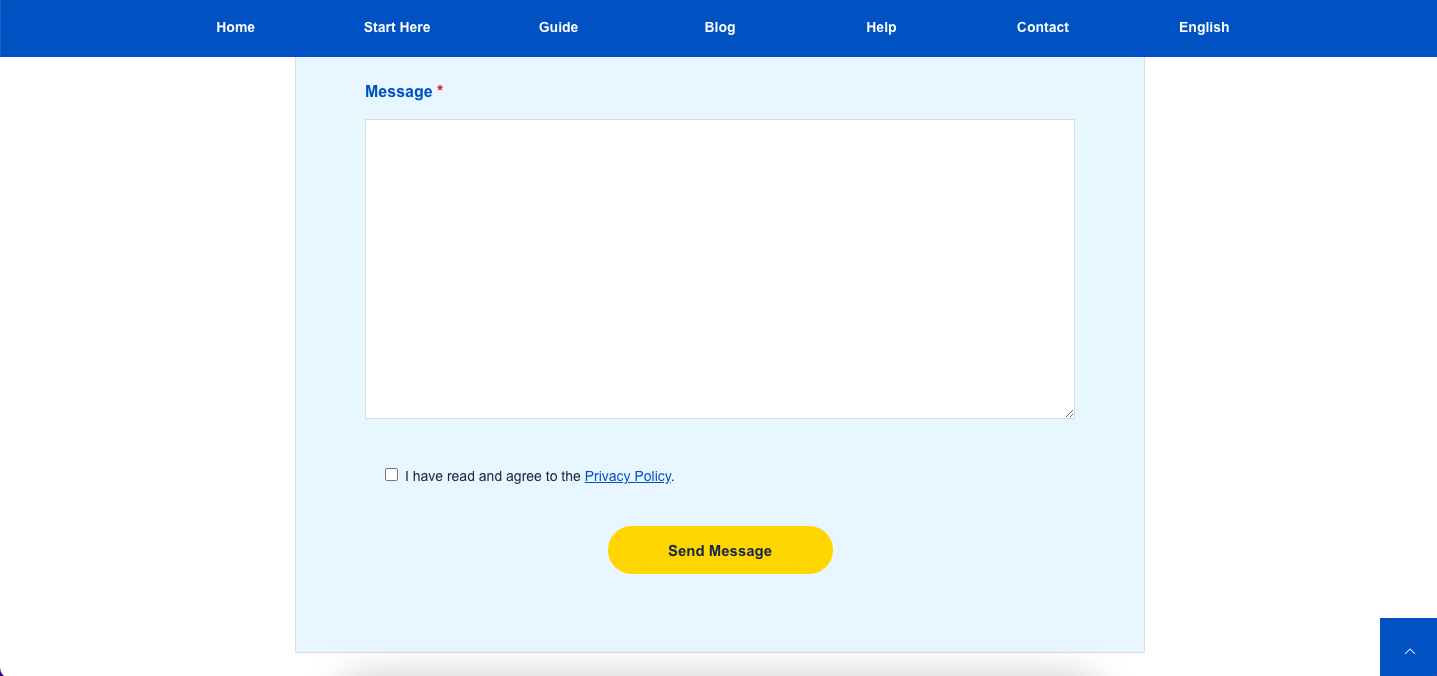
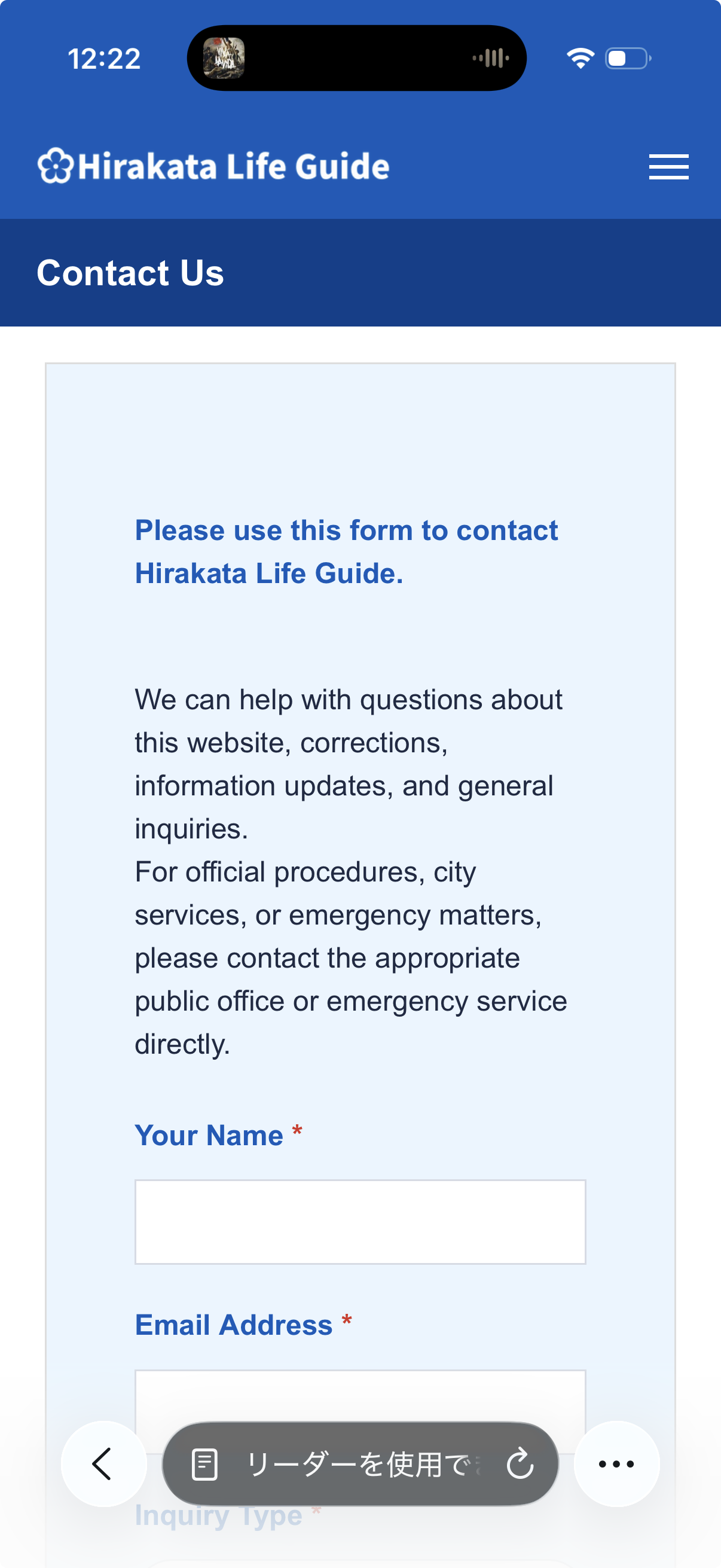
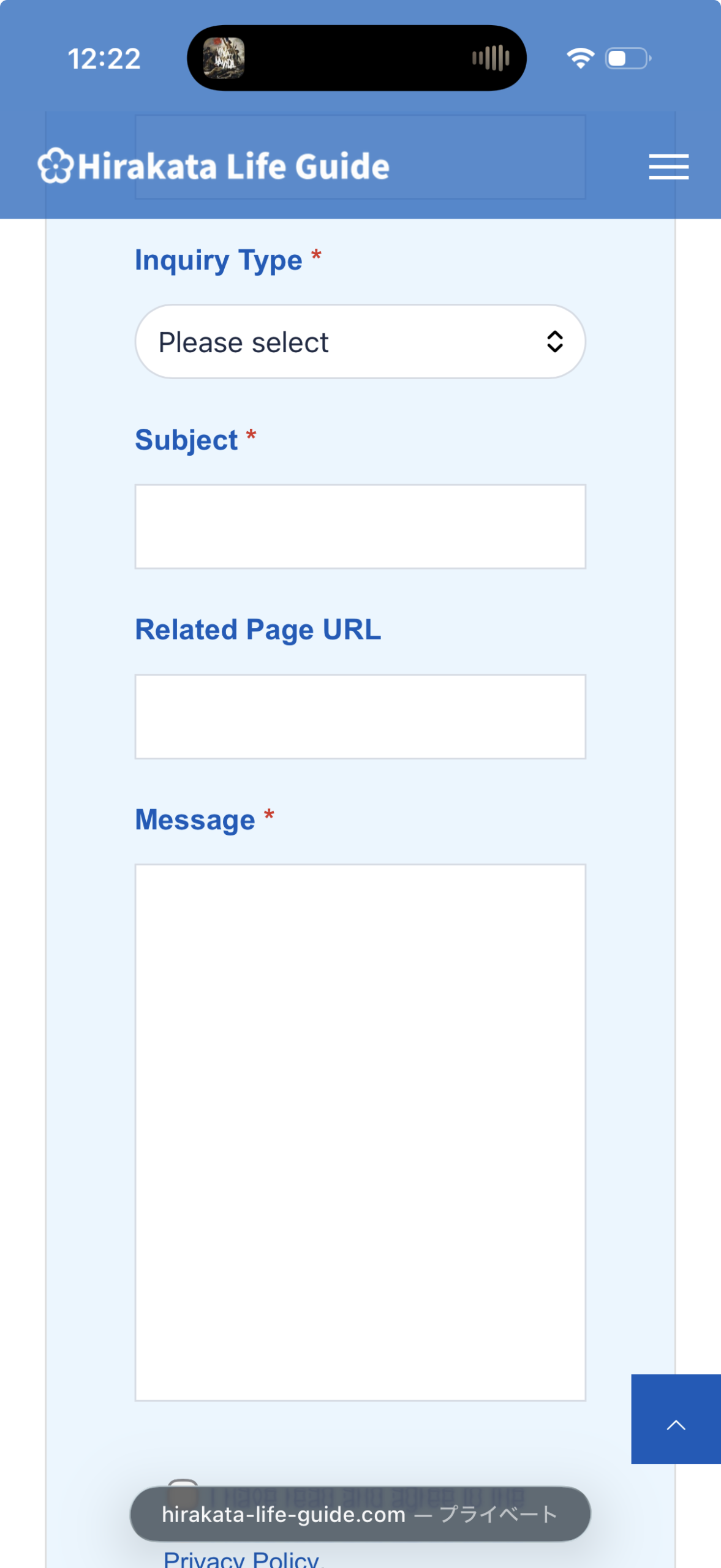
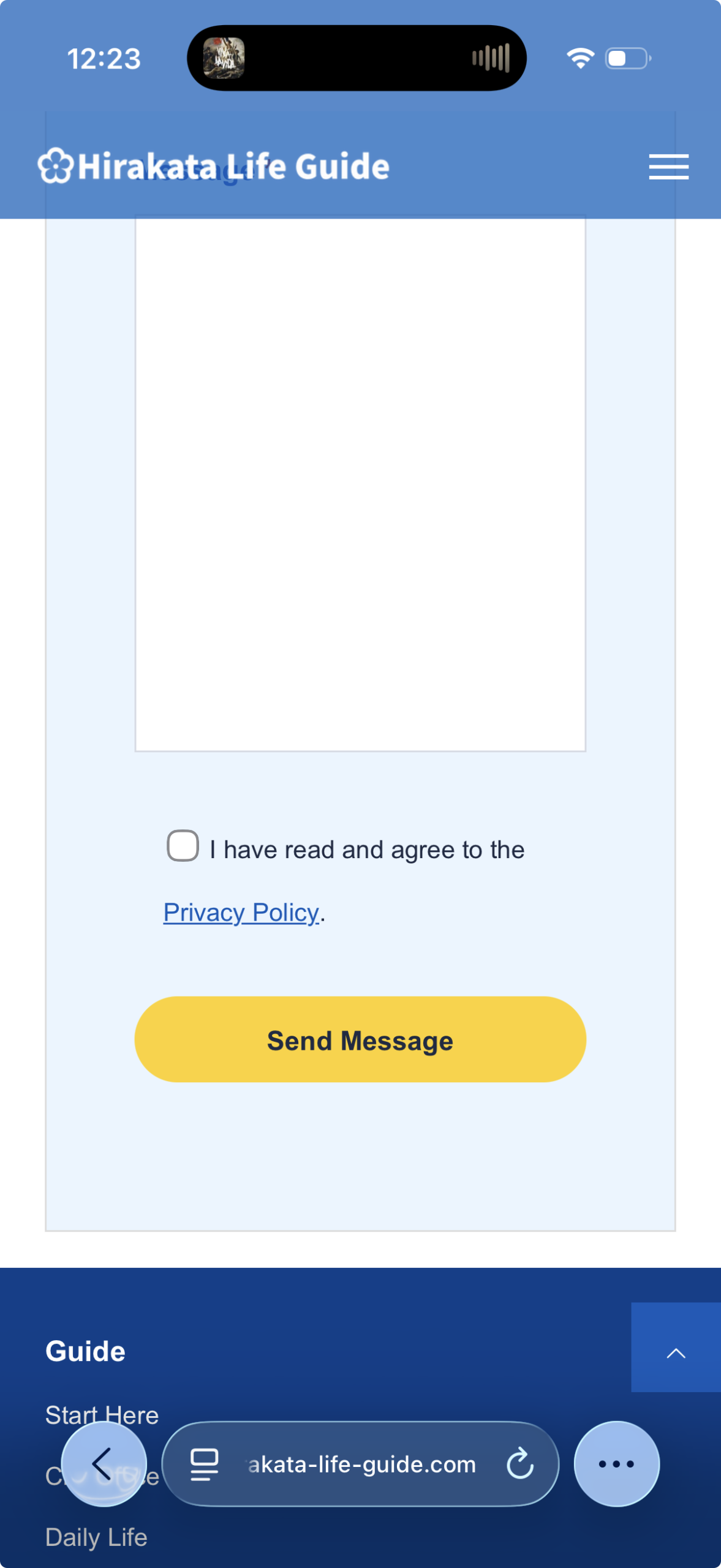
First, read the note at the top of the Contact Us page. Scroll down to the form and enter your name, email address, inquiry type, subject, related page URL, and message. Items marked with a red * are required. If you agree to the Privacy Policy, check the box, then click the yellow Send Message button.
4 Official Links
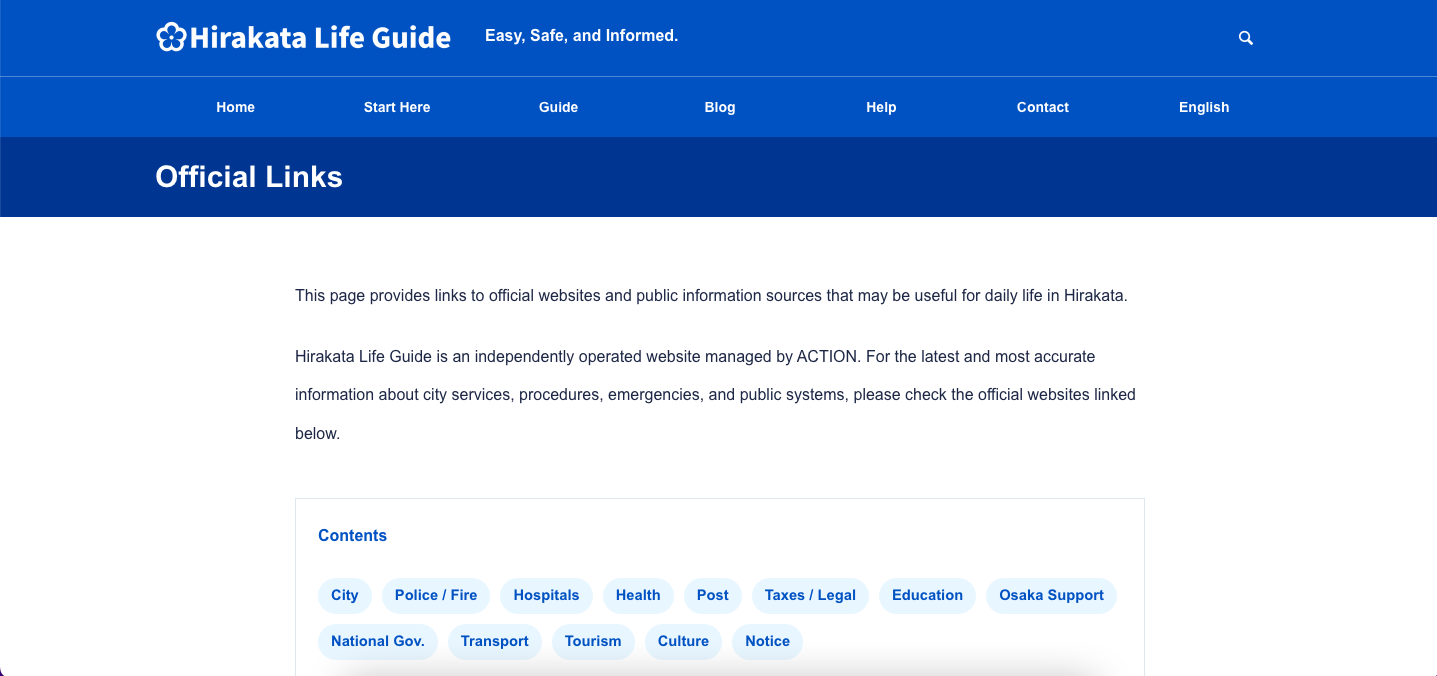
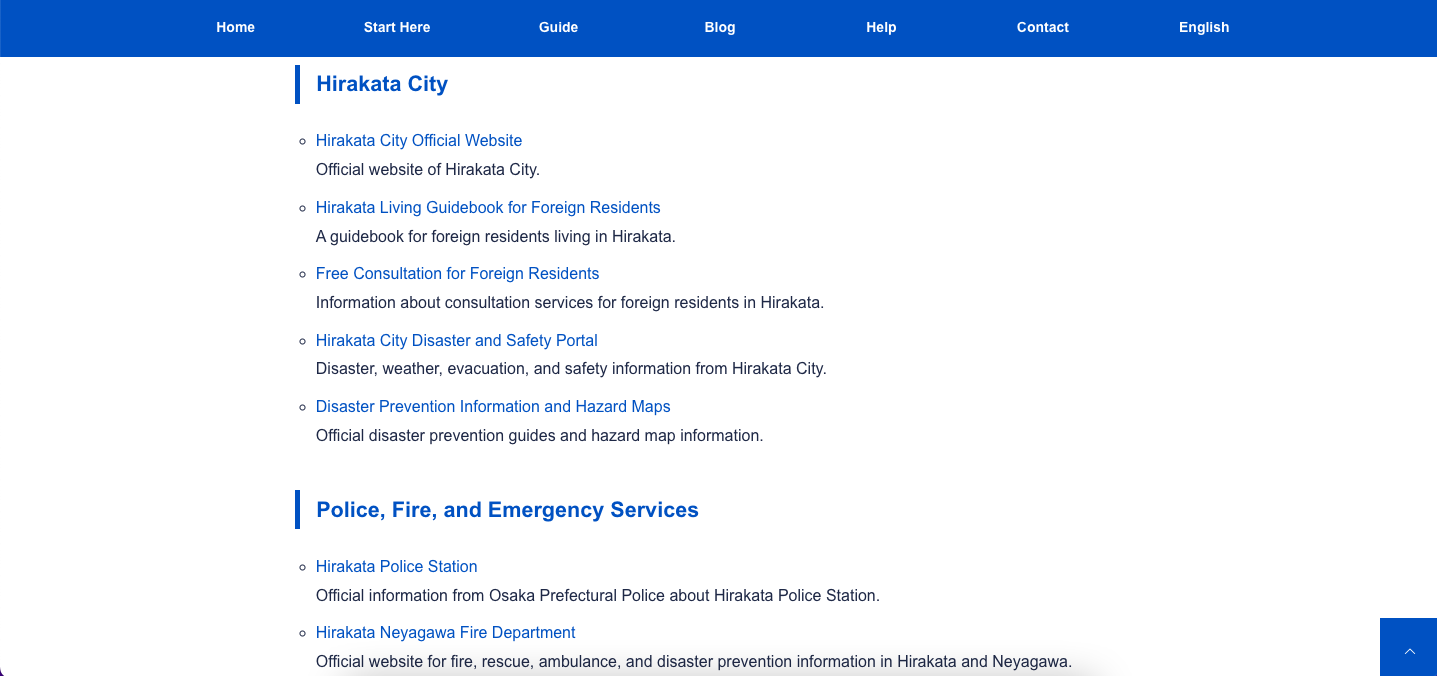
Choose a topic from Contents to see related official links. These links open external websites such as Hirakata City, Osaka Prefecture, and national government websites.
Footer Area
Use the footer to find main site links, guide categories, blog topics, help pages, contact information, and update options.
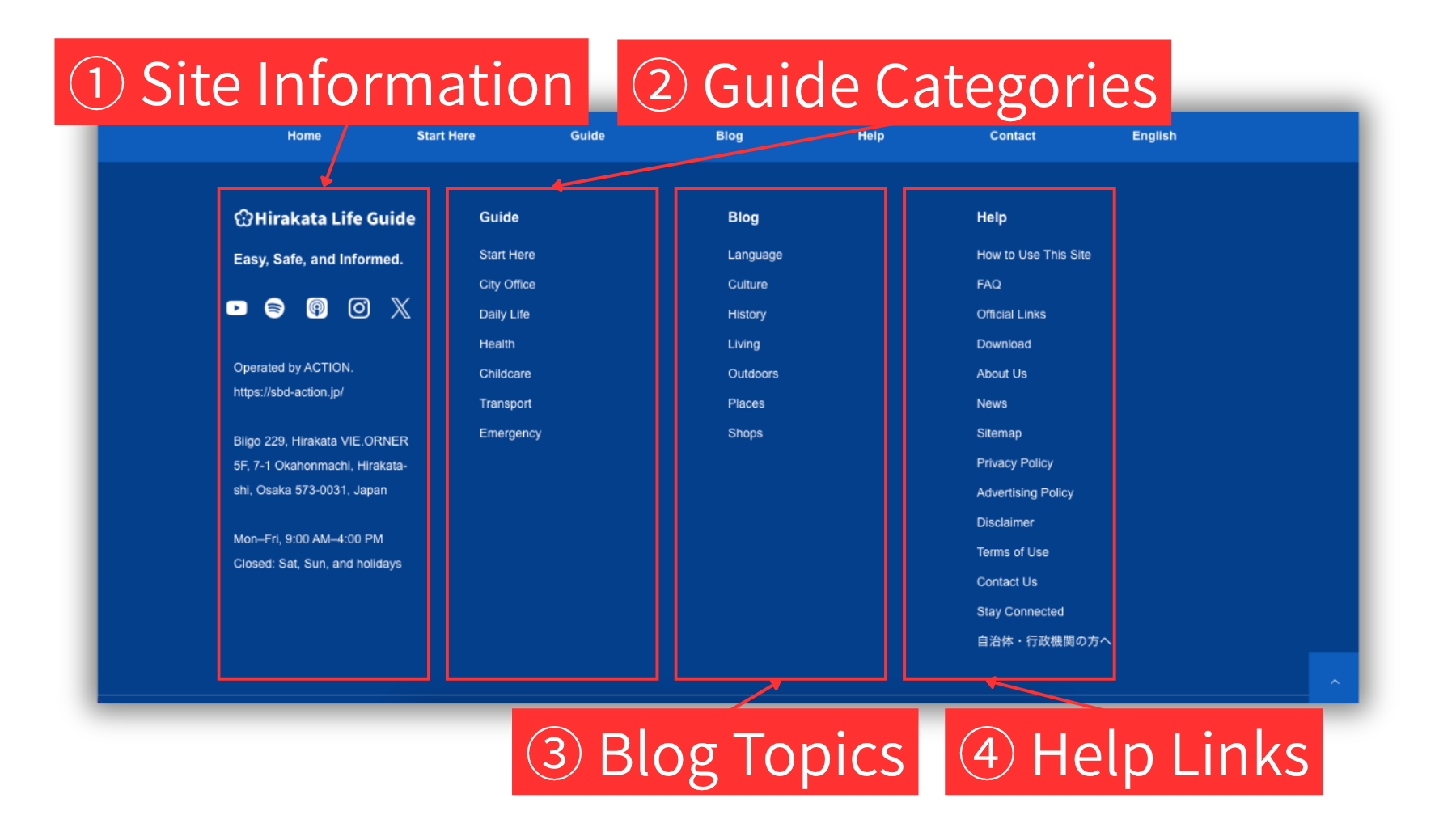
1 Site Information
The logo links to the Home page. The icons open Hirakata Life Guide on YouTube, Spotify, Apple Podcasts, Instagram, or X. The ACTION corporate website link opens the website of the operator.
2 Guide Categories
The bold “Guide” link opens the archive page for all Guide articles. Select an article title to open the article page. The category links below it open archive pages for each Guide category. From each category archive page, select an article title to open the article page.
3 Blog Topics
The bold “Blog” link opens the archive page for all Blog articles. Select an article title to open the article page. The topic links below it open archive pages for each Blog topic. From each topic archive page, select an article title to open the article page.
4 Help Links
Use these links to open help and support pages, such as How to Use This Site, FAQ, Official Links, Contact Us, Stay Connected, and site policy pages.
Guide and Blog Article Pages
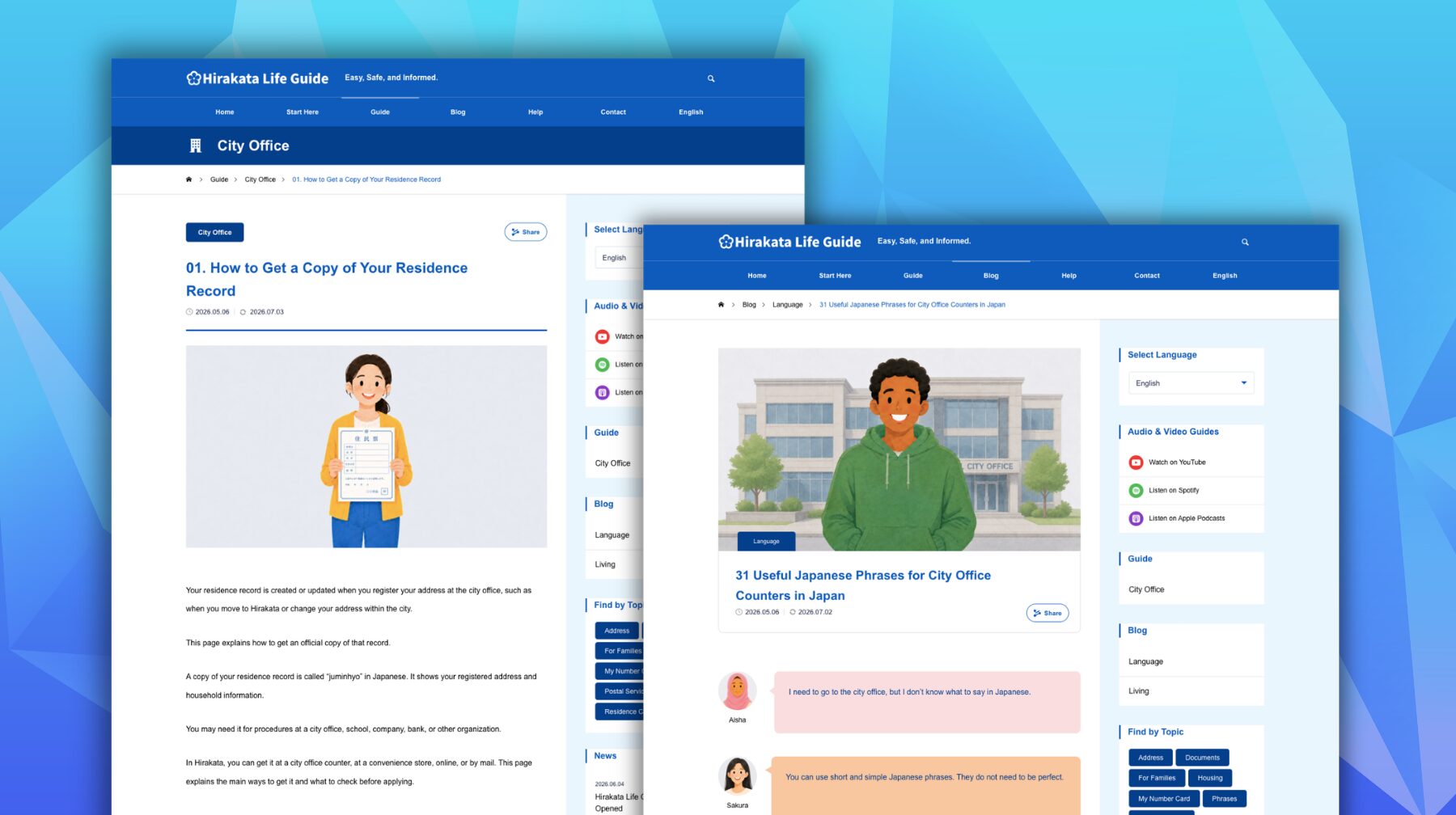
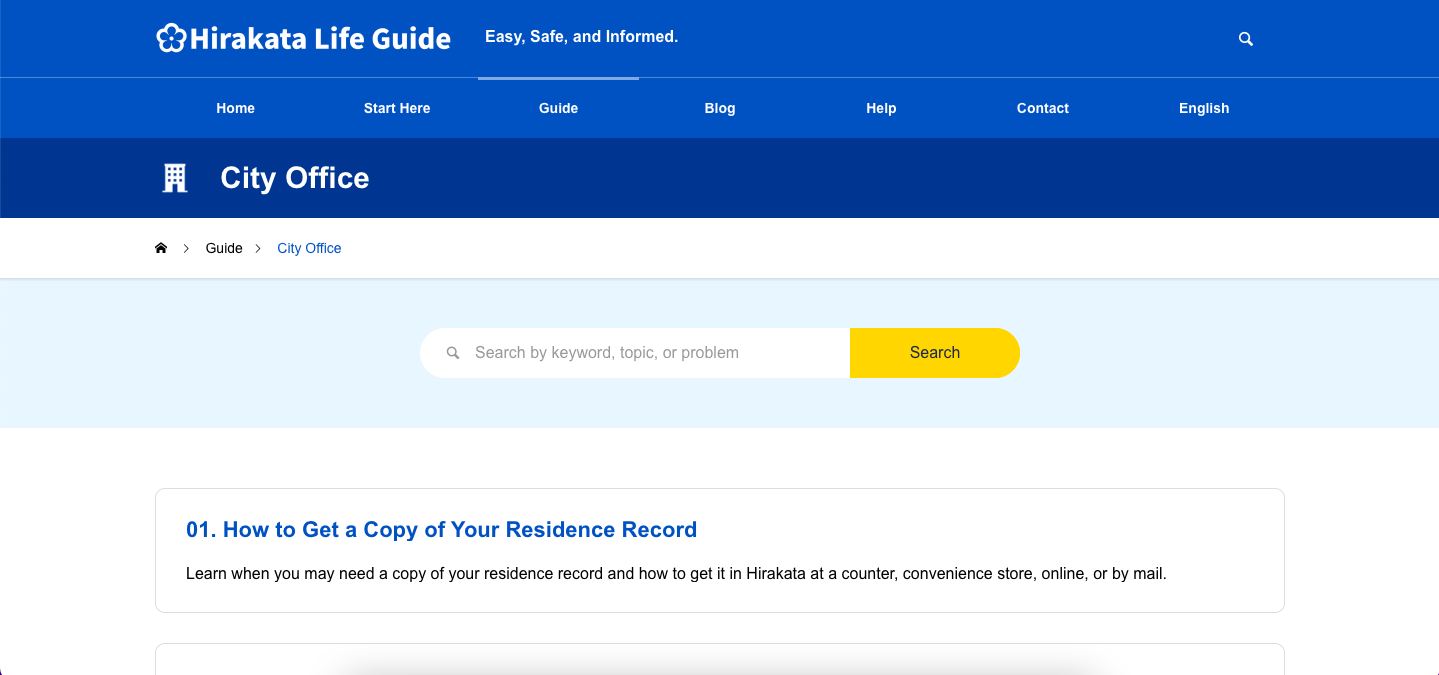
Guide articles are practical pages for city office procedures and daily life. Blog articles give extra explanations, tips, phrases, and stories. Both page types use a similar layout.
Top area
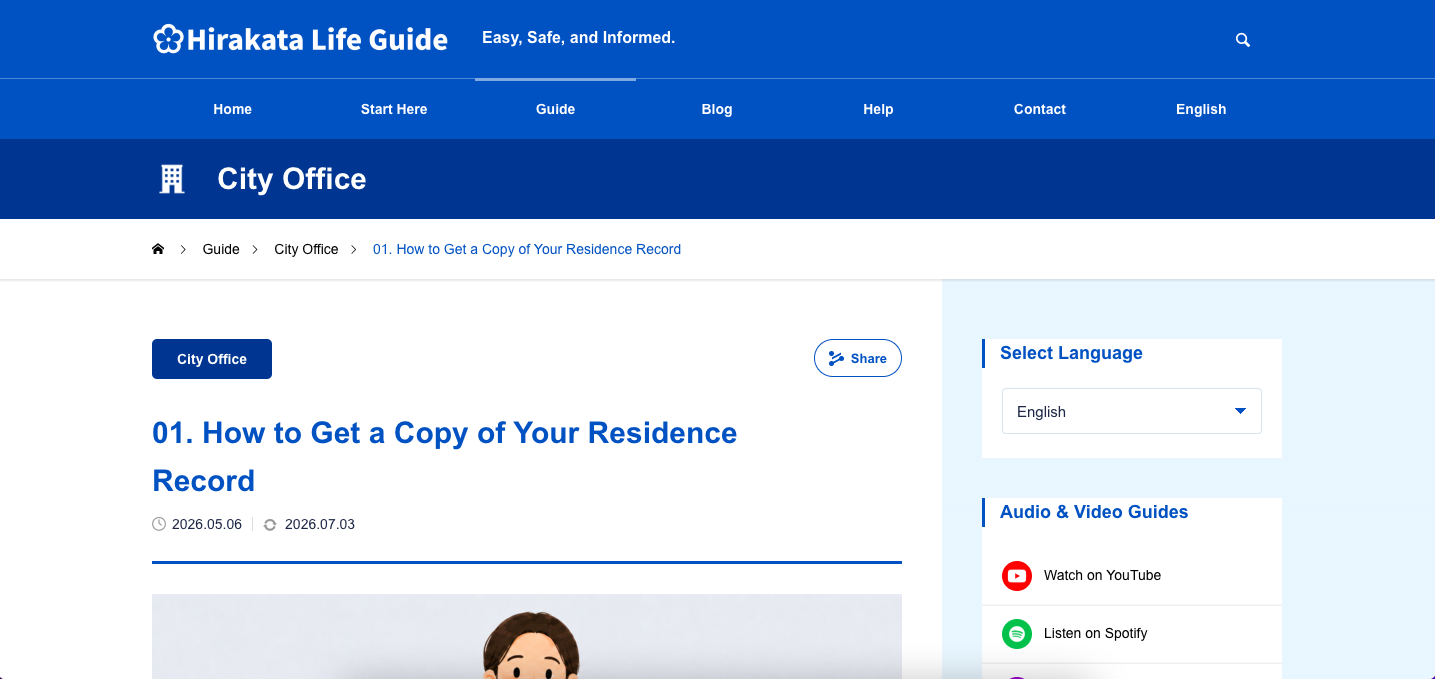
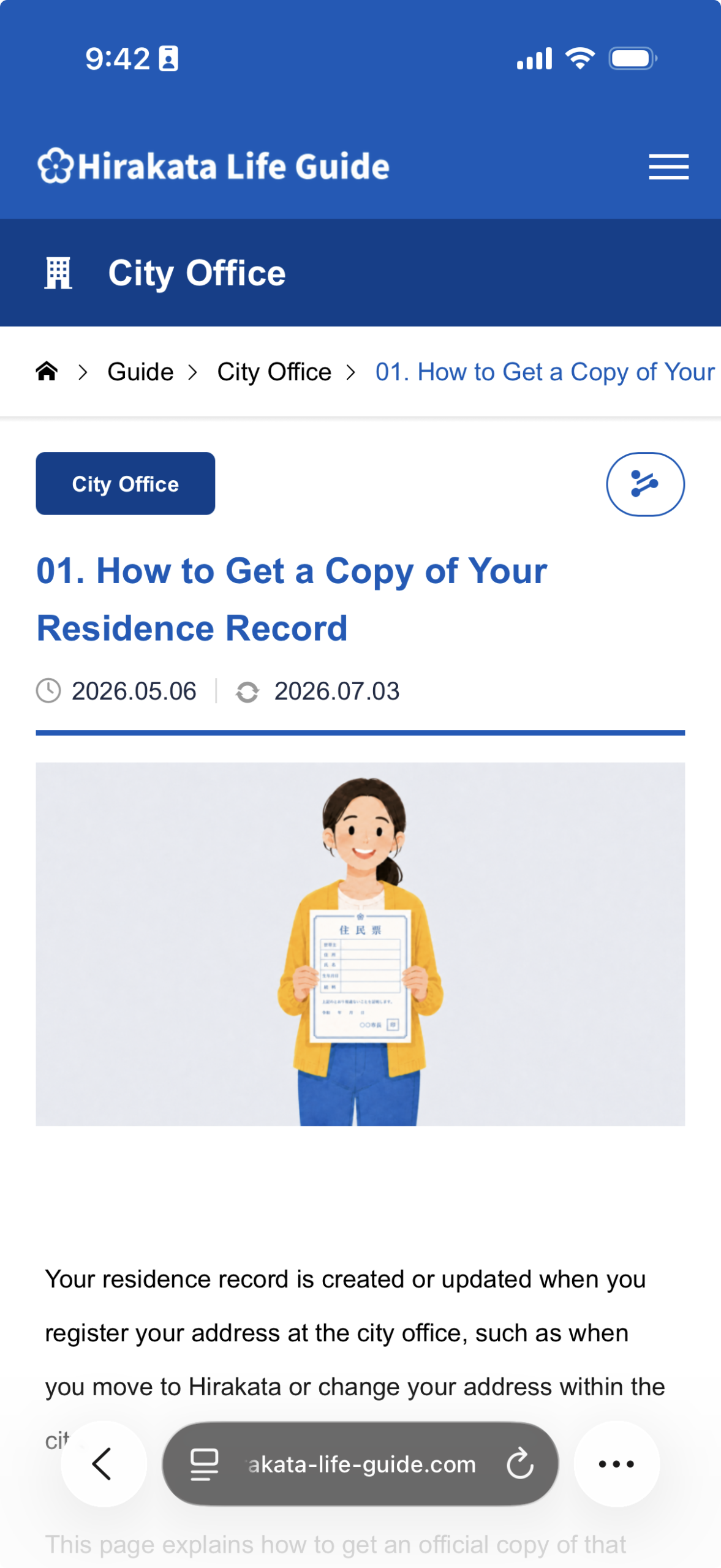
The top area shows the article category, title, published or updated date, main image, and share button.
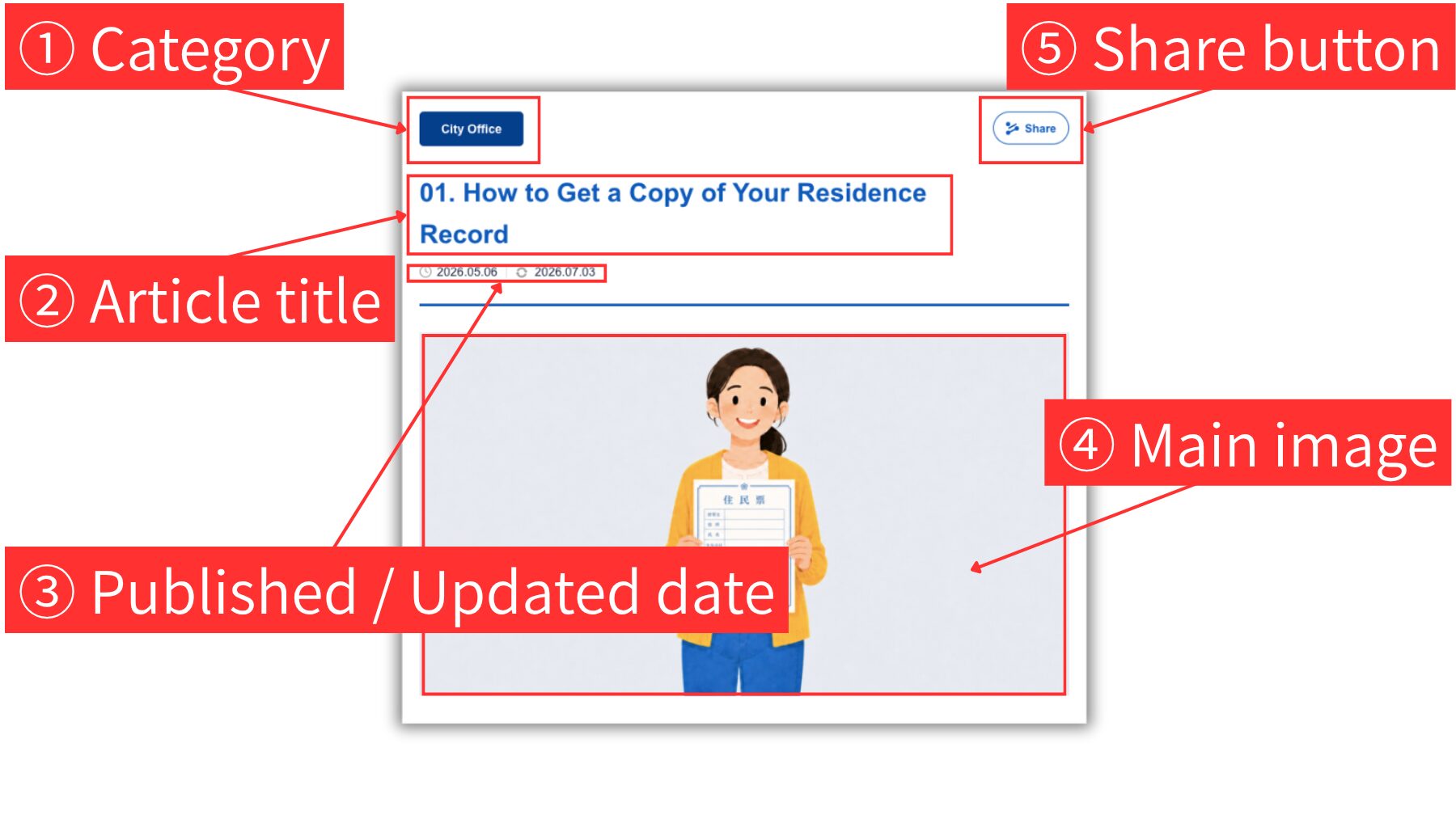
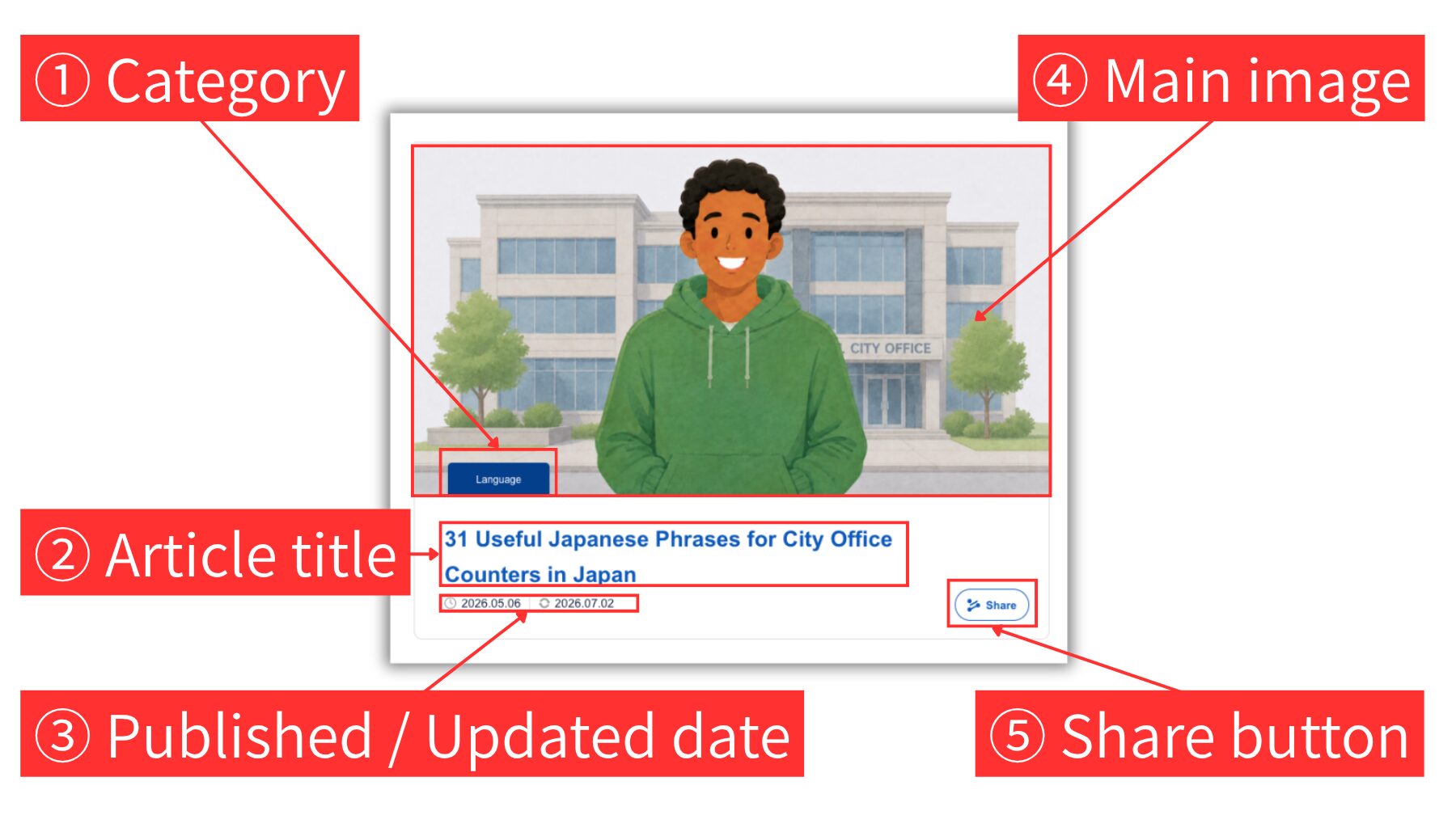
1 Category
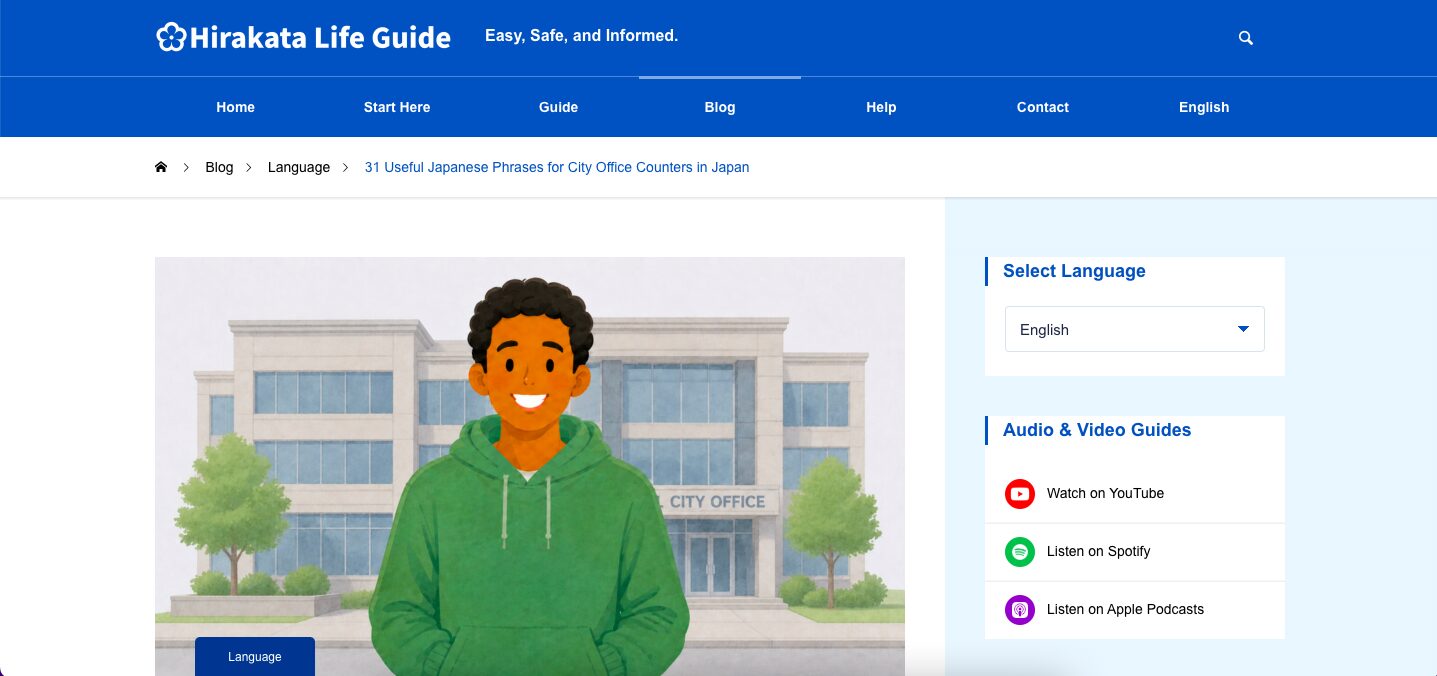
The category shows the main topic of the article. Click the category label to open a list of articles in the same category. Then click a title to open the article page.
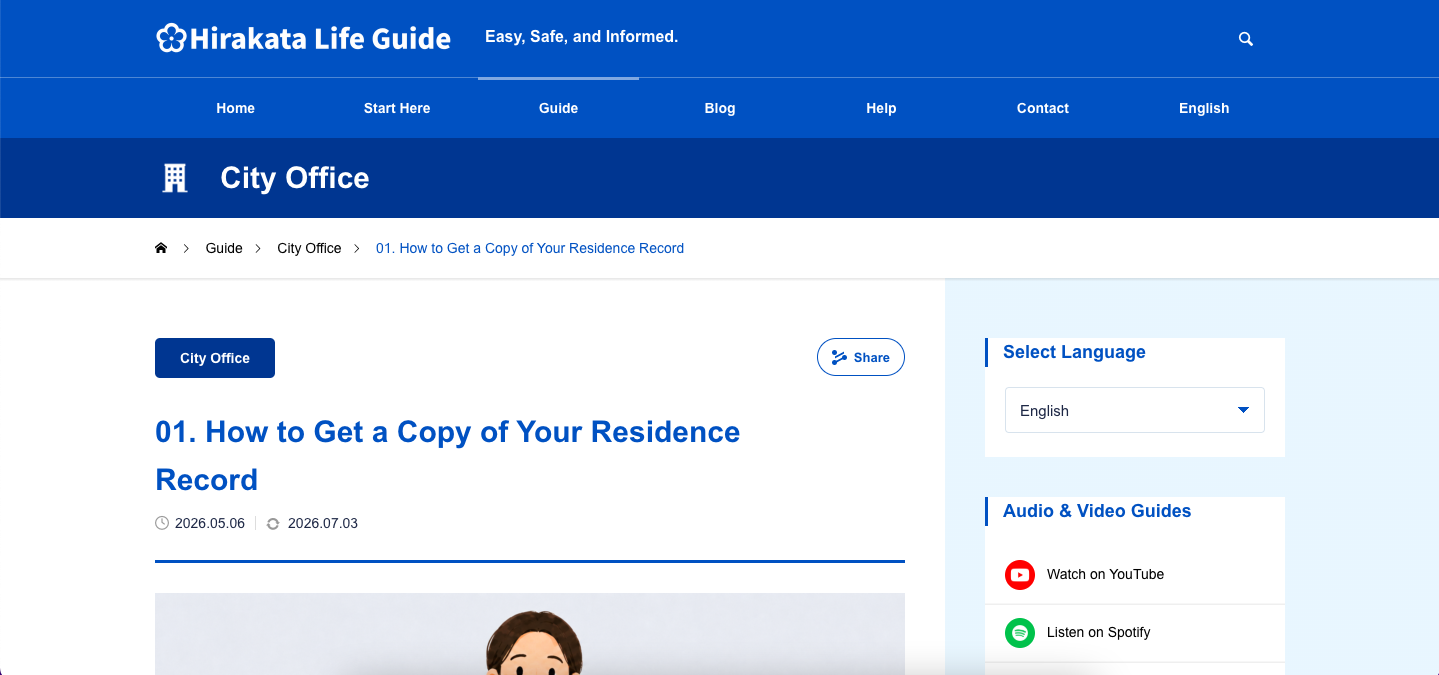
2 Article title
Read the title to check what the article is about.
3 Published / Updated date
The clock icon shows the published date. If the article has been updated, the circular arrow icon and updated date are shown on the right.
4 Main image
The main image helps you understand the topic before reading the article.
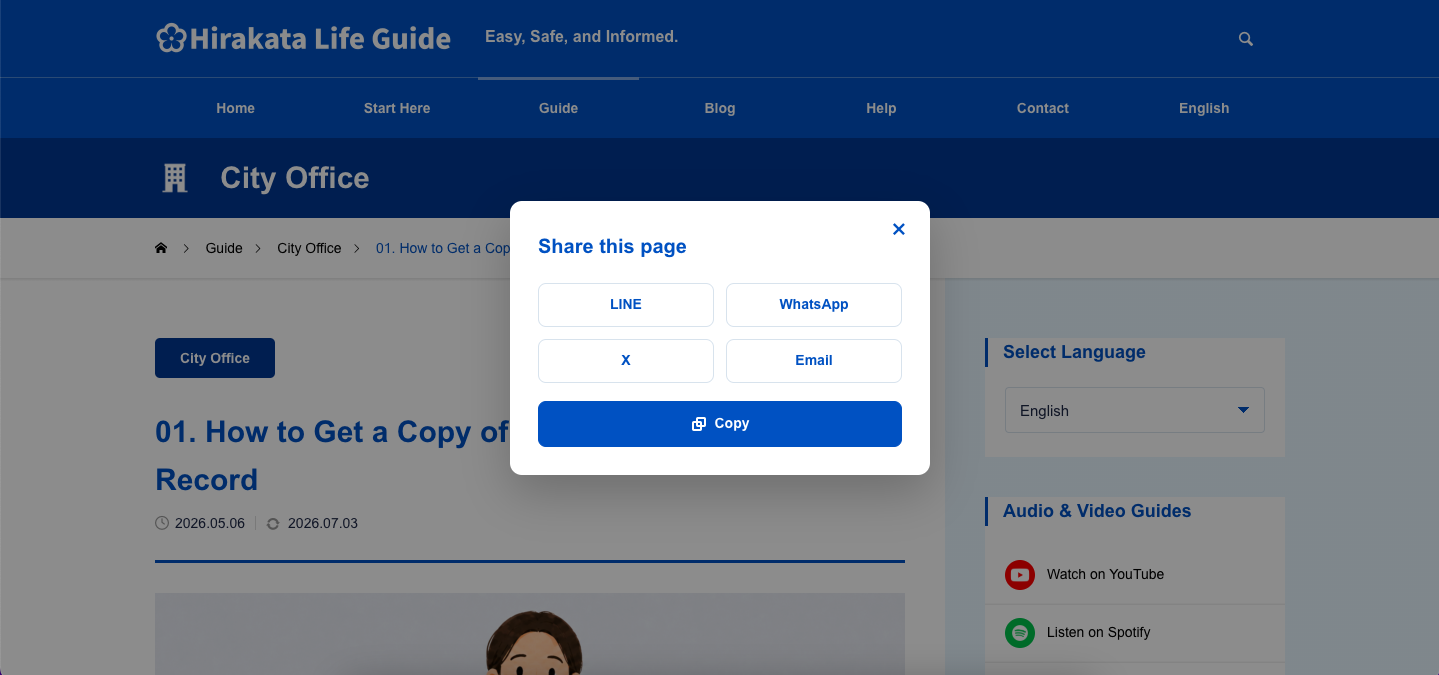
5 Share button
Use the Share button to share the article on LINE, WhatsApp, X, or email. You can also copy the article title and URL. To close the share window, click the × icon in the top right, or click outside the window.
Main Content Area
Use the main content area to read the article, check important details, use related links, and contact the appropriate office when needed.
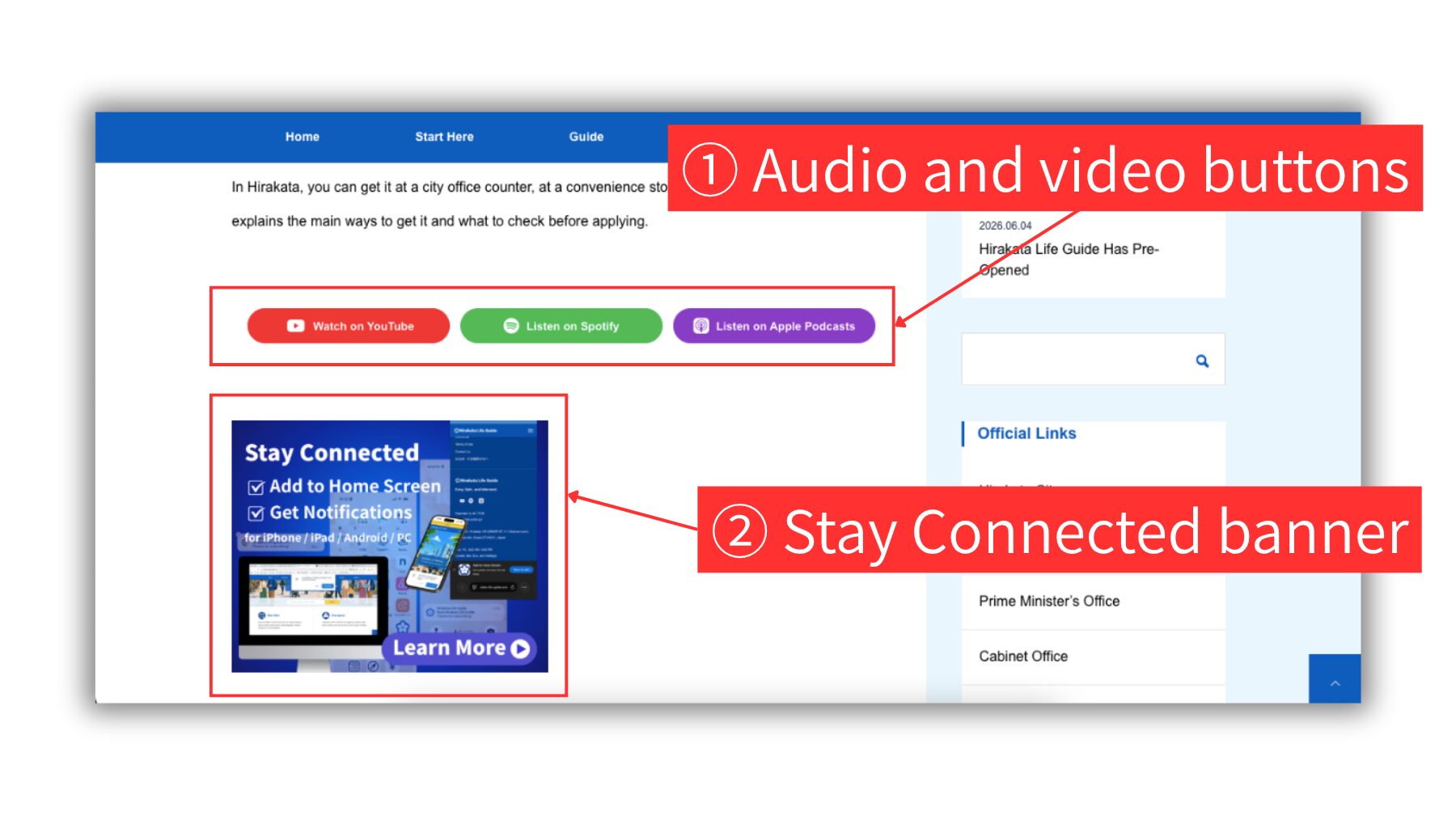
1 Audio and video buttons
Use these buttons to watch the article on YouTube or listen to the audio guide on Spotify or Apple Podcasts.
2 Stay Connected banner
Use this banner to learn how to add Hirakata Life Guide to your home screen and receive update notifications.
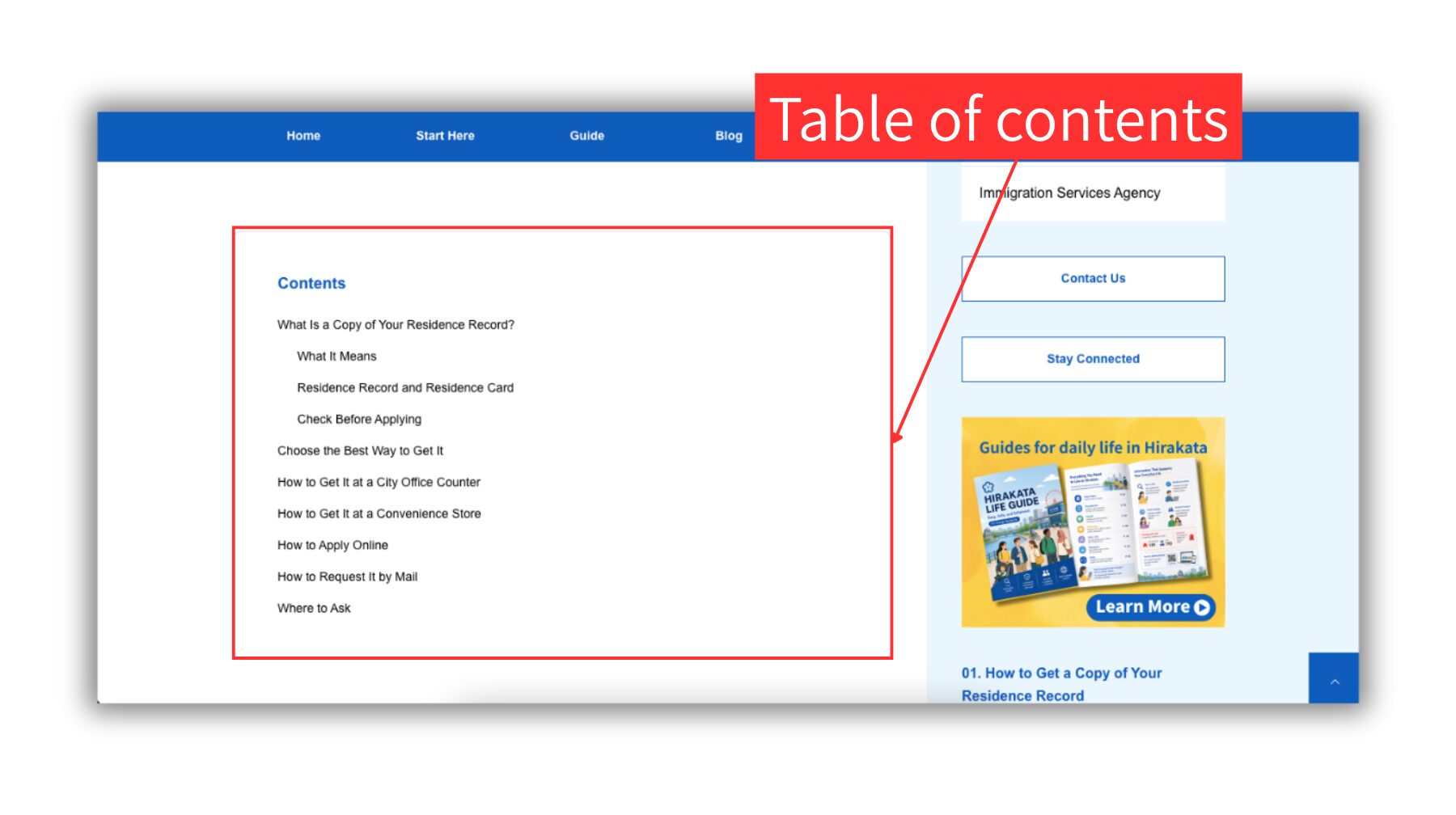
Table of contents
Use the table of contents to jump to the section you want to read. It helps you find important information quickly, especially in longer articles.
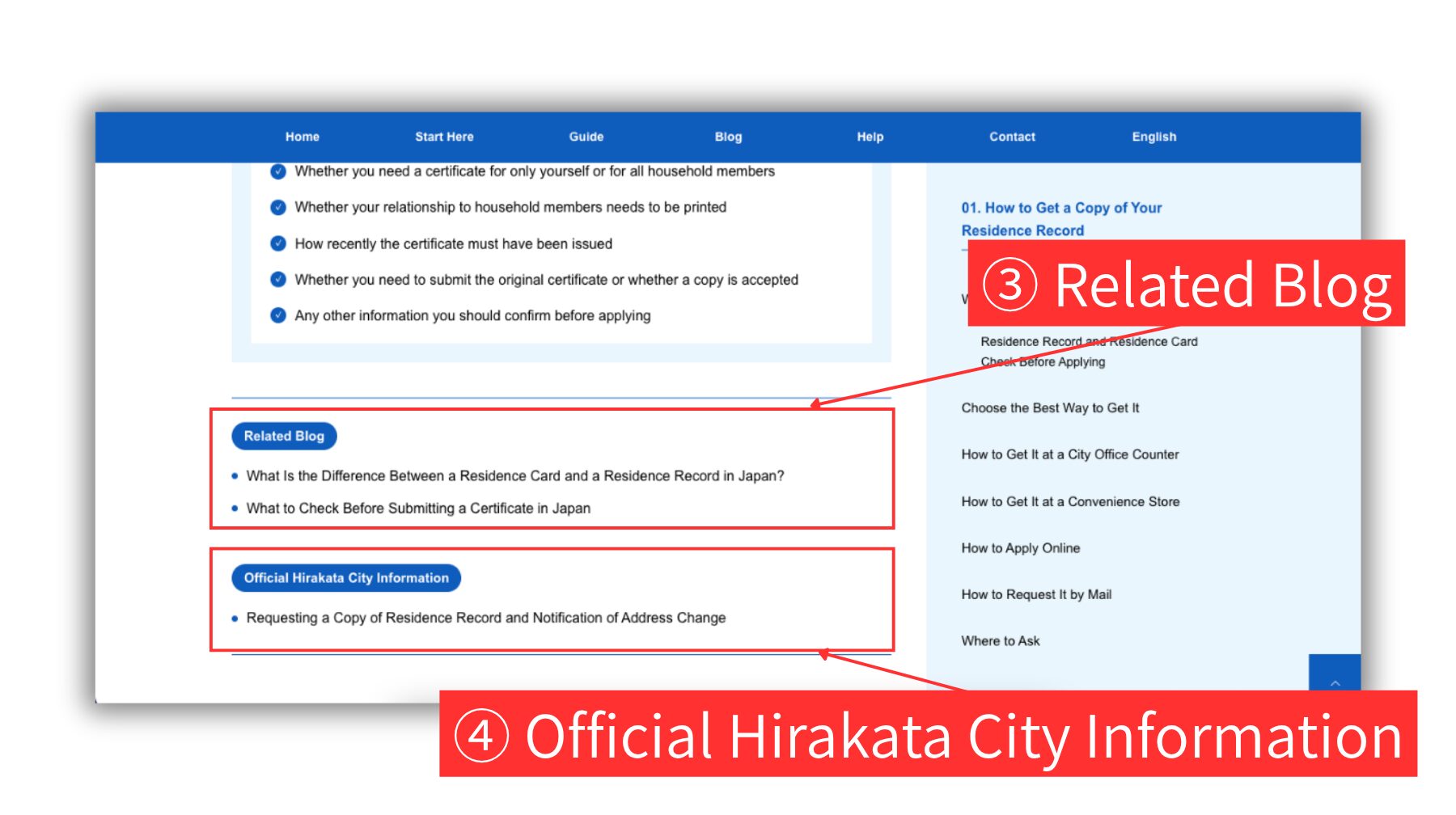
3 Related Blog
Some articles show related links to other Hirakata Life Guide pages, such as Blog articles or Guide articles. Use these links to read more or check related pages.
4 Official Hirakata City Information
Some articles include links to official websites, such as Hirakata City or other public organizations. Use these links to check the latest official details.
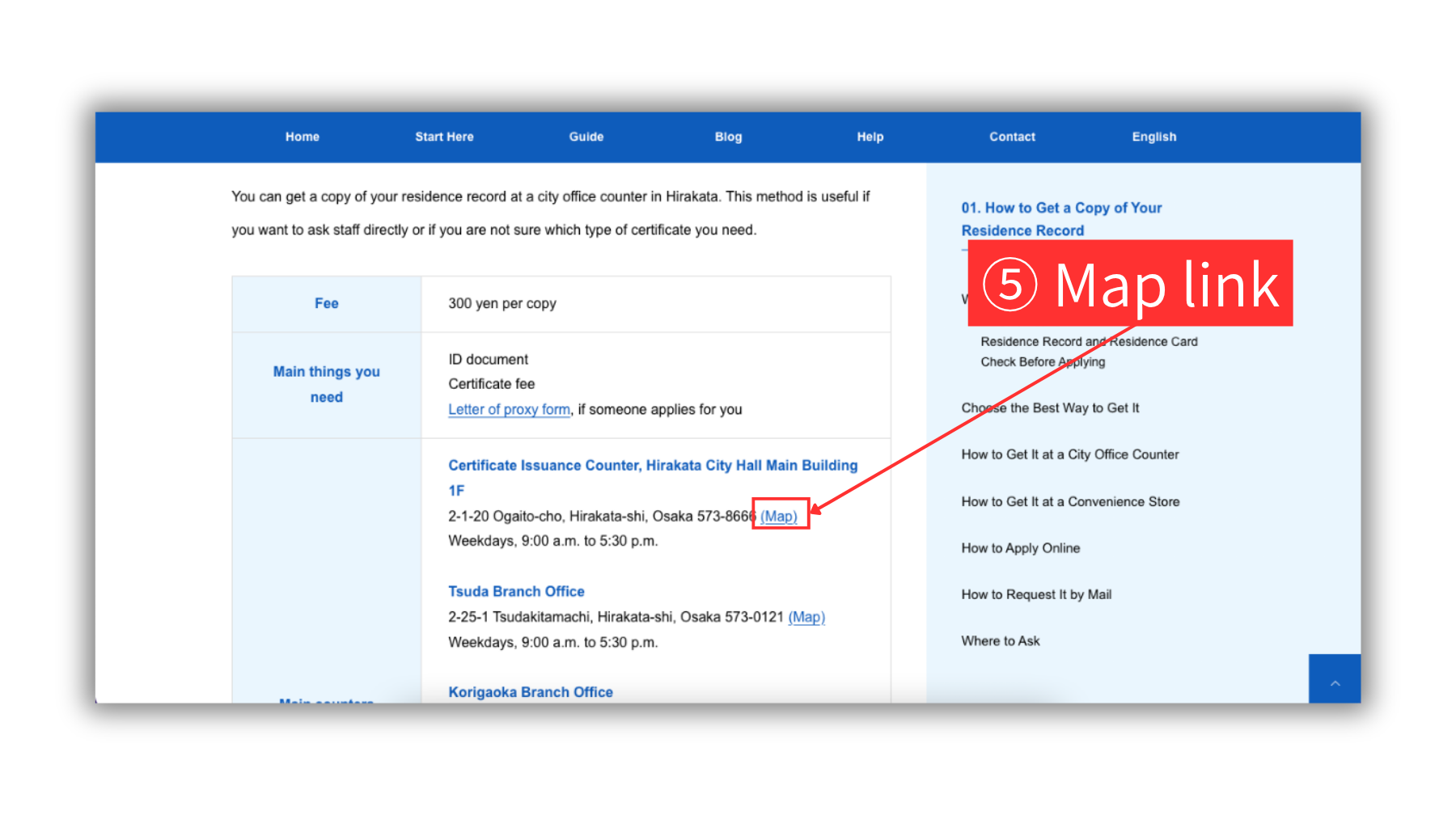
5 Map link
If you see a Map link after an address, click it to open Google Maps. You can check the location or find directions from your current place.
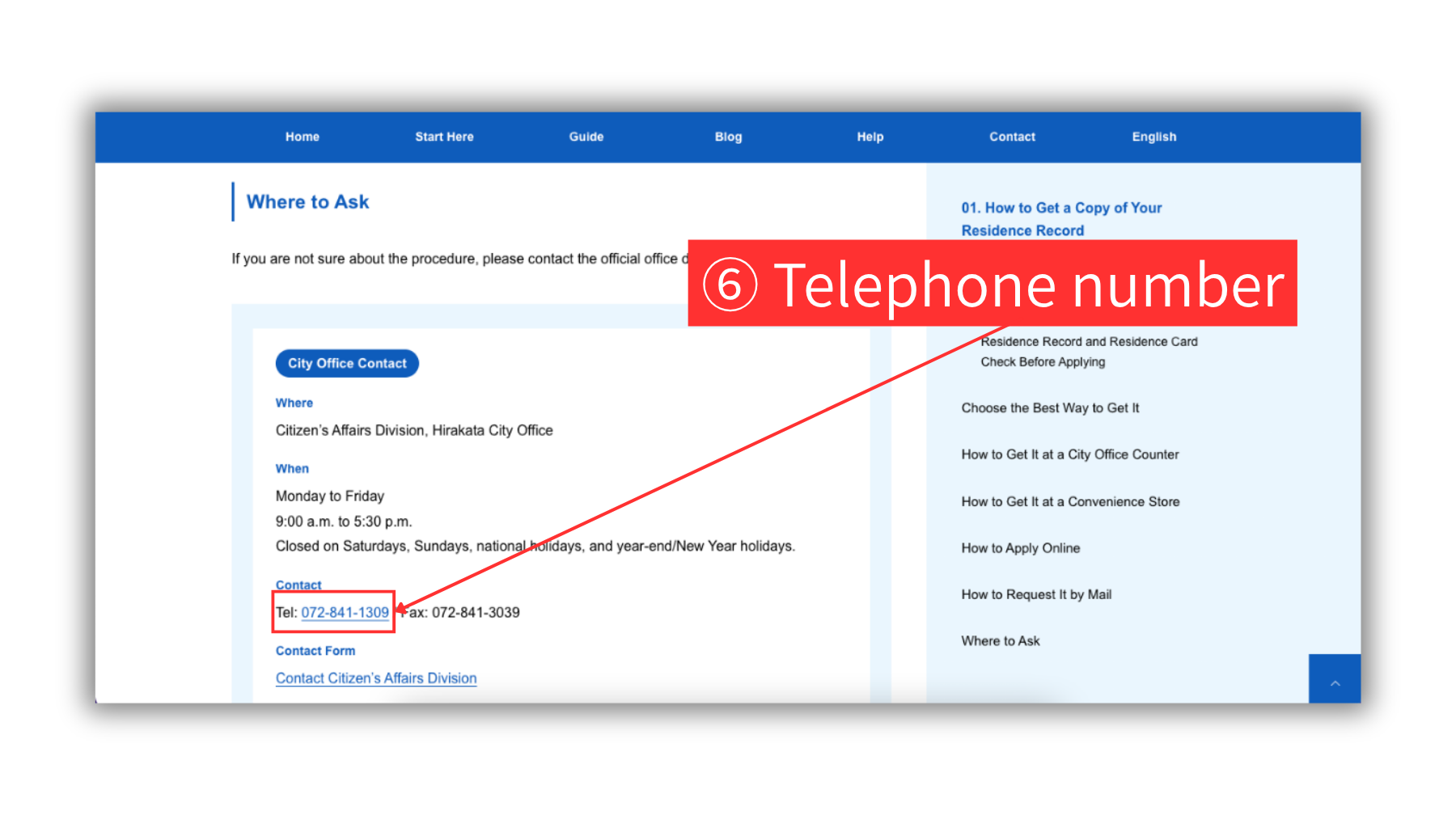
6 Telephone number
Click a telephone number to make a call on supported devices. Please check the available days and hours before calling.
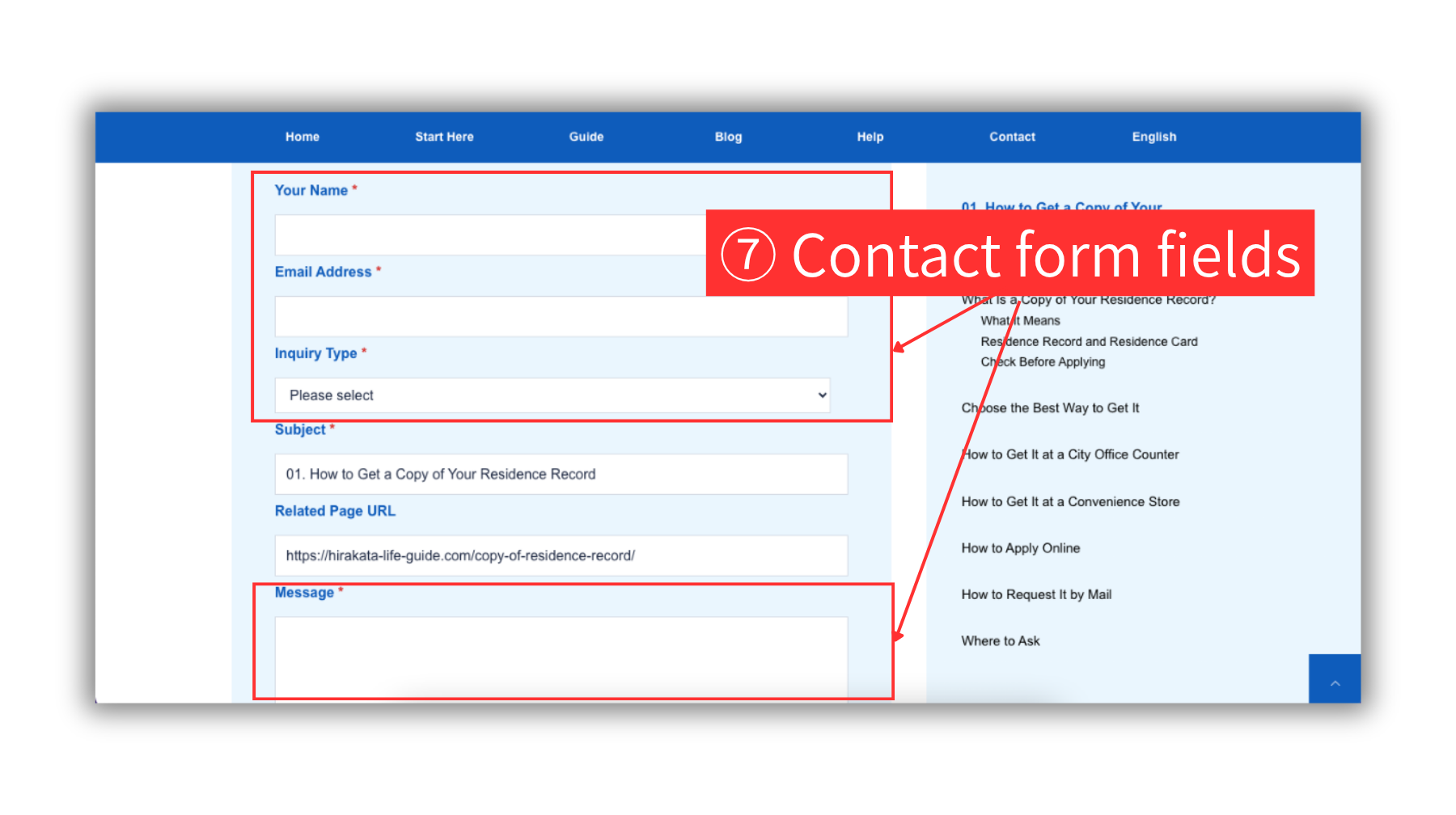
7 Contact form fields
Enter your name, email address, and message. Choose an inquiry type from the dropdown menu. Fields with a red * next to the field name are required.
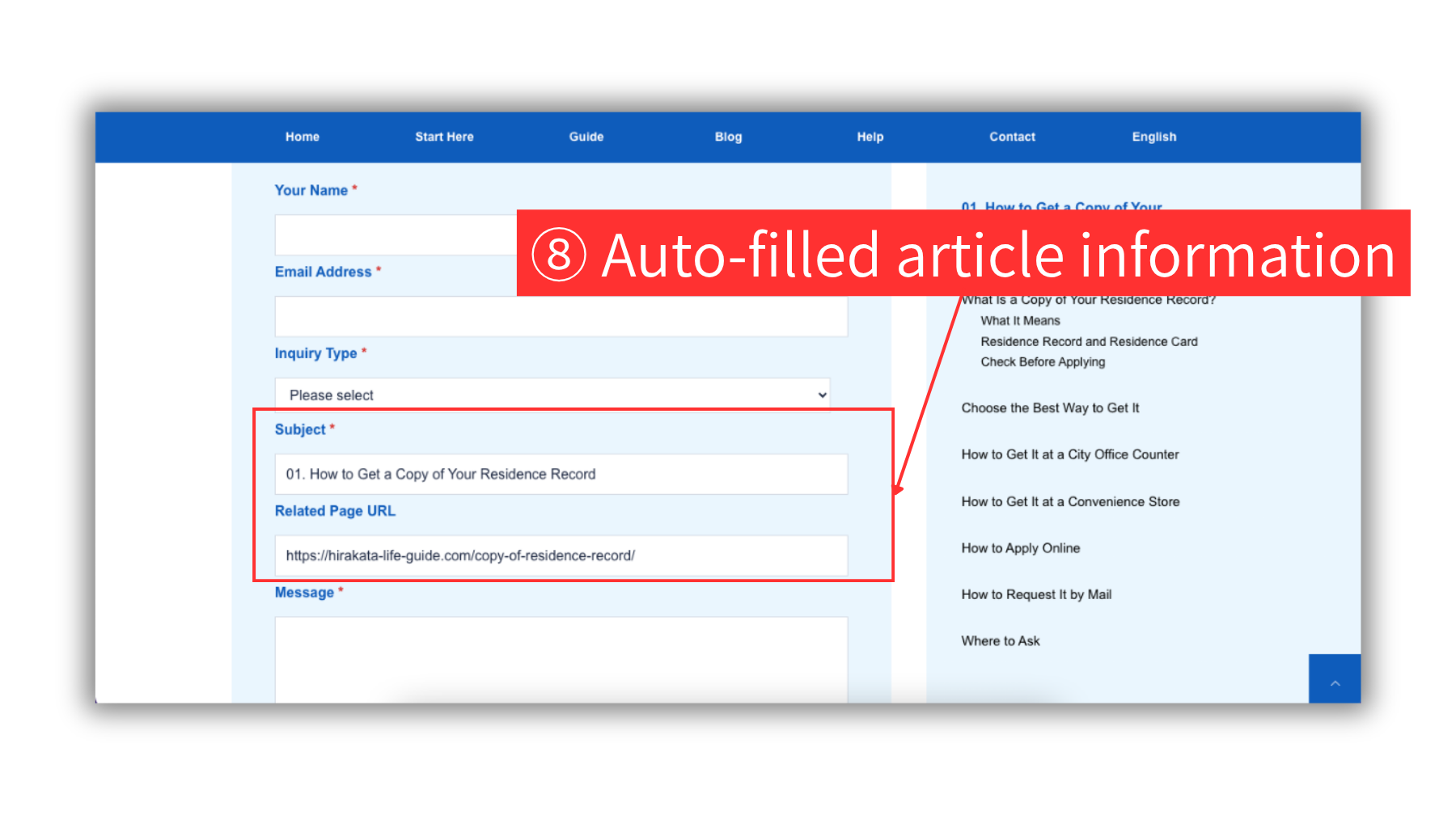
8 Auto-filled article information
When you open the form from an article page, the article title and related page URL may already be filled in automatically.
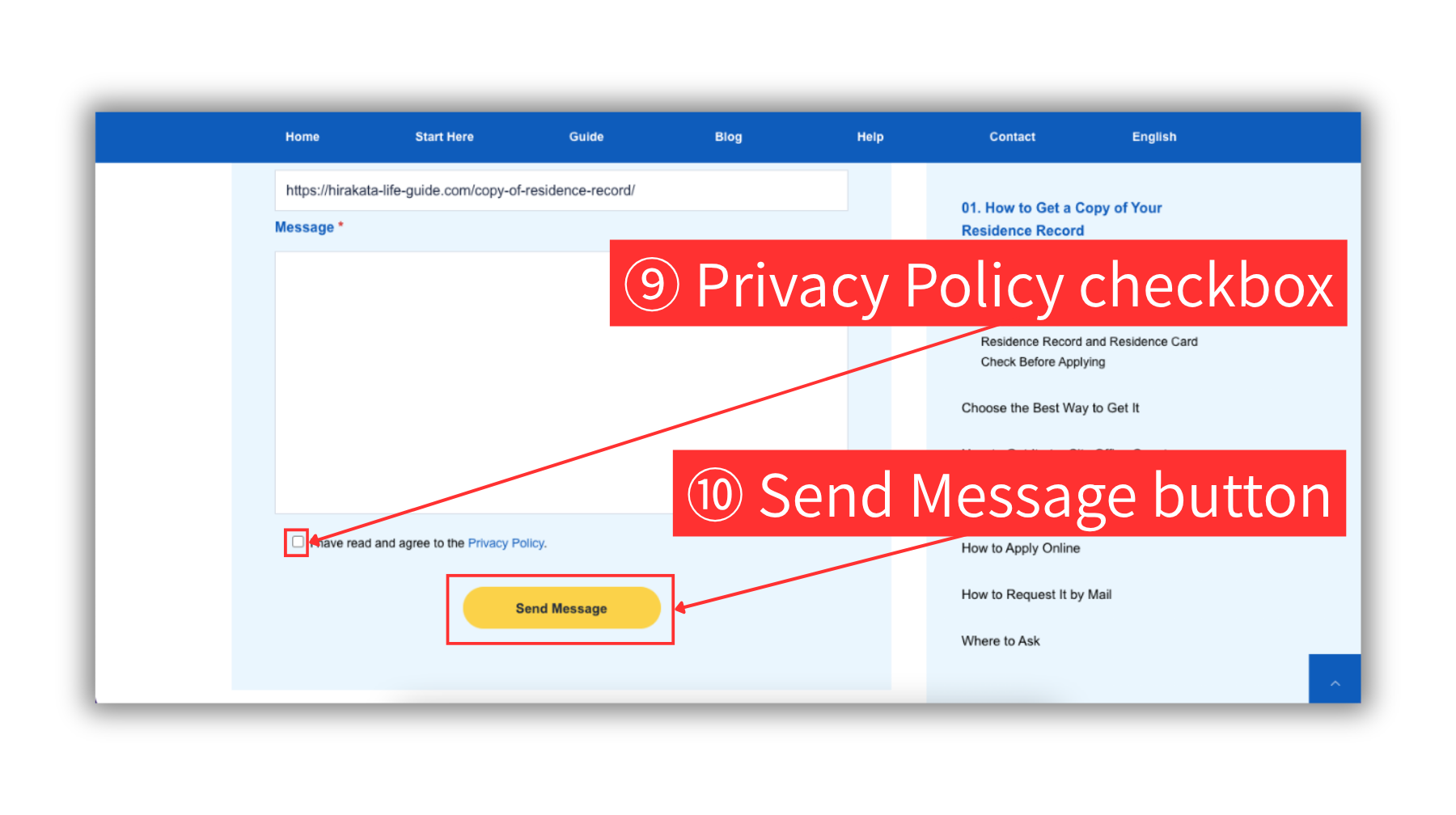
9 Privacy Policy checkbox
Click the blue Privacy Policy link to read the policy. If you have read and agree to the Privacy Policy, check the box.
10 Send Message button
Click the Send Message button to submit your message.
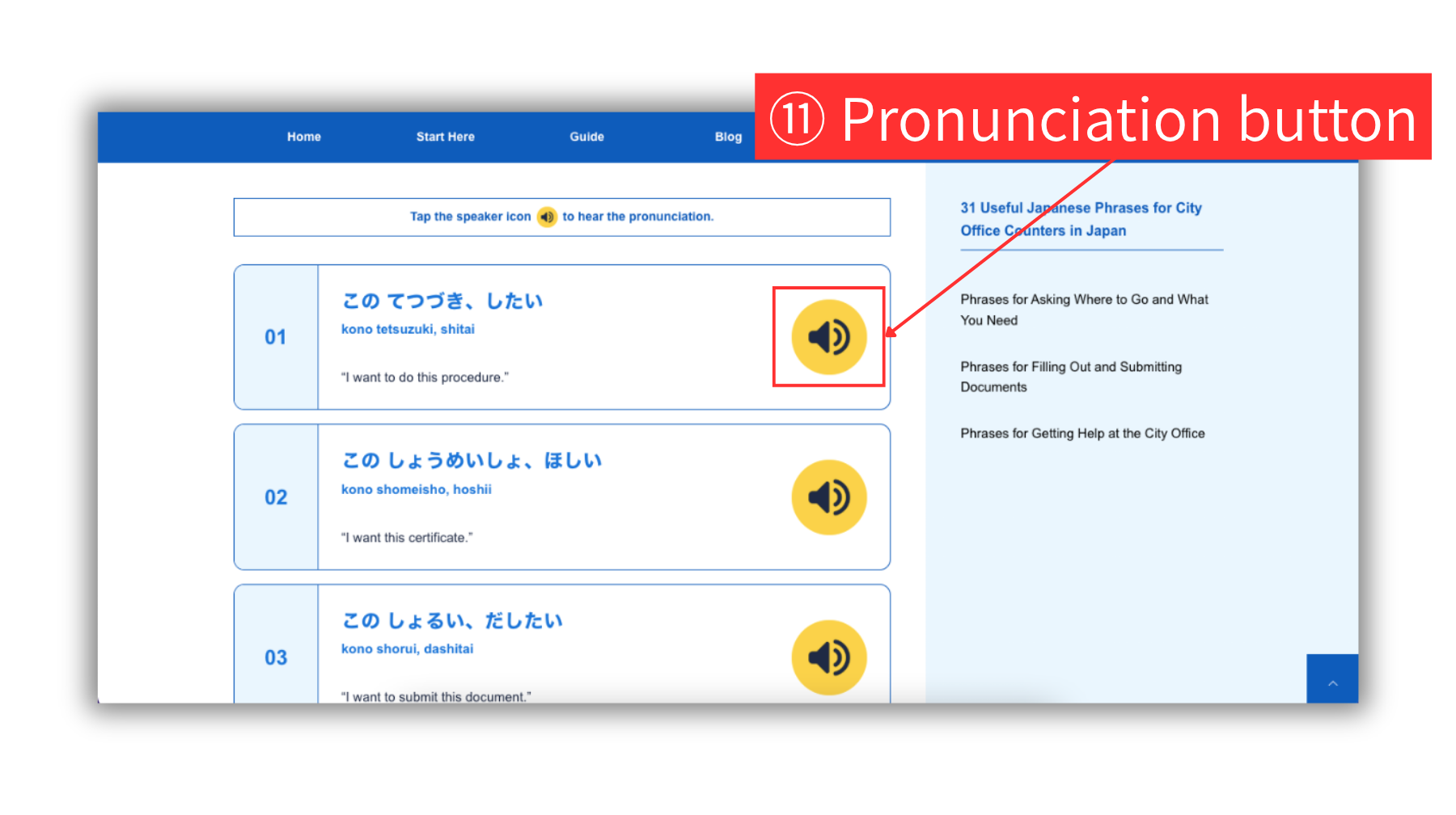
11 Pronunciation button
In articles that introduce Japanese phrases, click the yellow speaker icon to hear the pronunciation.
Right Side Area
Use the right side area to find helpful links and tools while reading Guide, Blog, and News article pages.
This area may include language selection, audio and video guides, guide categories, blog topics, topic links, latest news, a search box, official links, contact buttons, Stay Connected links, banners, and a table of contents.
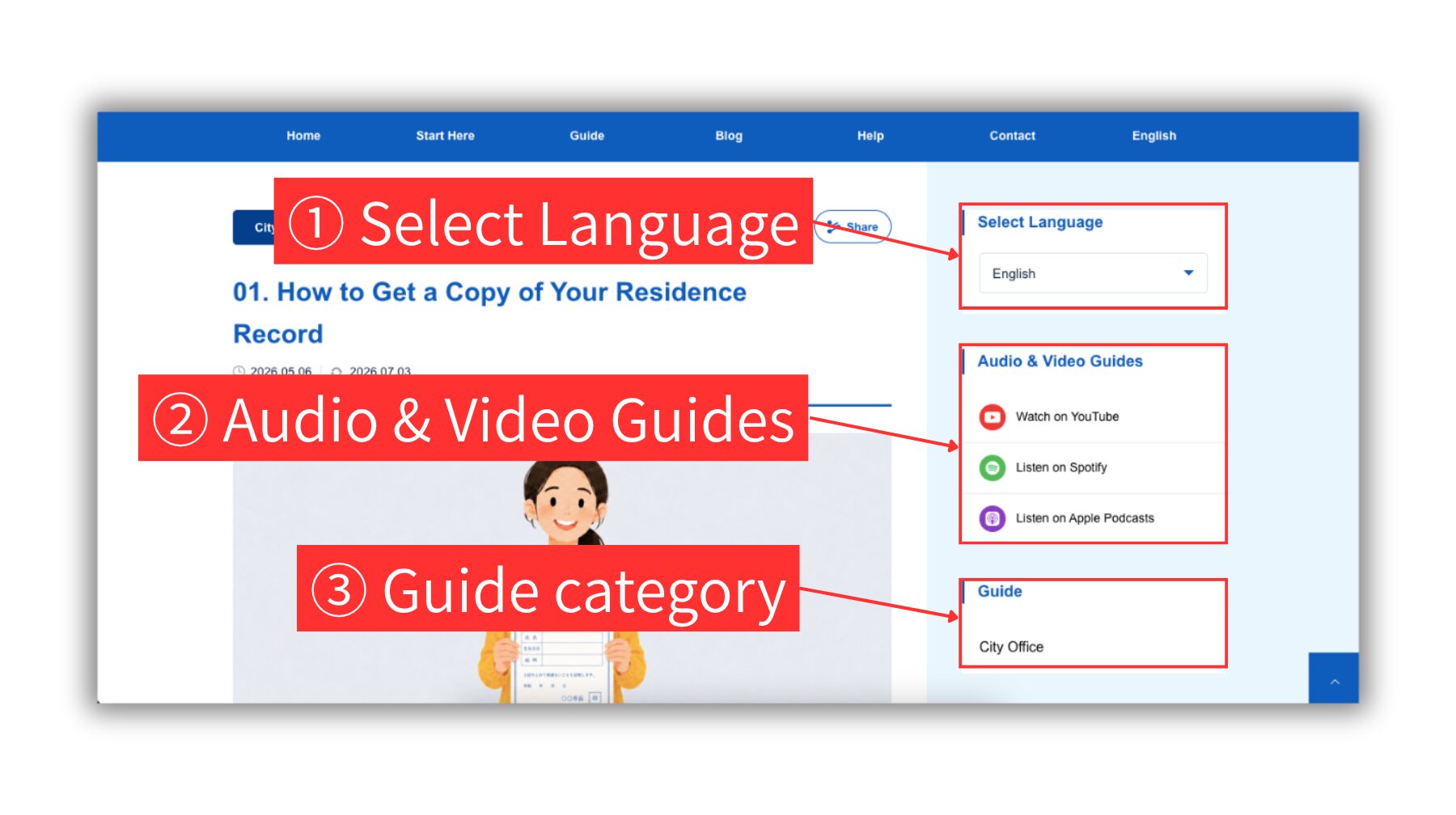
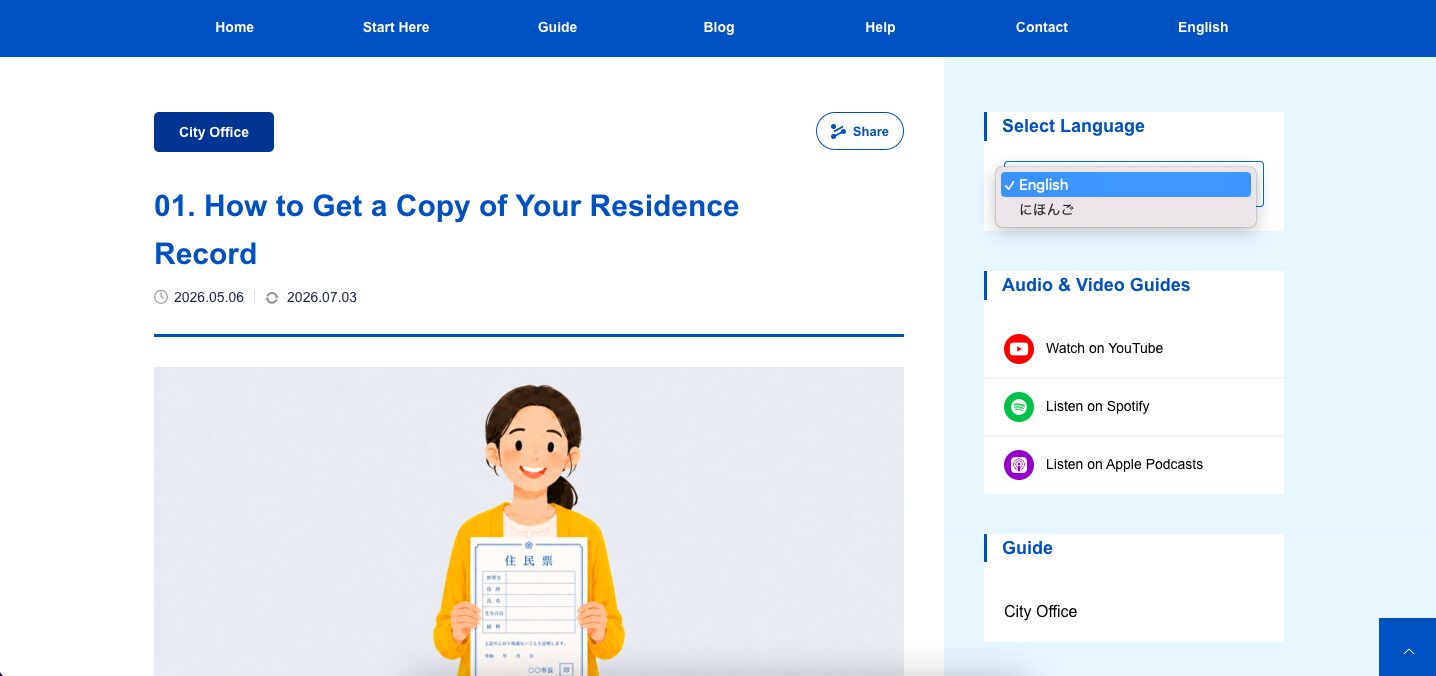
1 Select Language
Use Select Language to change the site to another available language. The selected language applies to pages across the site.
2 Audio & Video Guides
Use these links to watch or listen to Hirakata Life Guide content on YouTube, Spotify, or Apple Podcasts.
3 Guide category
Use the Guide category link to see other Guide articles in the same category. Select an article title and click it to open the article detail page.
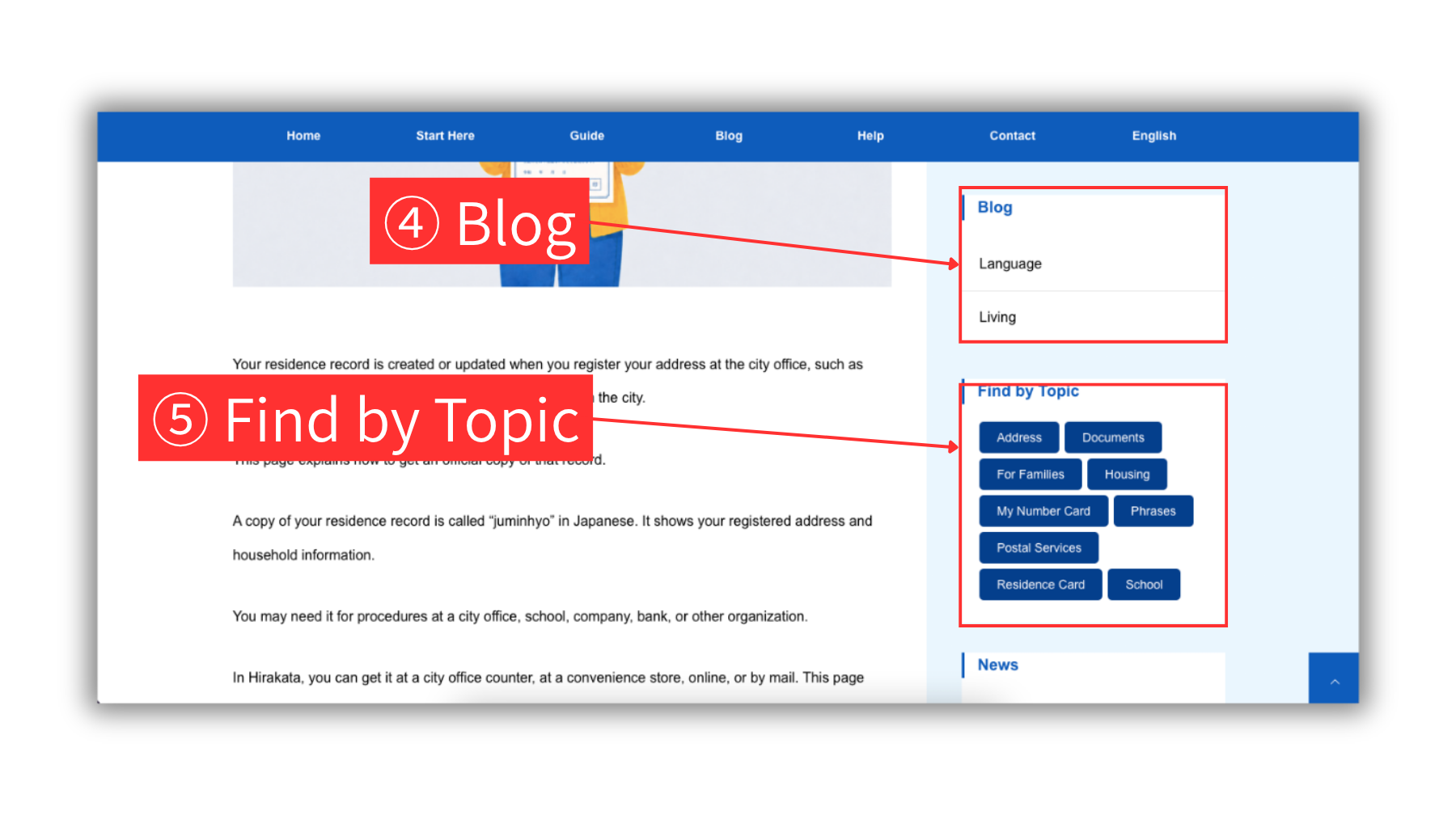
4 Blog
Use the Blog section to find practical articles about life in Hirakata. Click a blog category, such as Language or Living, then choose an article title to open the article.
5 Find by Topic
Use topic buttons to find related Guide and Blog articles by specific needs, such as address, documents, housing, school, or useful phrases. Choose an article title from the list to open the article.
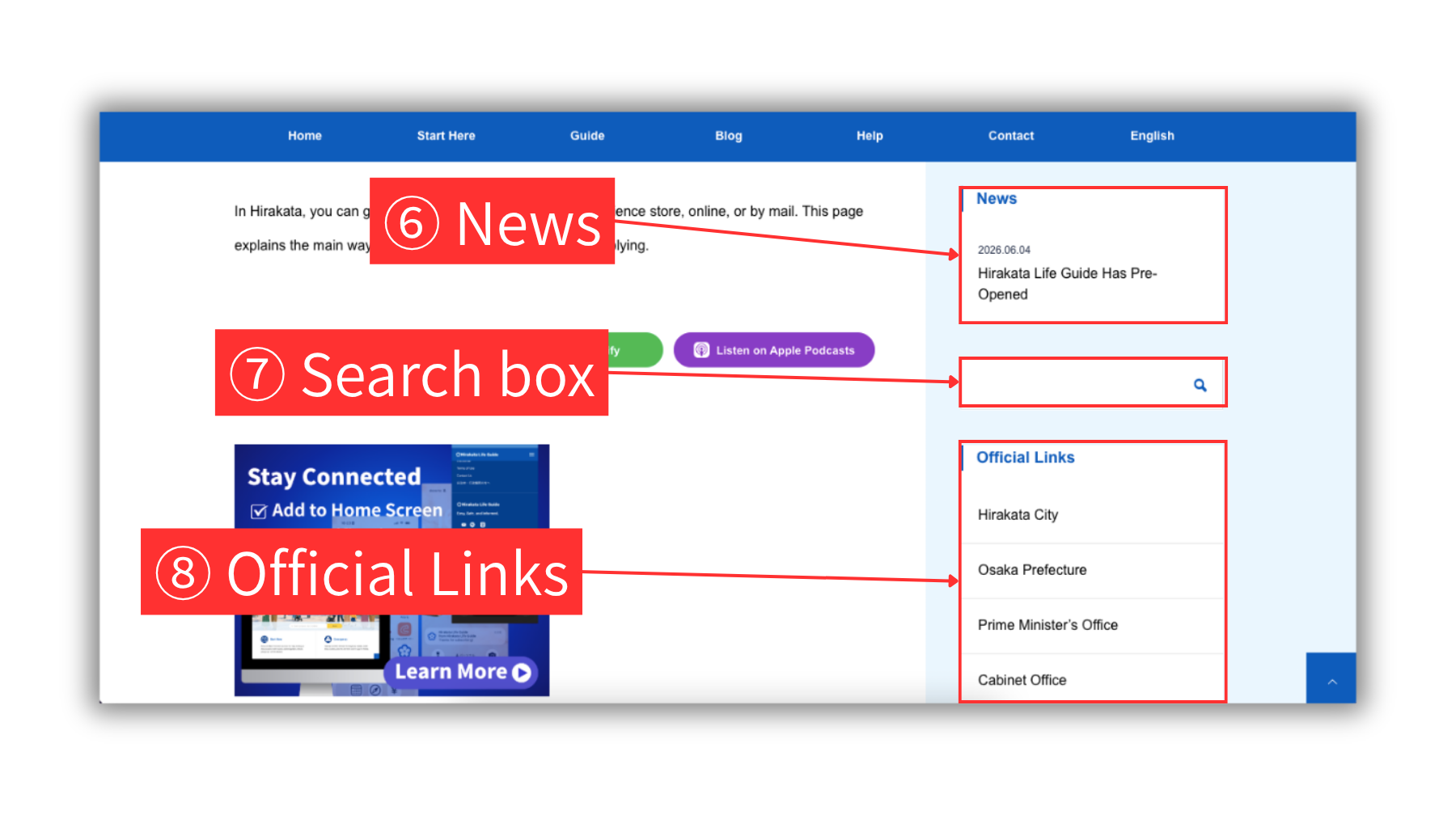
6 News
Use the News section to check important updates from Hirakata Life Guide. Click a news title to open the news detail page.
7 Search box
Use the search box to look for articles by keyword. Type a keyword and press Enter, or click the magnifying glass icon. A list of search results will appear, and you can click a title to open the detail page.
8 Official Links
Use Official Links to open external official websites, such as Hirakata City, Osaka Prefecture, the Prime Minister’s Office, and the Cabinet Office.
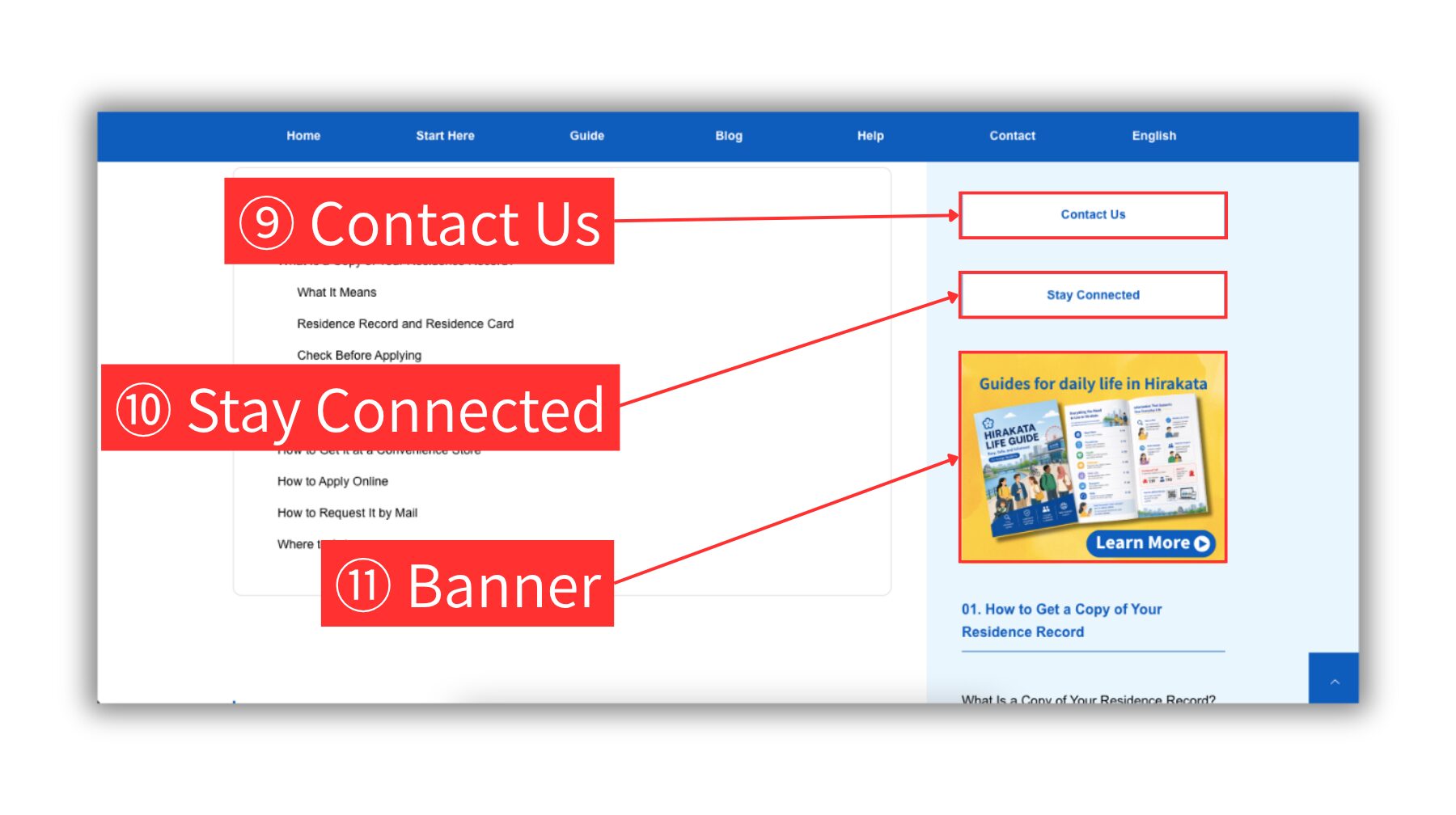
9 Contact Us
Use the Contact Us button to open the contact form. You can send questions, comments, corrections, or feedback to the Hirakata Life Guide team.
10 Stay Connected
Use the Stay Connected button to learn how to add Hirakata Life Guide to your home screen and receive update notifications.
11 Banner
Use the banner to open a featured page or related information. The banner content may change depending on the page or timing.
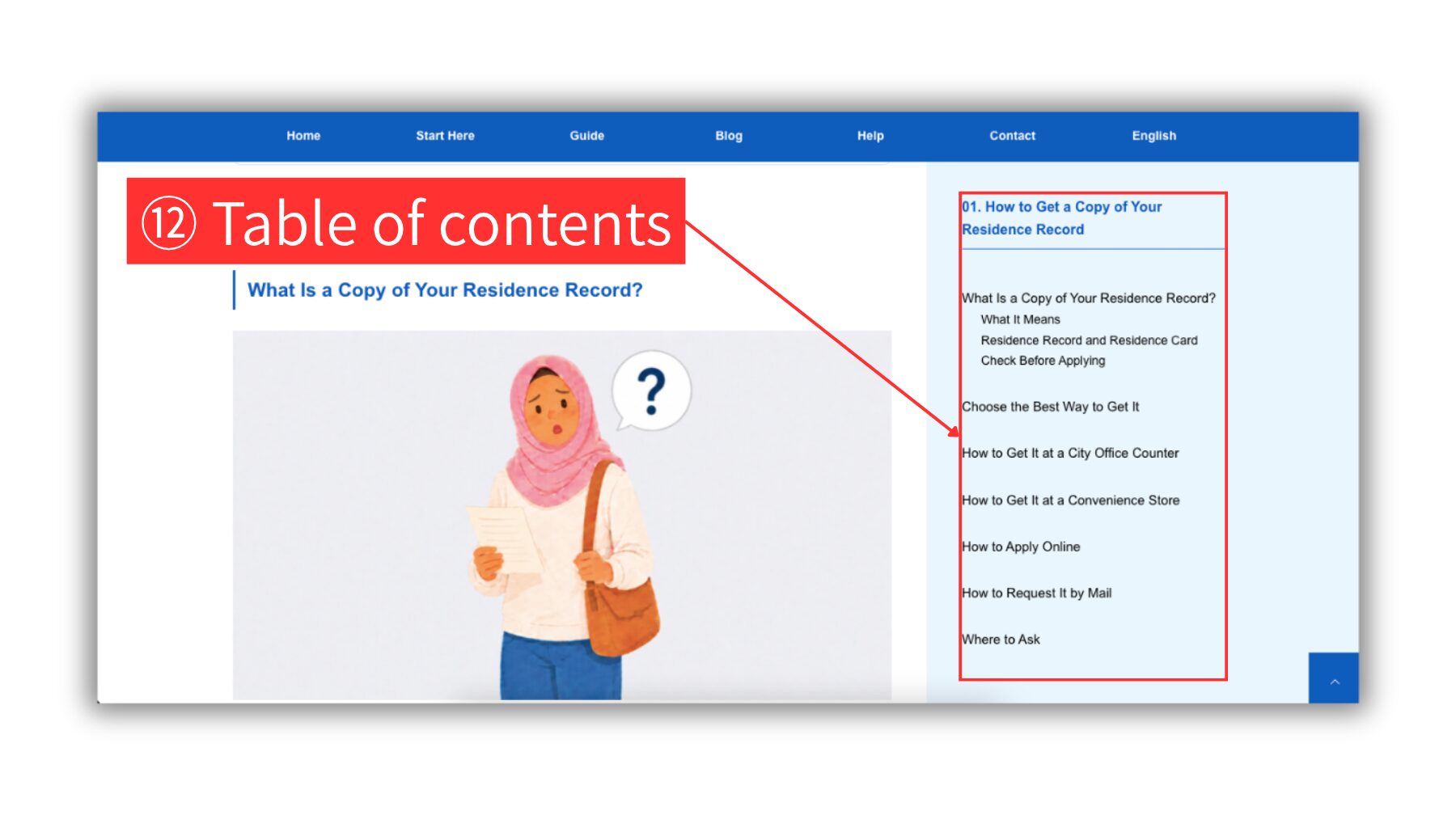
12 Table of contents
Use the table of contents to jump to the section you want to read. Click a section title to move directly to that part of the article.
Home Page
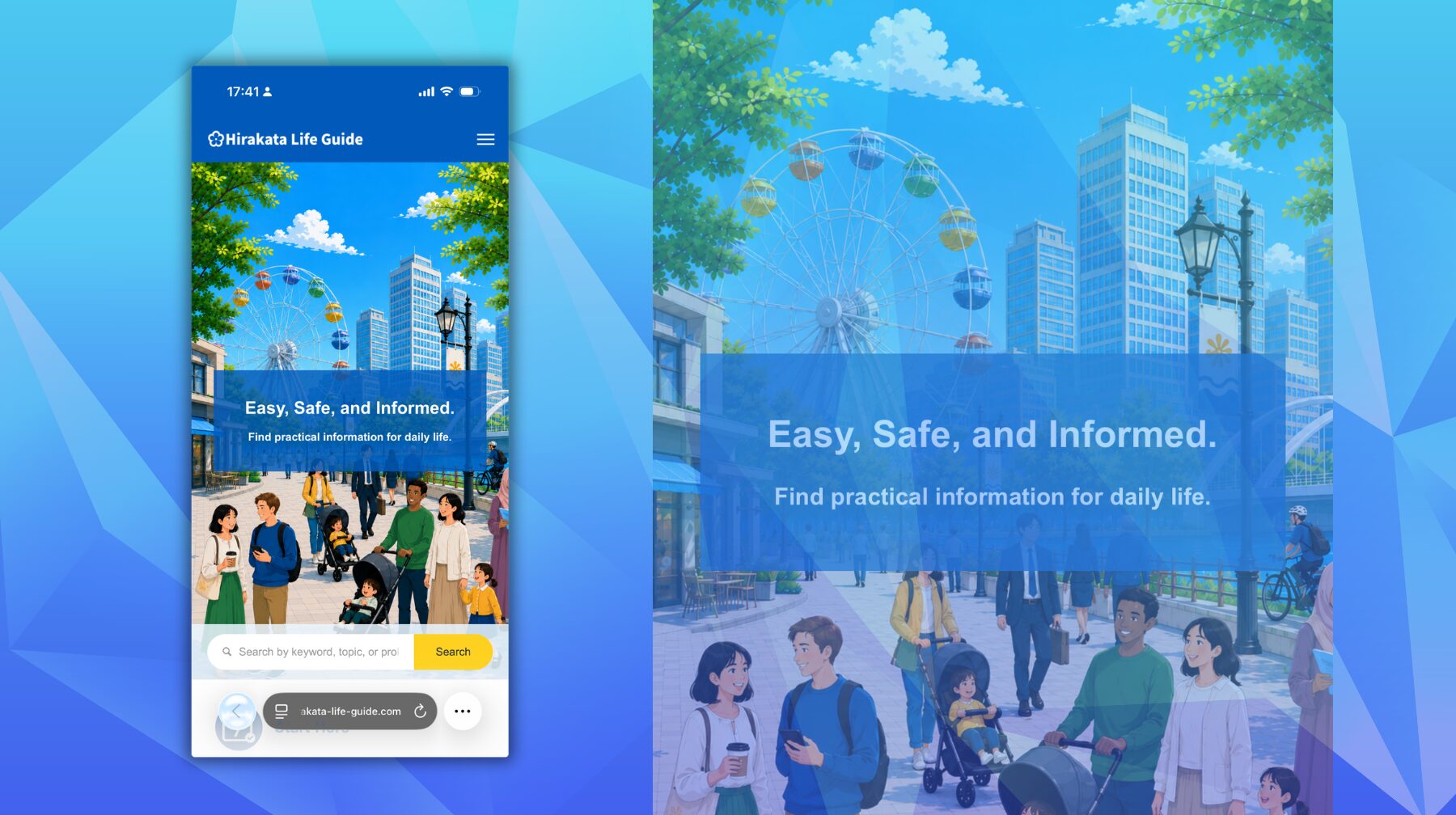
The home page is the entrance to Hirakata Life Guide.
Use the top area
The top area is the blue part at the top of the website.
On a smartphone, you can find the logo, menu button, and search box there.
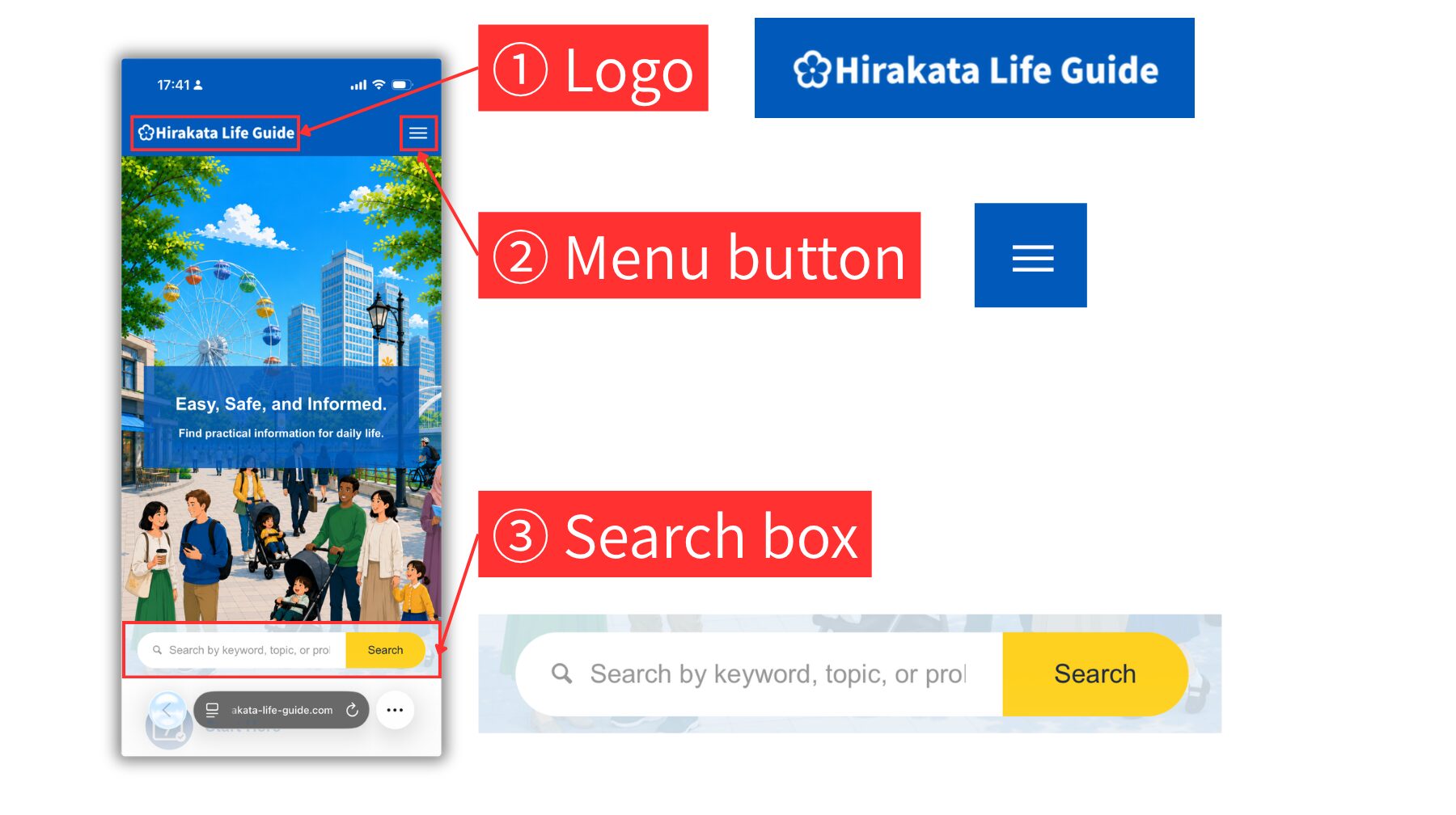
1 Logo
Tap the Hirakata Life Guide logo to return to the home page.
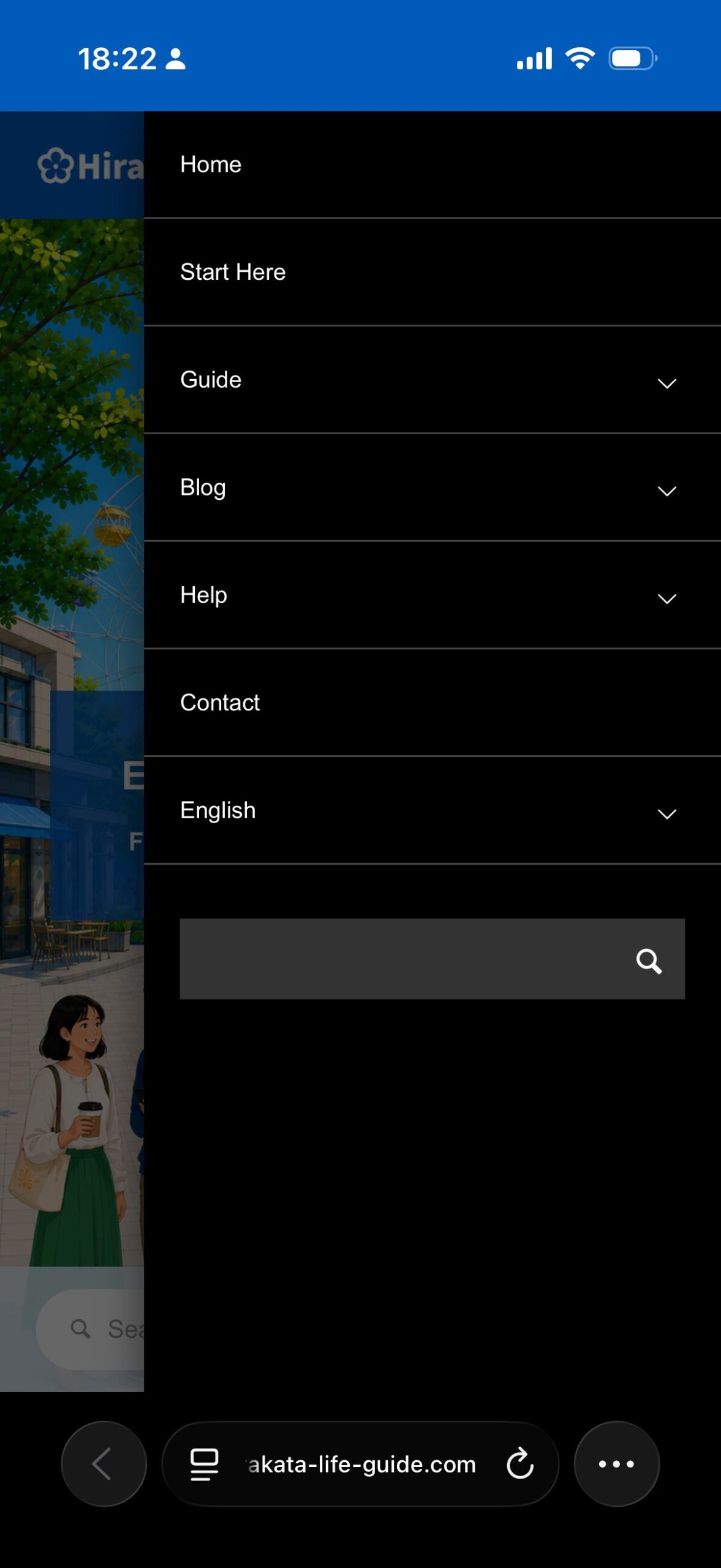
2 Menu button
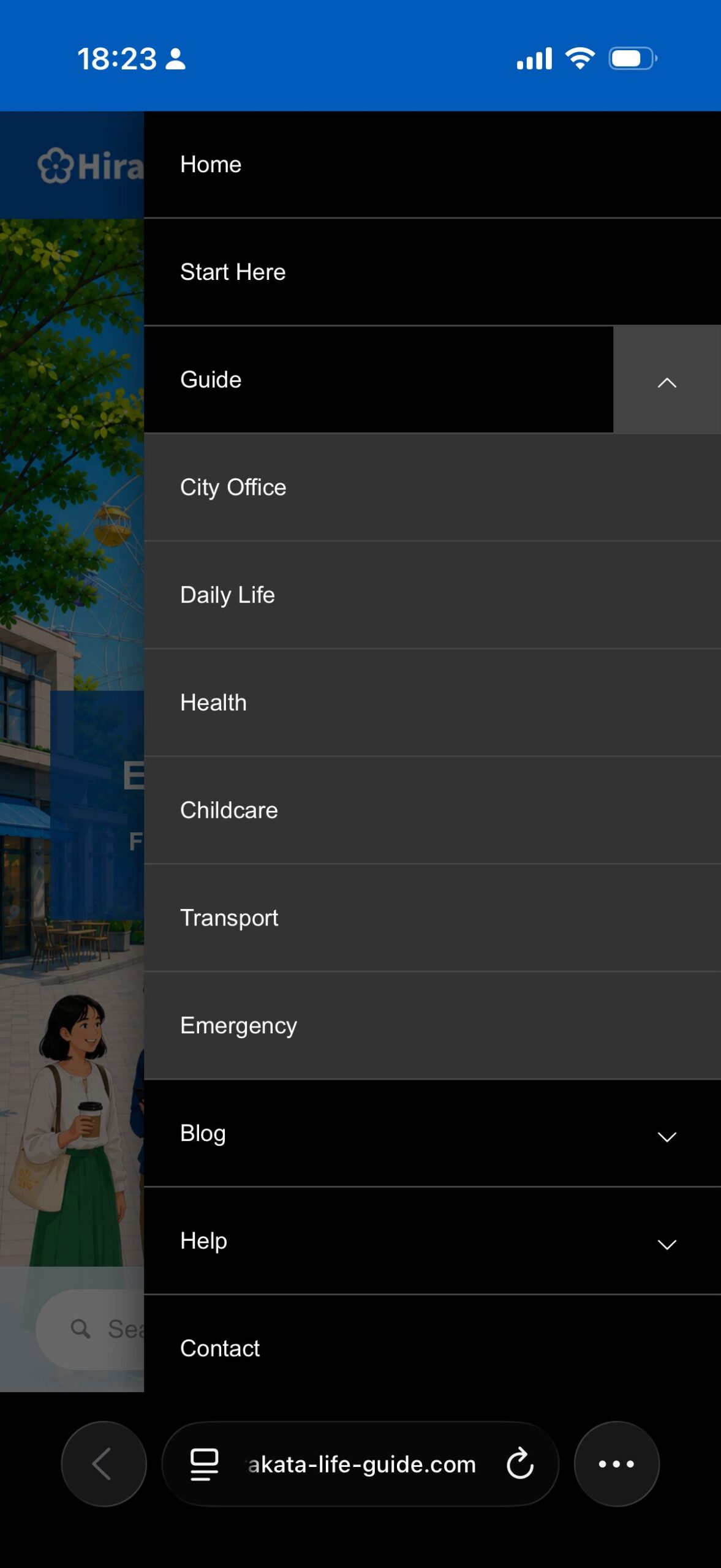
Tap the menu button to open the site menu. You can find main links such as Guide, Blog, Help, Contact, and language options. Items with a downward arrow can be tapped to open a submenu. You can also use the search box at the bottom of the menu.
3 Search box
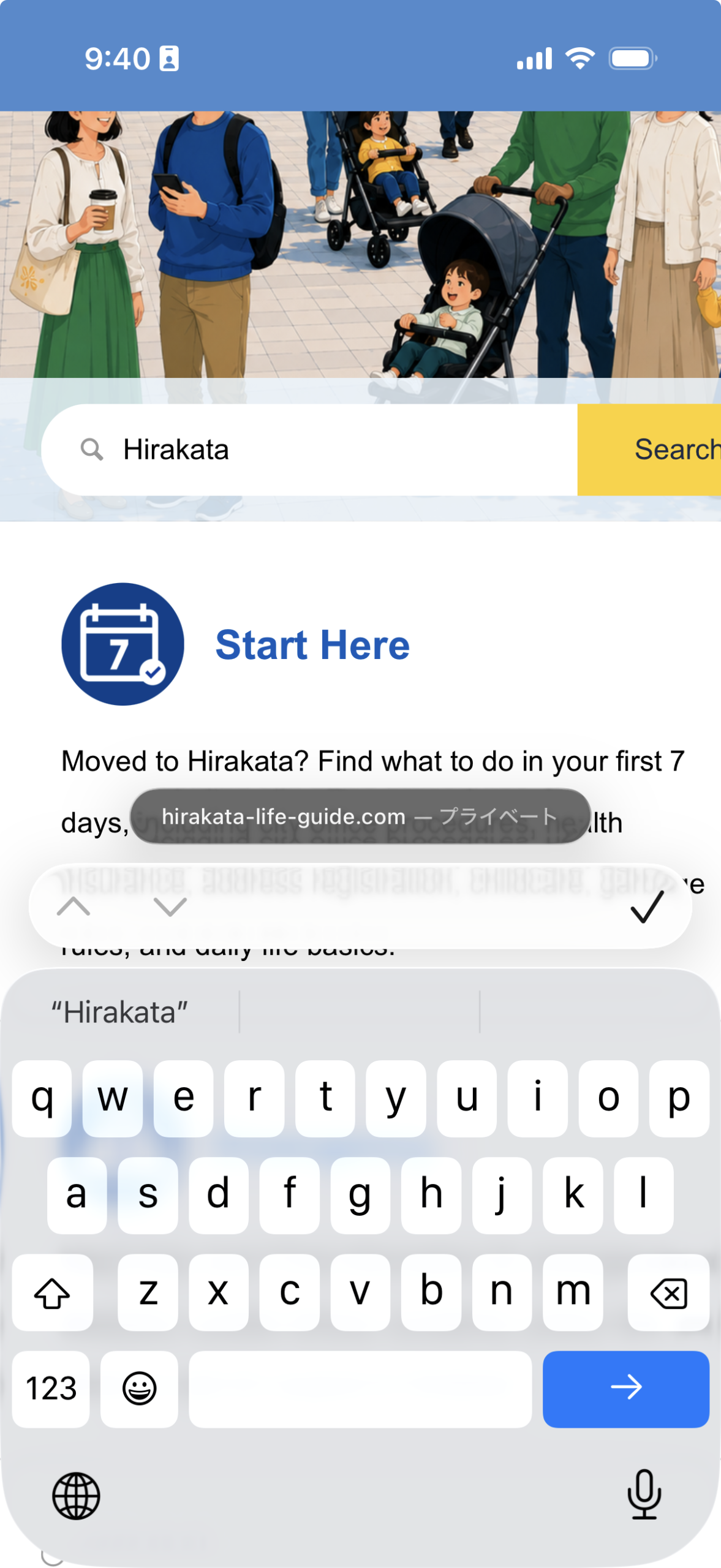
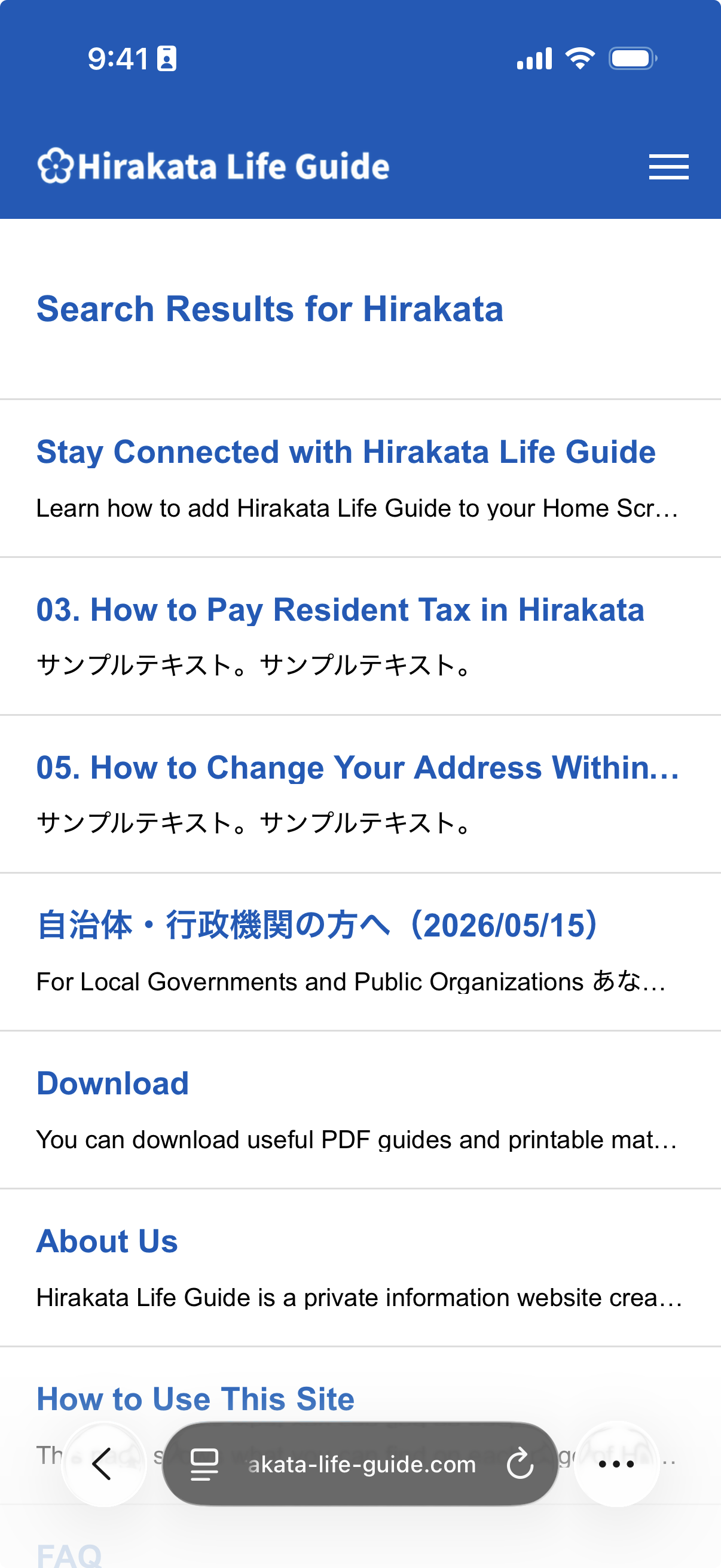
Enter a keyword in the search box and tap the yellow Search button. You can also tap the Go key on your smartphone keyboard. A list of pages that include your keyword will appear. Tap a title to open the page.
Home page main area
Use the main area of the home page to find important information, guides, news, and helpful links.
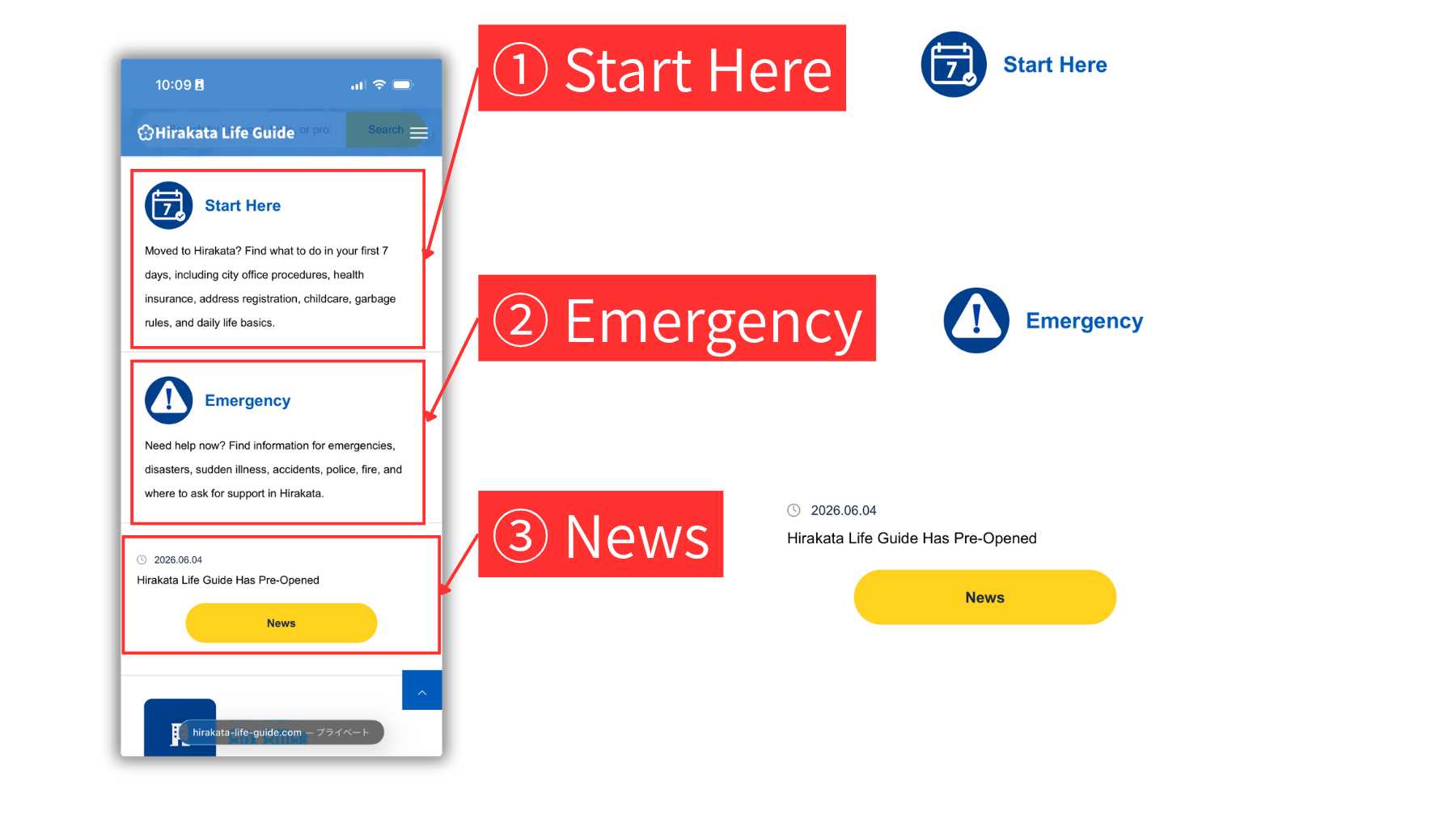
1 Start Here
Tap Start Here to find important information for your first days in Hirakata, including city office procedures, health insurance, address registration, childcare, garbage rules, and daily life basics.
2 Emergency
Tap Emergency to find information about disasters, sudden illness, accidents, police, fire, and where to ask for support in Hirakata.
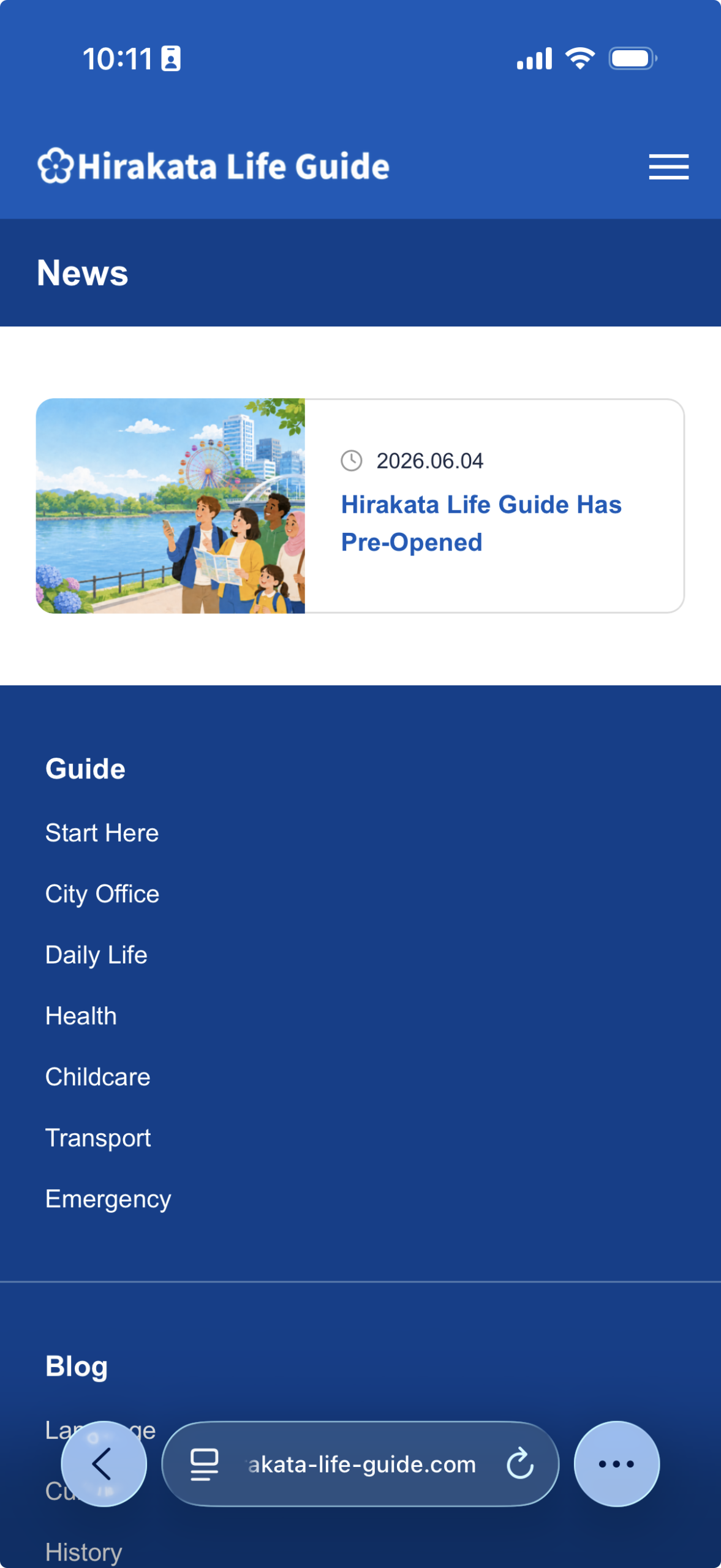
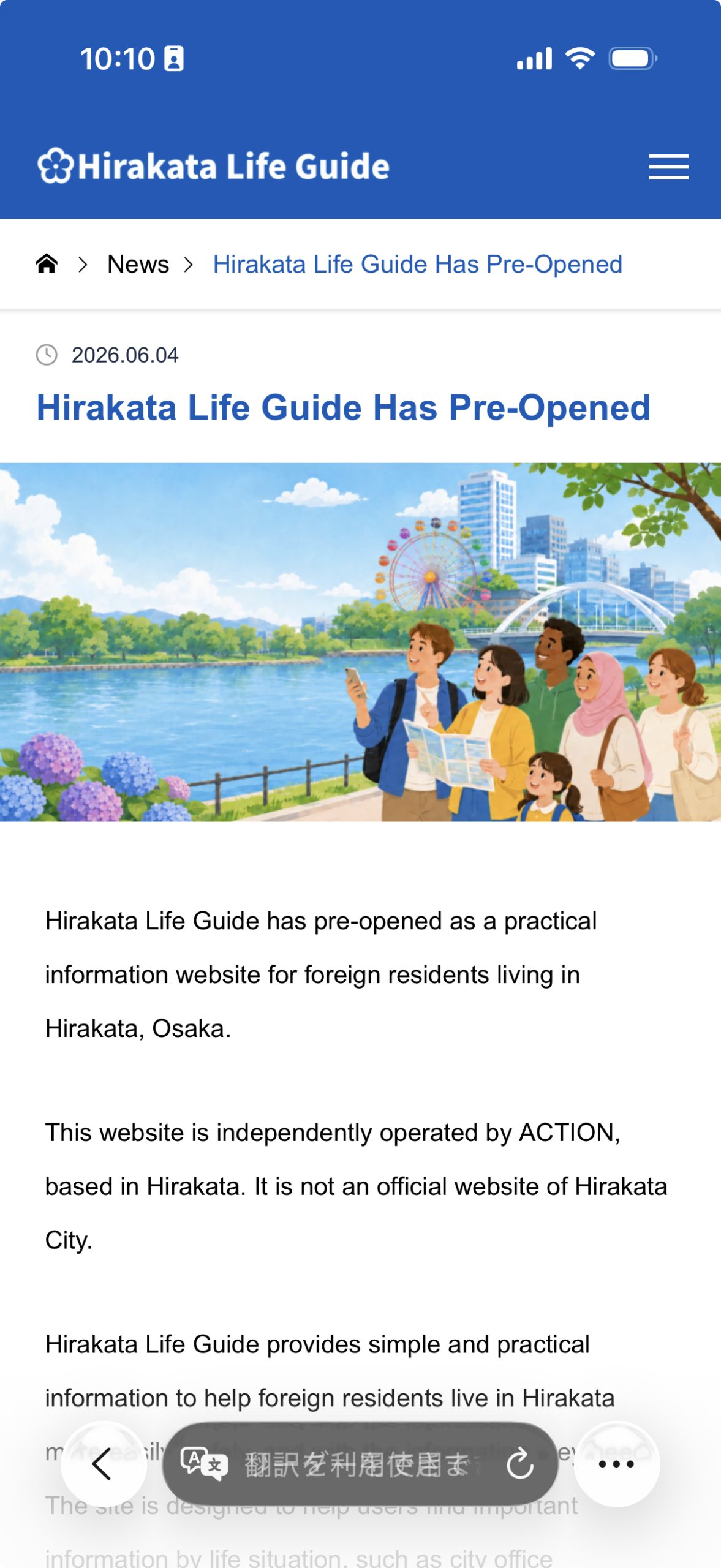
3 News
Tap the yellow News button to view the latest announcements and updates from Hirakata Life Guide. Tap a news title to open the full article.
Guide area
Use the Guide area to find practical information about city office procedures, daily life, health, childcare, transport, and emergencies.
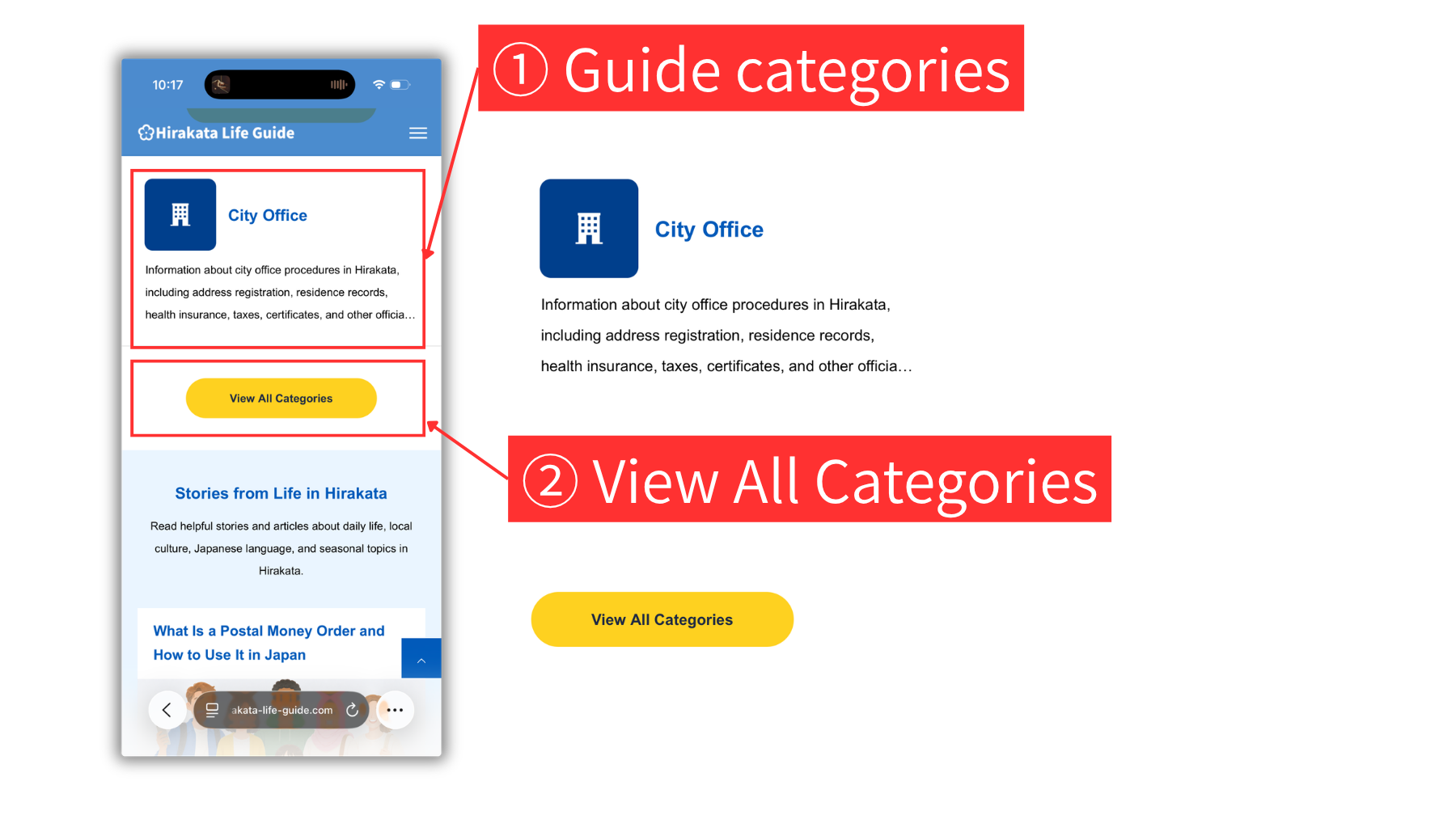
1 Guide categories
Tap a category icon or category name to view a list of articles in that category. Tap an article title to open the article page.
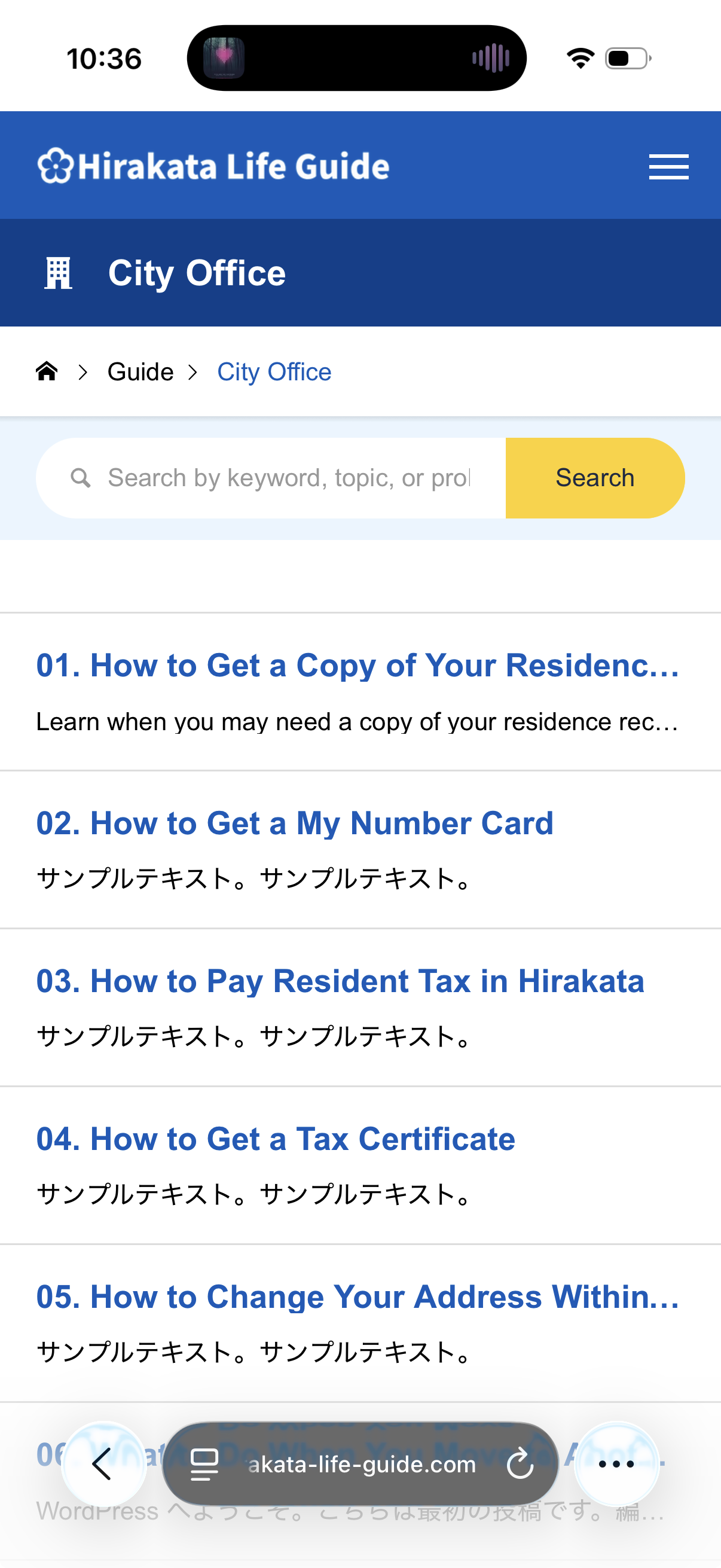
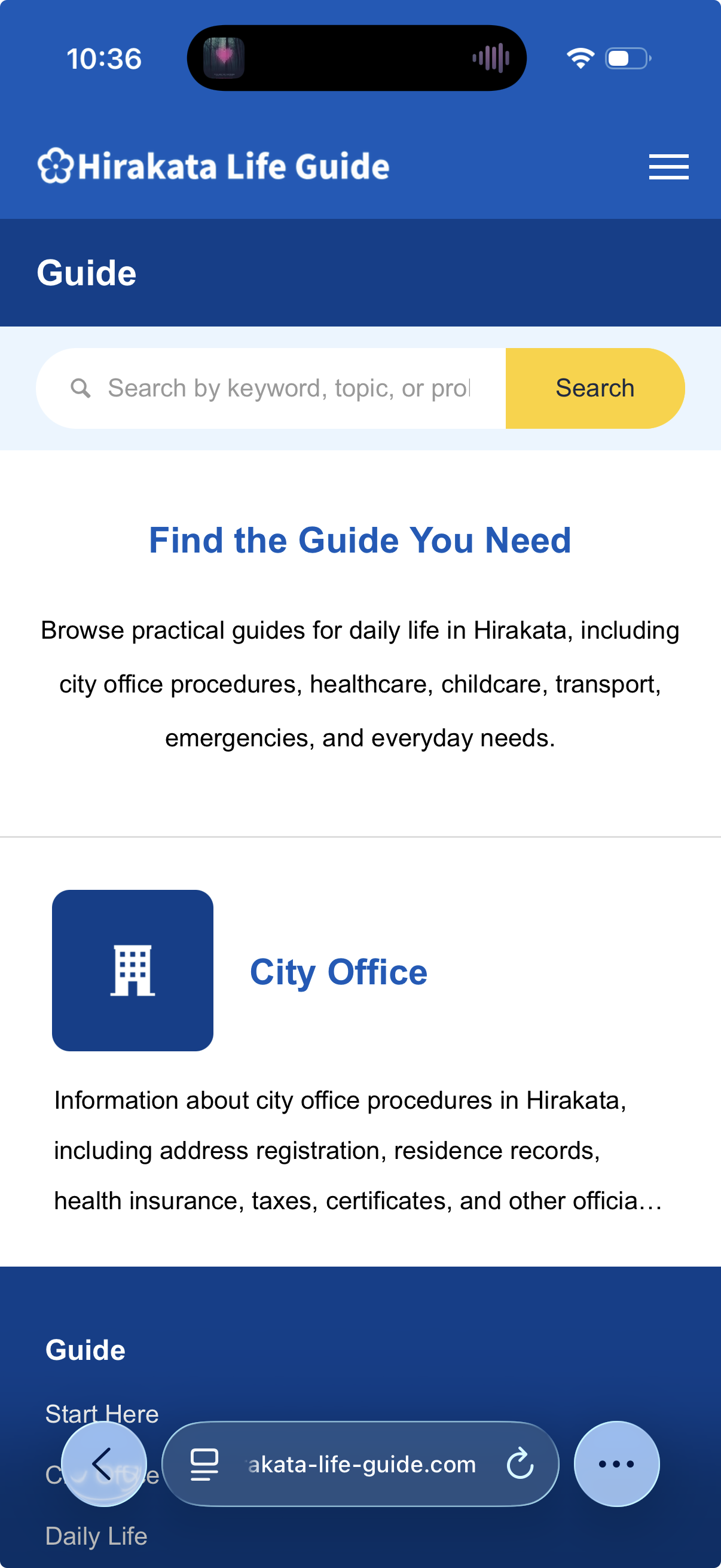
2 View All Categories
Tap the yellow View All Categories button to open the Guide category list page. Tap a category to view a list of articles in that category. Then tap an article title to open the article page.
Blog area
Use the Blog area to find helpful stories and articles about daily life, local culture, Japanese language, and seasonal topics in Hirakata.
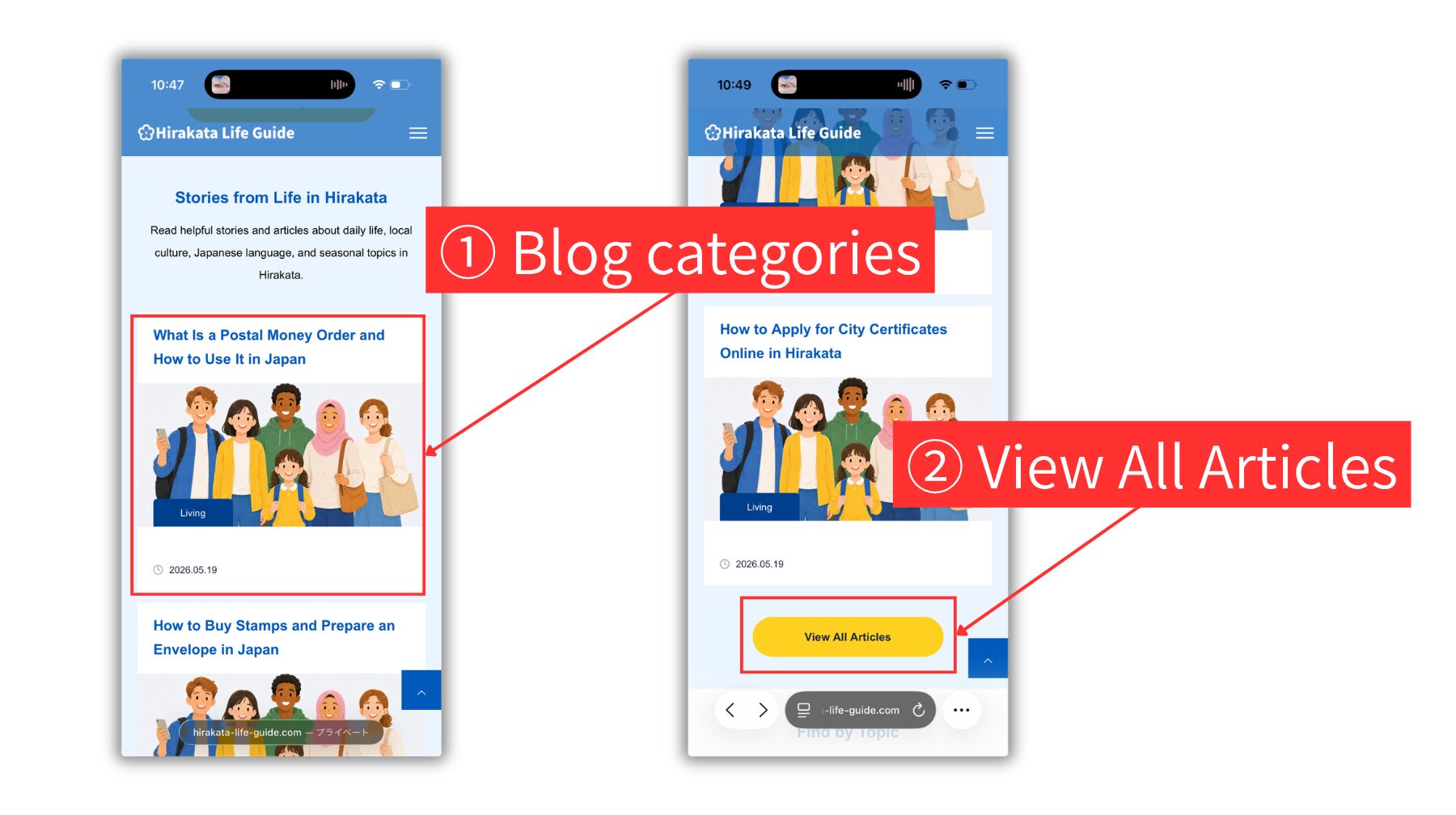
1 Blog categories
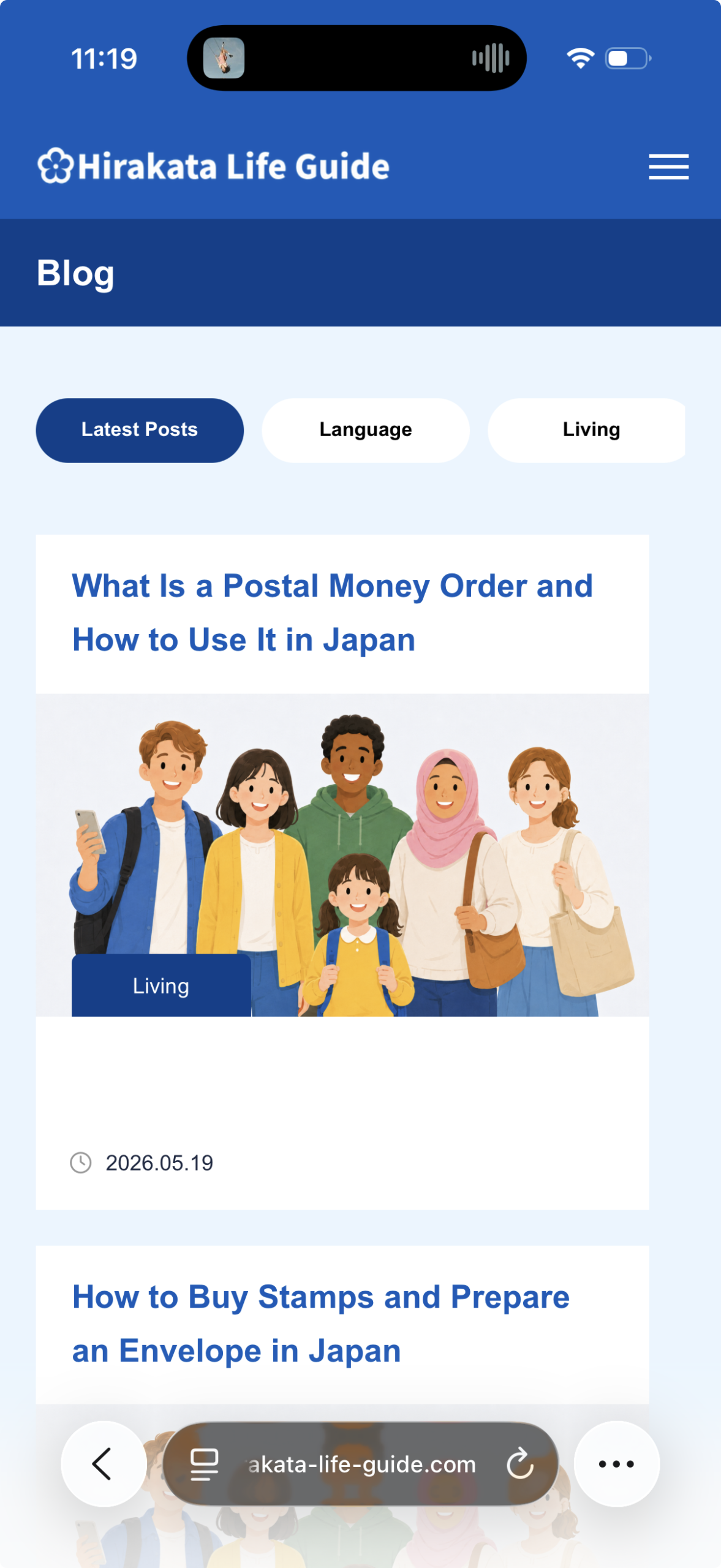
Tap a blog article card to open the article page. You can also tap the category label on an article card to view a list of articles in that category.
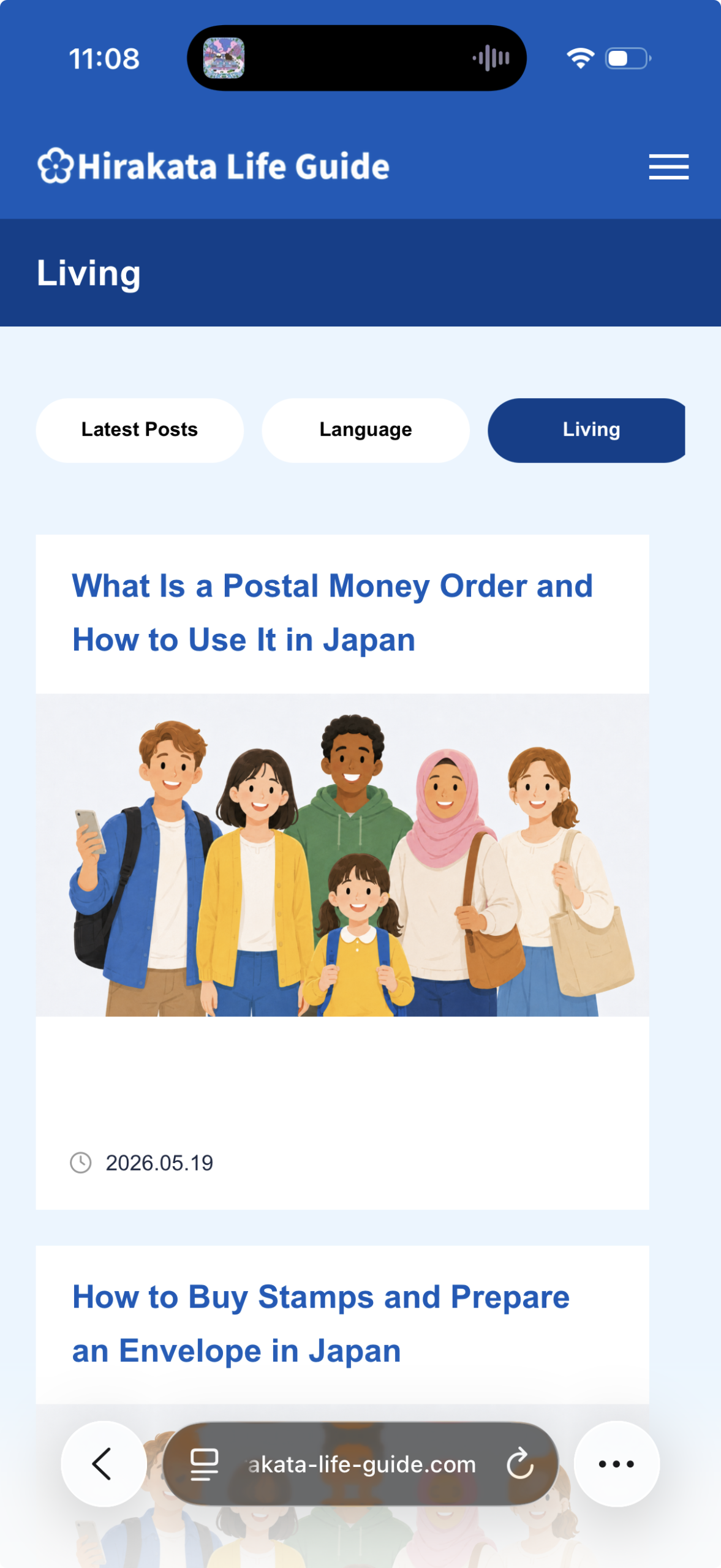
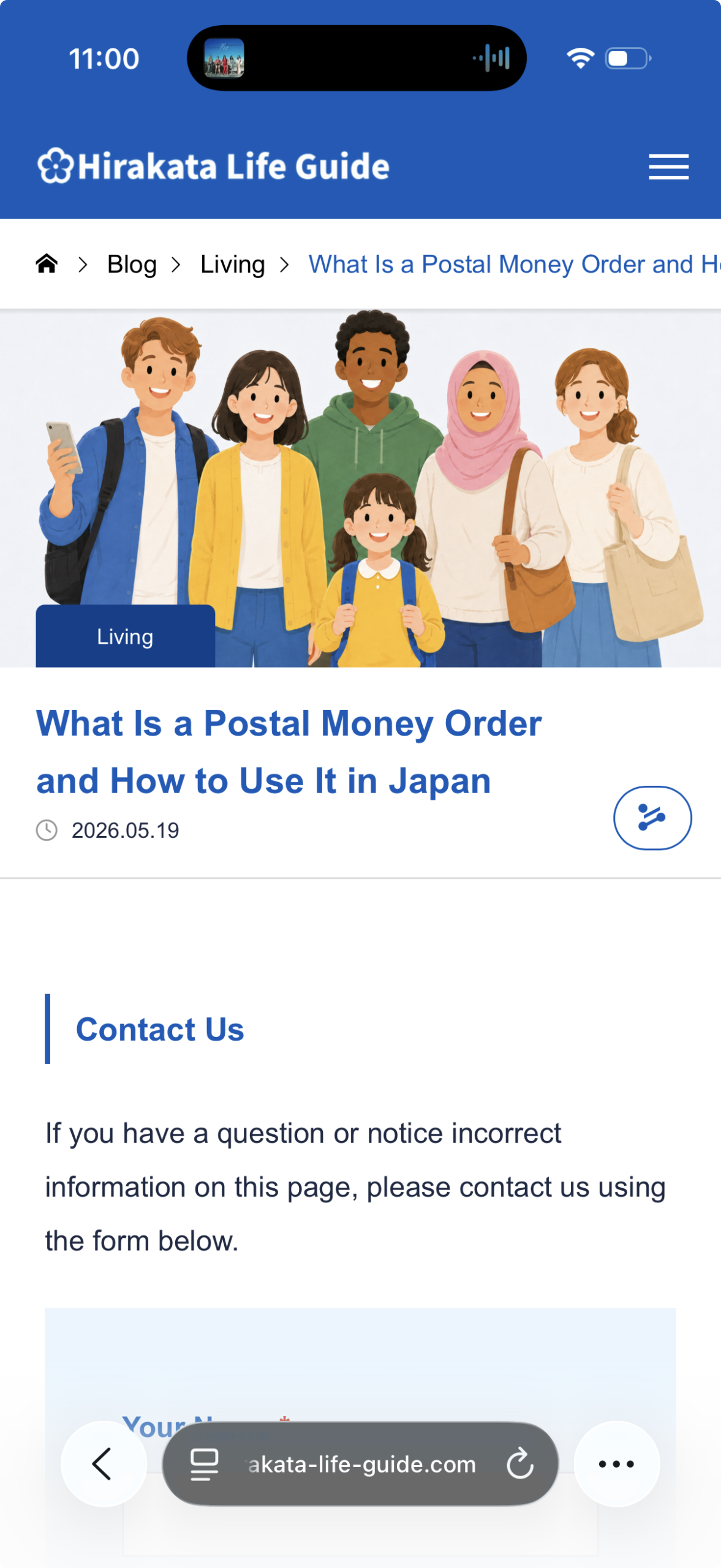
2 View All Articles
Tap the yellow View All Articles button to open the Blog article list page. Tap an article title or image to open the article page.
Find by Topic
Tap a topic button to find Guide and Blog articles related to common daily life needs.
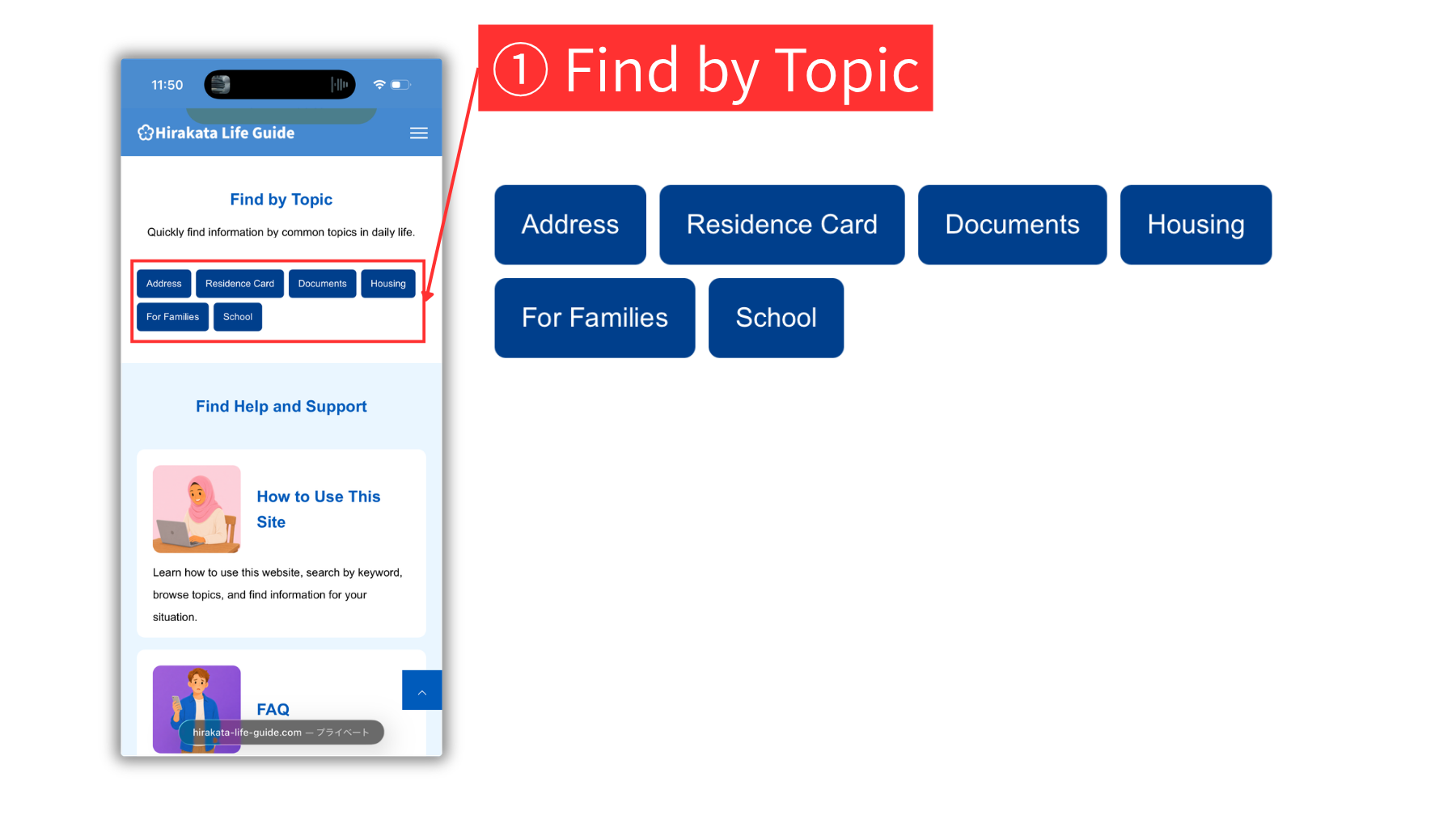
1 Find by Topic
Tap a topic button to view Guide and Blog articles related to that topic. Tap an article title to open the full page.
Help area
Use the Help area to learn how to use this site, find answers to common questions, contact the site team, and access official information.
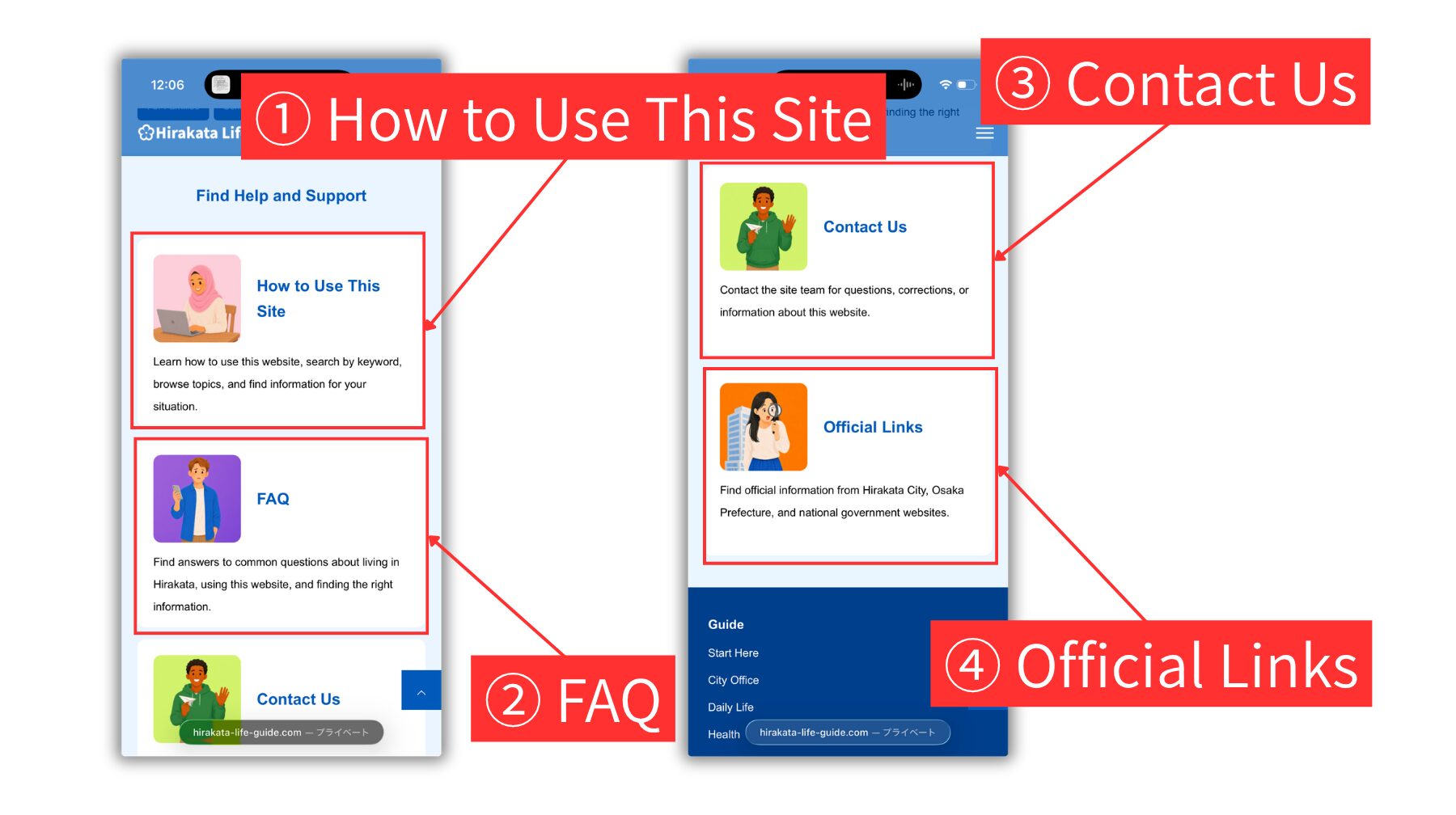
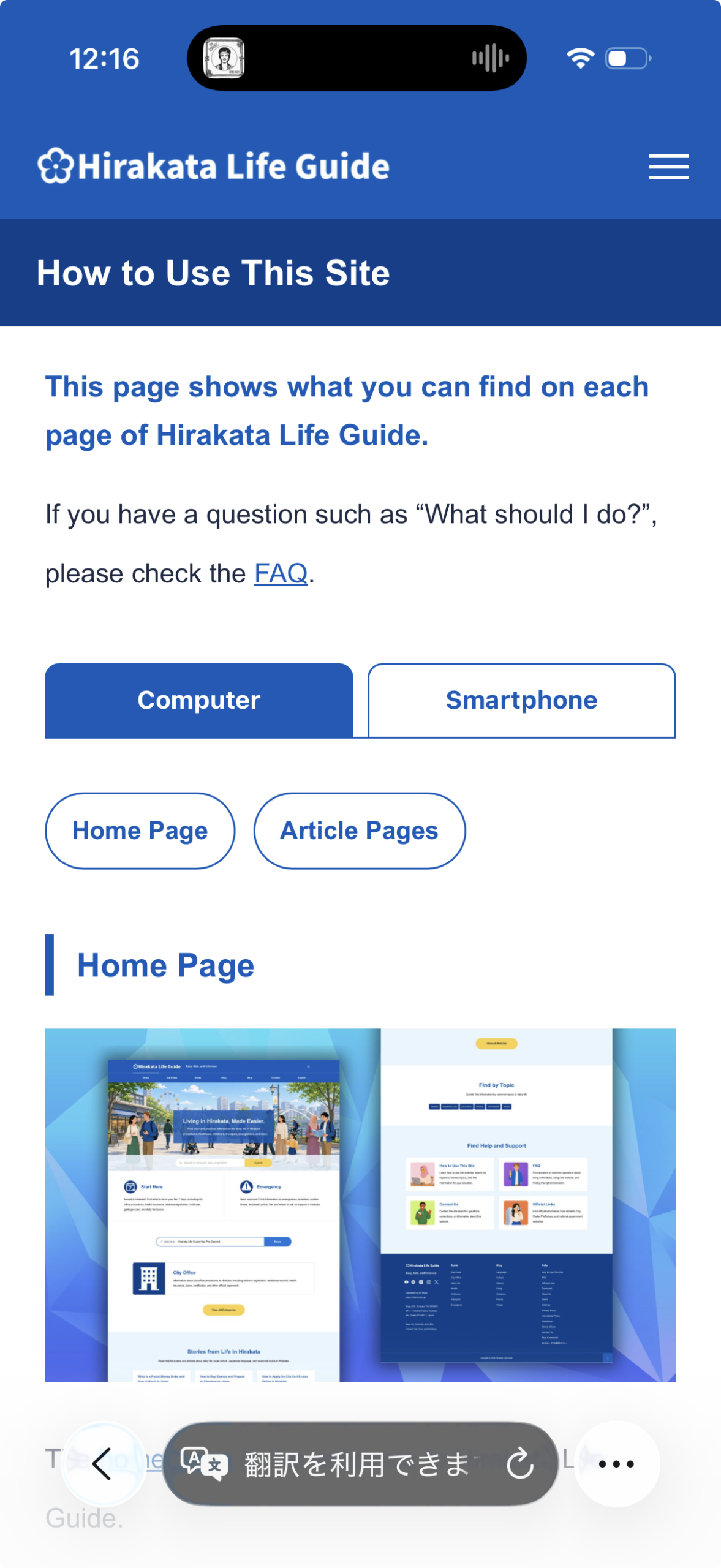
1 How to Use This Site
Tap How to Use This Site to learn how to search by keyword, browse Guide and Blog pages, use topic buttons, and find information for your situation.
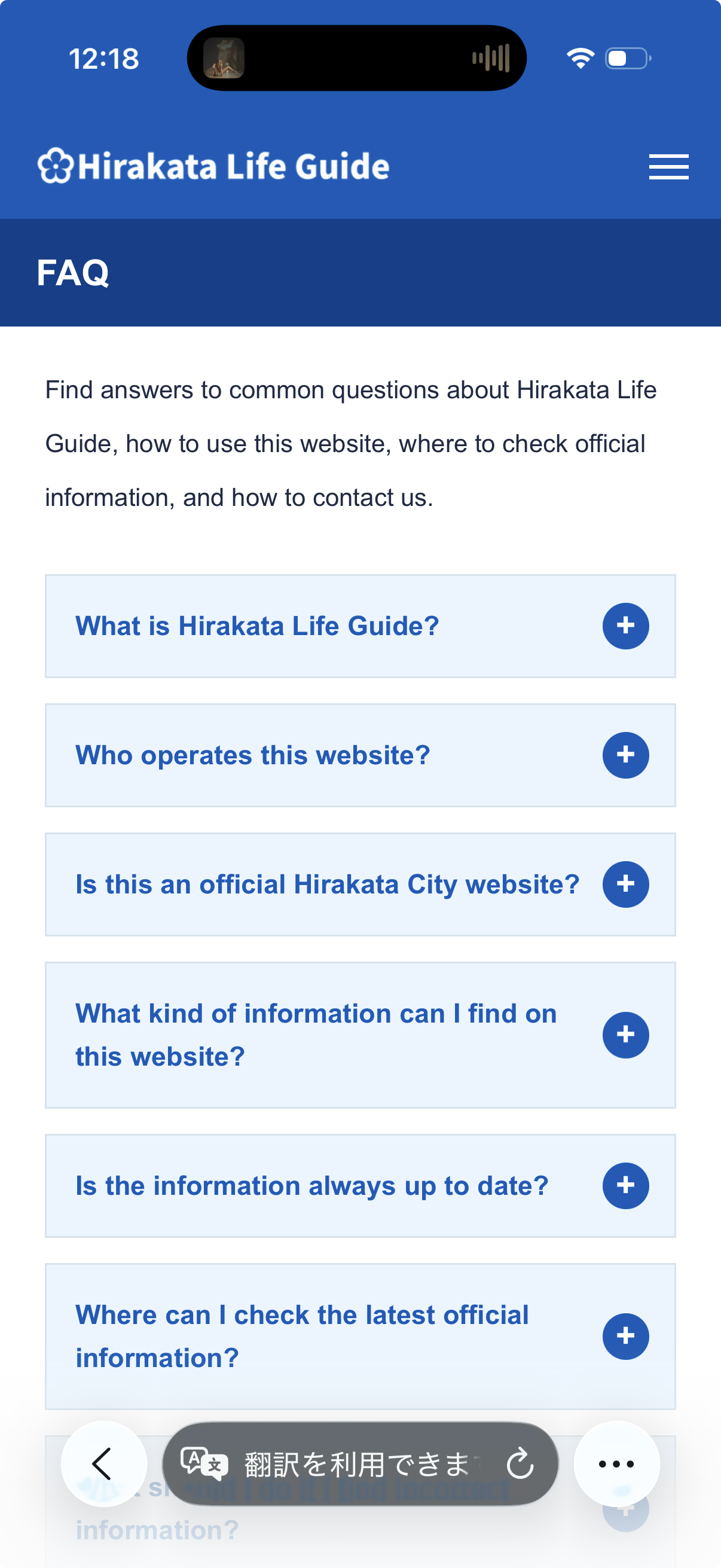
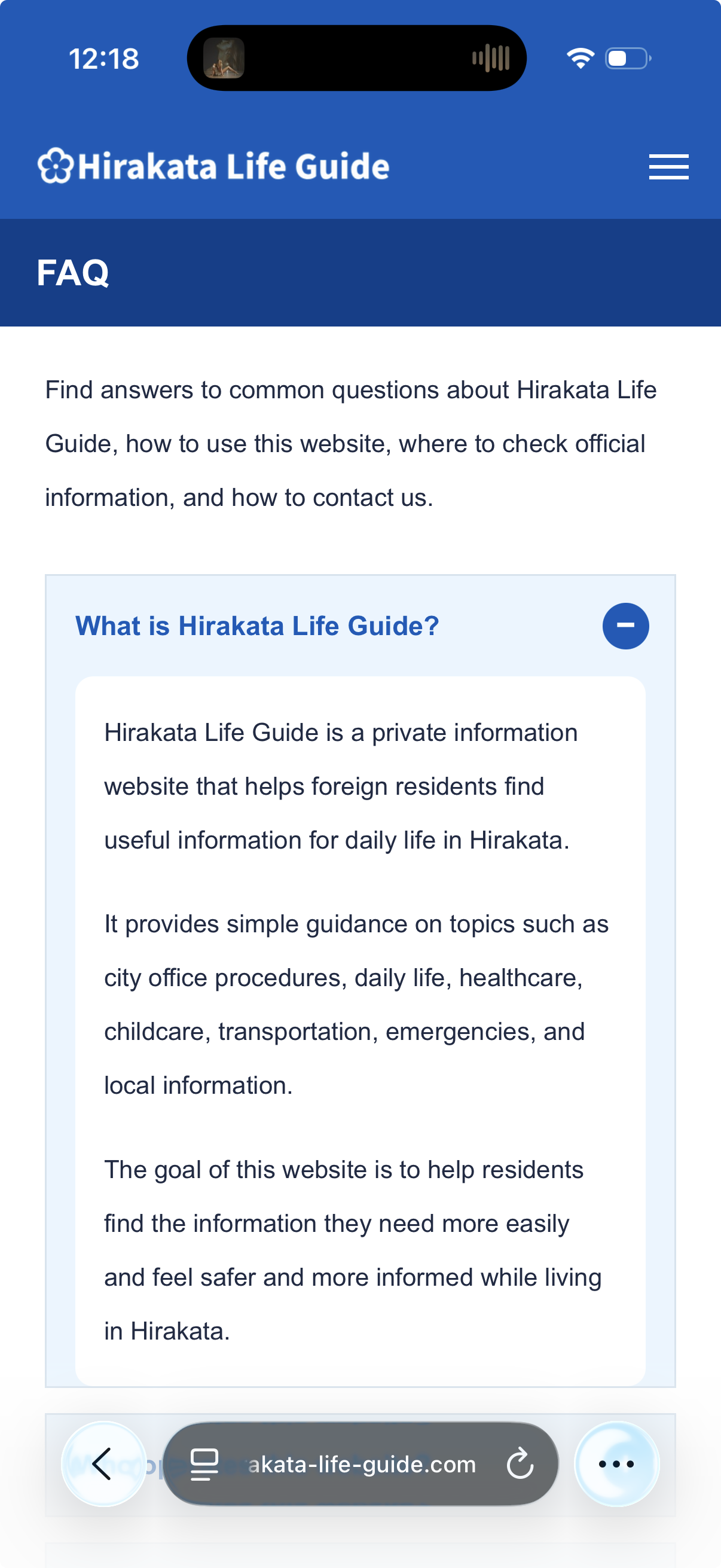
2 FAQ
Tap FAQ to find answers to common questions about living in Hirakata, using this website, and finding the right information.
3 Contact Us
Tap Contact Us to send questions, corrections, or information about this website to the Hirakata Life Guide team.
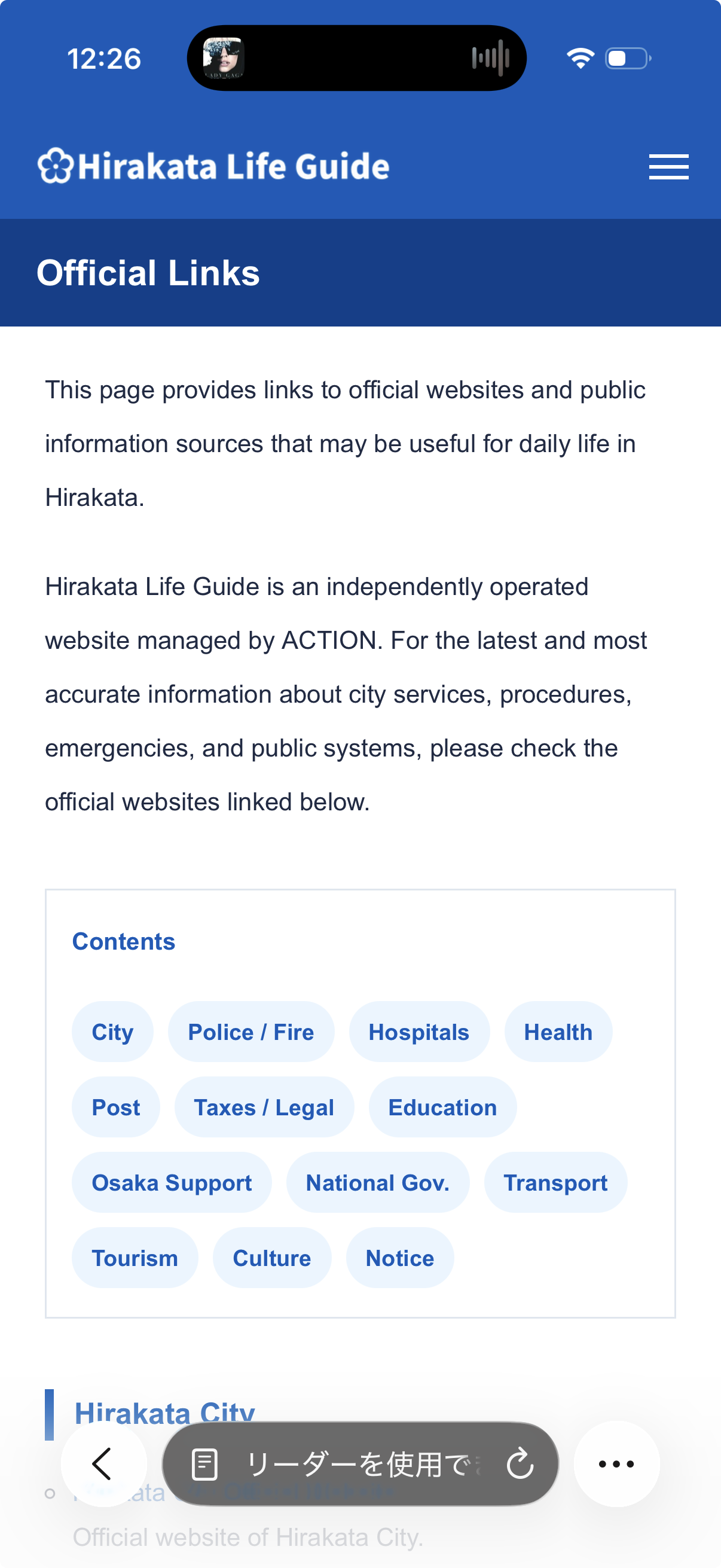
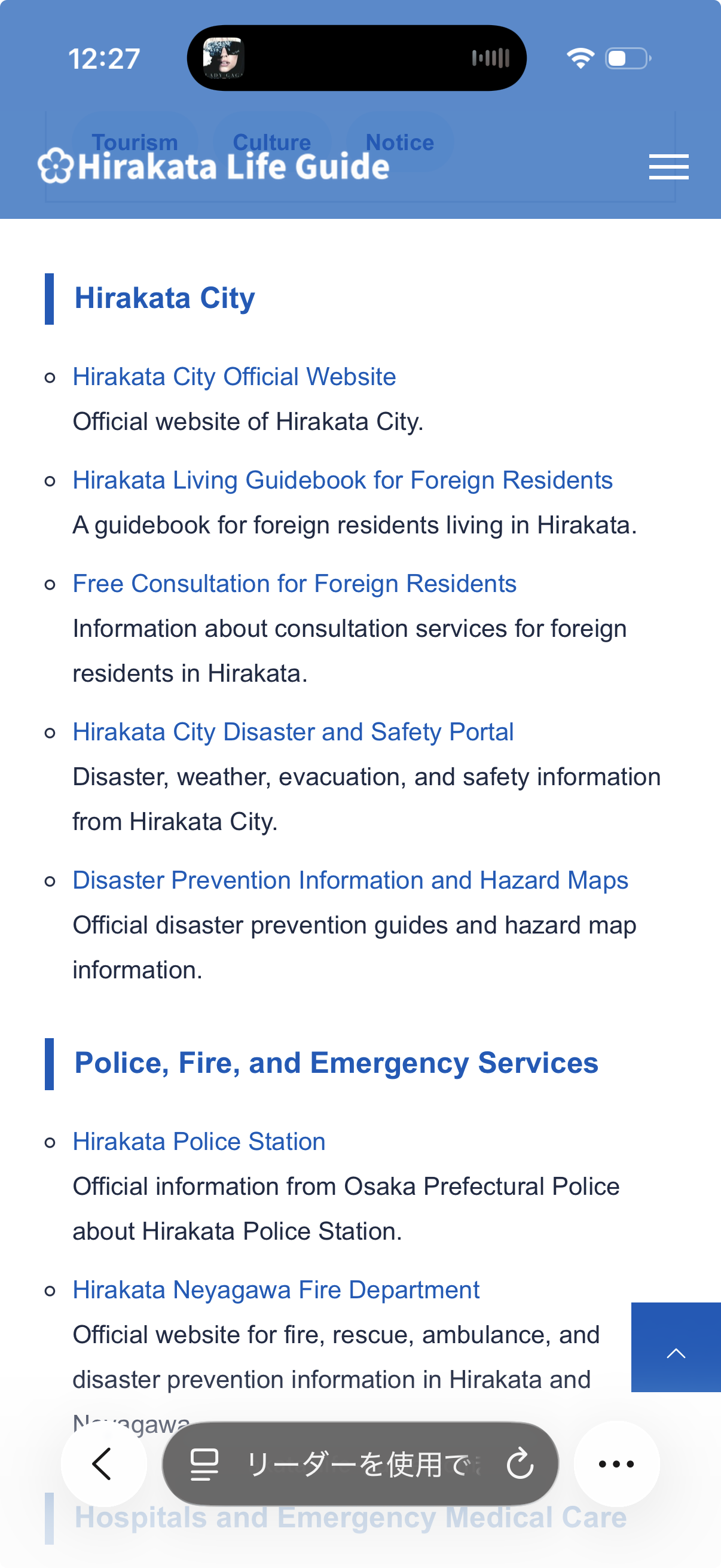
4 Official Links
Tap Official Links to choose a topic and find links to official websites from Hirakata City, Osaka Prefecture, and the national government.
Footer Area
Use the footer to find Guide categories, Blog topics, Help pages, contact information, social media links, and details about the site operator.
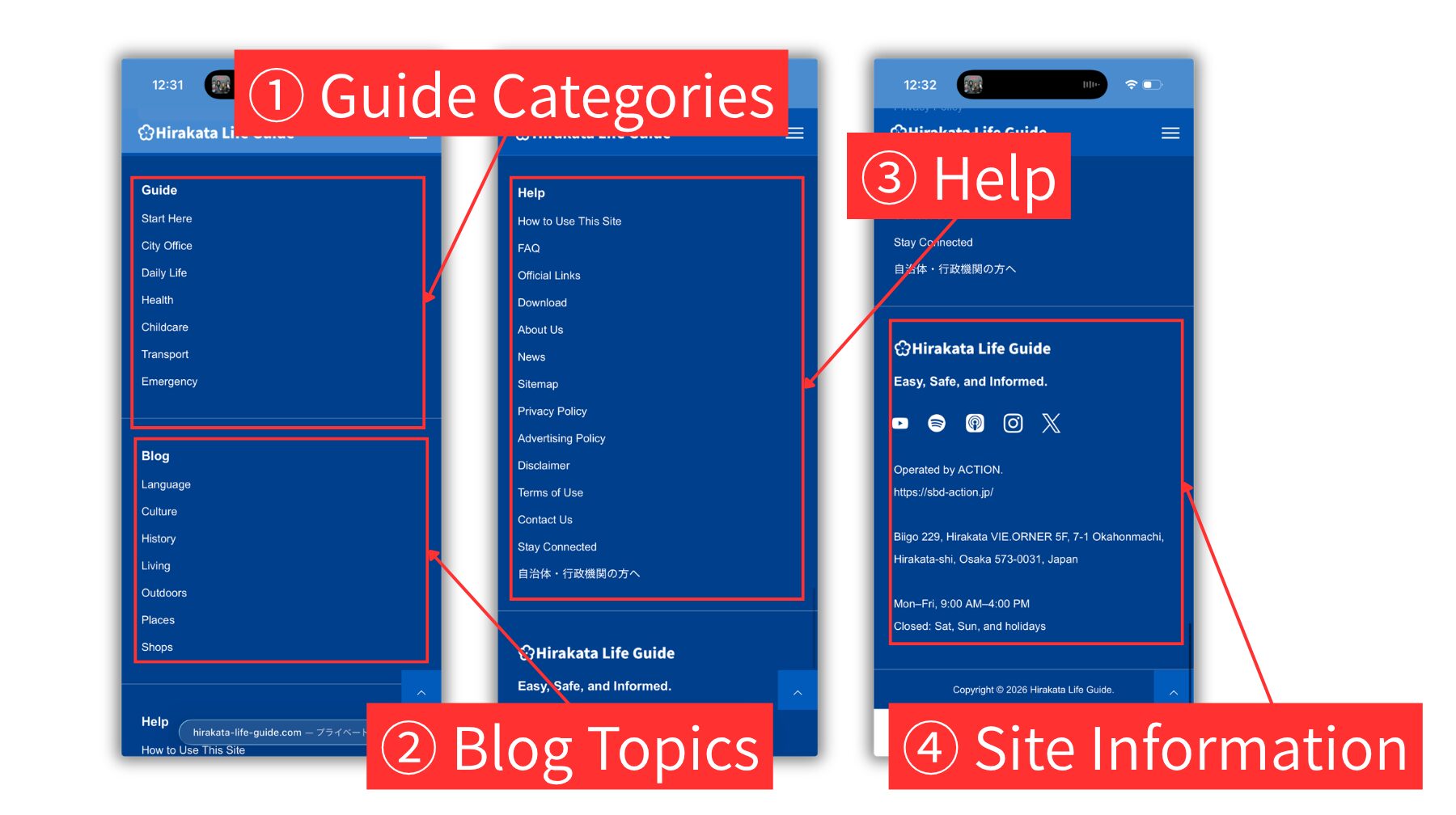
1 Guide Categories
The bold Guide link opens the archive page for all Guide articles. Tap an article title to open the article page. The category links below it open archive pages for each Guide category. From each category archive page, tap an article title to open the article page.
2 Blog Topics
The bold Blog link opens the archive page for all Blog articles. Tap an article title or image to open the article page. The topic links below it open archive pages for each Blog topic. From each topic archive page, tap an article title or image to open the article page.
3 Help
Use these links to open help and support pages, such as How to Use This Site, FAQ, Official Links, Contact Us, Stay Connected, News, the sitemap, and site policy pages.
4 Site Information
The logo links to the Home page. The icons open Hirakata Life Guide on YouTube, Spotify, Apple Podcasts, Instagram, or X. The ACTION corporate website link opens the website of the operator. You can also find the operator’s address, business hours, and copyright information.
Guide and Blog Article Pages
Guide articles are practical pages for city office procedures and daily life. Blog articles give extra explanations, tips, phrases, and stories. Both page types use a similar layout.